Control cut list columns and their exported order
Filter rows with the search box and set column visibility, names and order so the export matches the screen.
There is also a search box that filters cutlist rows across all visible columns.
✓ २० ऑक्टोबर, २०२६ रोजी प्रॉडक्टमध्ये तपासले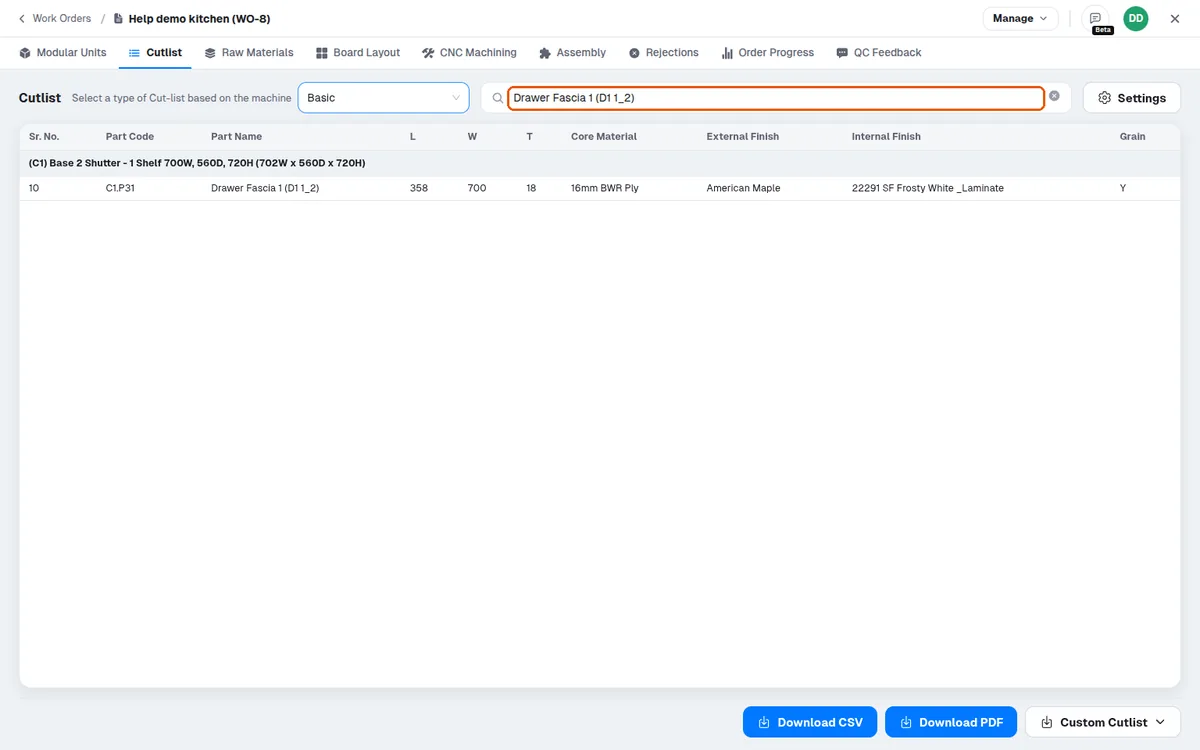
The columns of the cut list can be controlled from Cutlist Settings: toggle column visibility, rename columns and drag to reorder them. A custom (machine) cut list's fields are set in that machine's own settings instead (Fields: visibility, custom name, formula).
The on-screen column order becomes the exported column order: the cut list's Download CSV has the on-screen columns in the same order, followed by a 'Cabinet Details' column (on screen the cabinet is a group row).
Cut list columns that are not needed can be switched off in Cutlist Settings, leaving only the required columns in the output.