How exposed panel finish is applied
Learn how exposed panels take their finish by default and how to give one a different look.
When an exposed panel is added, its finish automatically matches the shutter finish.
✓ २२ ऑक्टोबर, २०२६ रोजी प्रॉडक्टमध्ये तपासले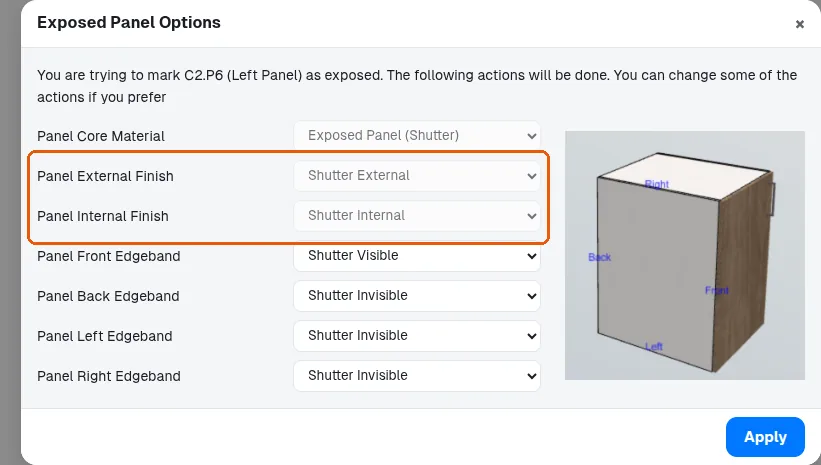
To give it a different look, select the exposed panel and change its material explicitly rather than relying on the default.
To give a single panel a different finish from the unit-level core material, shutter finish or carcass finish, select that specific panel in the 3D view, open the Panel section on the left property panel, and under Materials set the external finish. This is how an exposed panel look is applied without adding an extra end panel.
✓ ९ ऑक्टोबर, २०२६ रोजी प्रॉडक्टमध्ये तपासले