Set up factory-floor tracking from workflow to first scan
Plan your stations, create operators, assign them to stations and start scanning on Android devices.
To start tracking, first define the workflow and decide how many stations are needed.
Then create the factory-floor MES operators in the Admin Portal with MES Operator access.
Assign each one to their station under MES Portal > Settings > Tracking Stations.
Operators log in on an Android phone or tablet with their new email ID.
Operators can scan with any Android phone rather than a laptop.
Each operator only sees the stations mapped to them in the tracking section.
✓ 2026 ഒക്ടോബർ 20-ന് പ്രോഡക്റ്റിൽ പരിശോധിച്ചു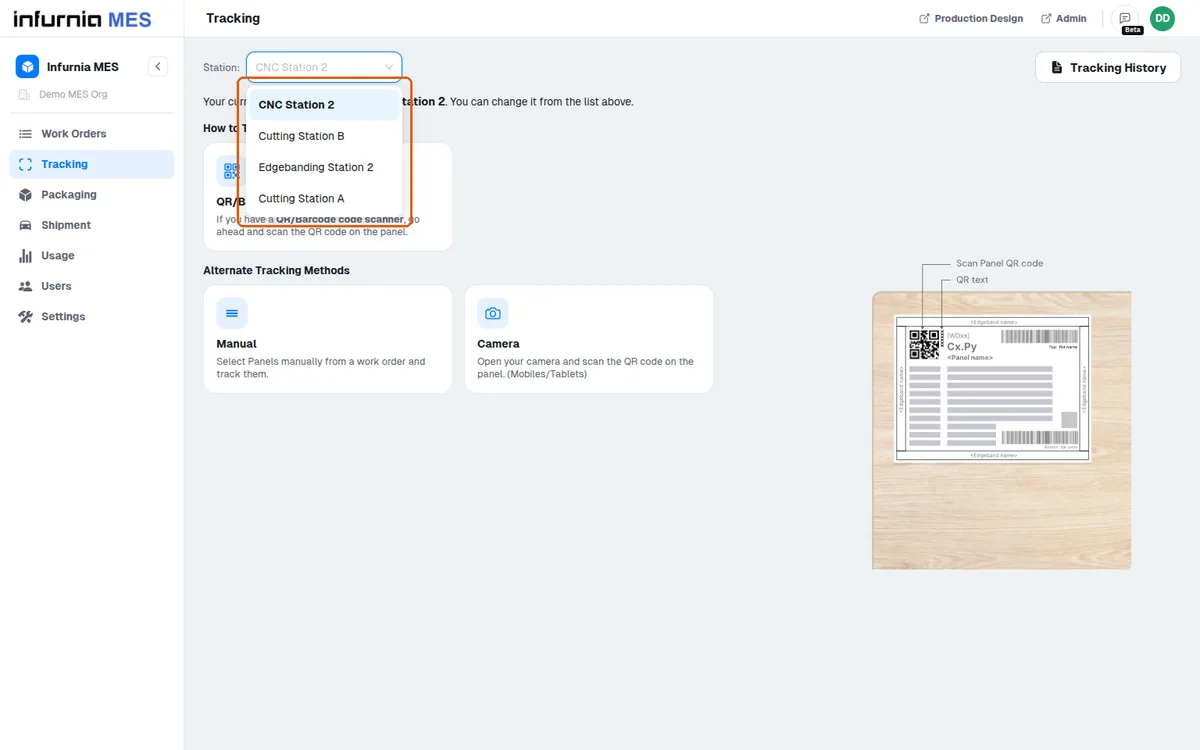
A basic Android phone can be used for shop-floor portal access instead of a dedicated scanner, and the same phone can serve other purposes as well.
A machine configured in machine settings is only visible at a production station when the logged-in user has access to that station.