Check which downloads need a published work order
See which footer downloads stay disabled on an unpublished work order and which ones remain available.
Most downloads are disabled until the work order is published. On an unpublished work order the cut list's 'Download CSV' and 'Custom Cutlist', each CNC machine's Drawing and Machine Files, the board layout's Saw Files, Panel Labels, Sheet Labels and Pasting Reports, and the Raw Materials CSVs (Hardware BOQ, Profile Cutting List, Core / Finish / Edgeband Materials) are disabled. Still enabled: the cut list's 'Download PDF', the board layout's 'Board Layouts' button, and in Raw Materials the PDFs (Hardware BOQ, Profile Cutting List, Profile 1D Layout, Raw Material Summary), 'Hardware BOQ (with pricing) — CSV', 'Board-Based Wooden RM' and 'Area-Based Wooden RM'. The CNC Machining tab explains it ('Outputs can only be downloaded from a published work order. Publish this work order to enable downloads.'); its disabled Drawing button has the tooltip 'CNC drawings can only be downloaded from a published work order' and its disabled Machine Files button 'Publish the work order to download outputs'; the cut list's disabled buttons have no tooltip.
On a work order that is not published yet, the cut list's Download CSV and Custom Cutlist (machine-specific) buttons are disabled; only Download PDF works. So both the CSV export and the custom (machine-specific) cut list require a published work order.
✓ 2026 ഒക്ടോബർ 20-ന് പ്രോഡക്റ്റിൽ പരിശോധിച്ചു
The cut list CSV, hardware PDFs and panel material details are downloaded from the published version of the work order.
✓ 2026 ഒക്ടോബർ 20-ന് പ്രോഡക്റ്റിൽ പരിശോധിച്ചു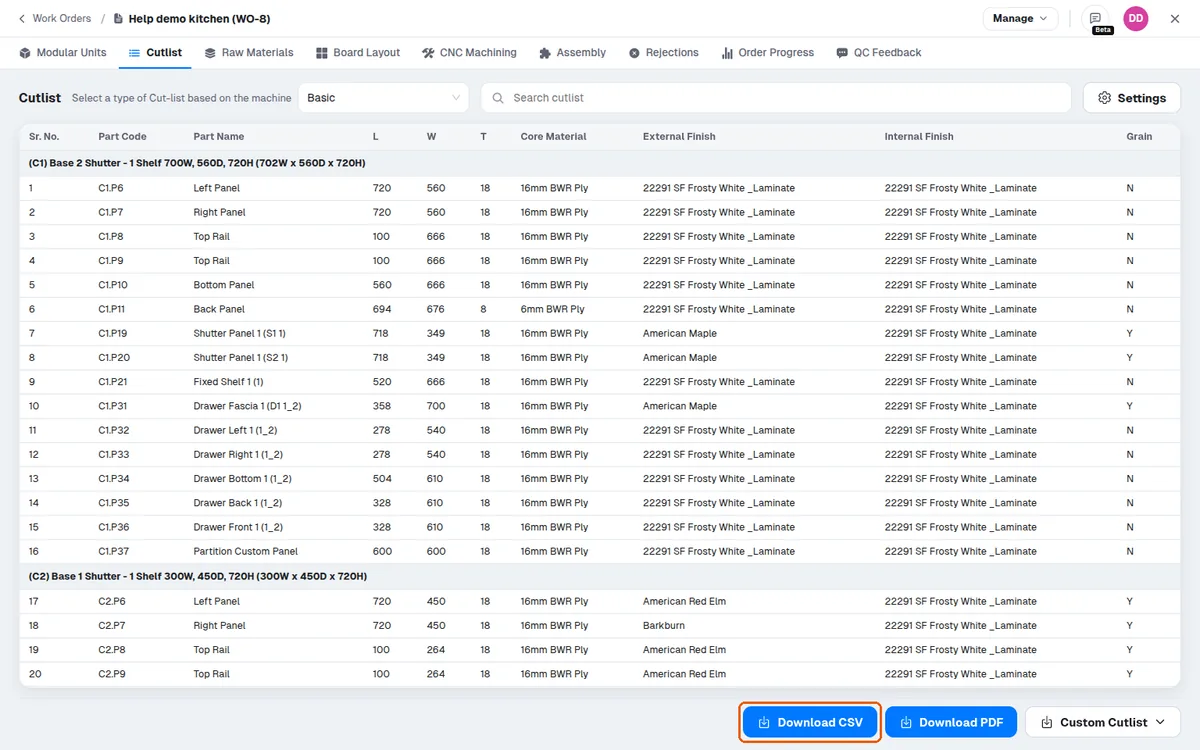
The cut list is downloaded from the work order after it has been published.
✓ 2026 ഒക്ടോബർ 20-ന് പ്രോഡക്റ്റിൽ പരിശോധിച്ചു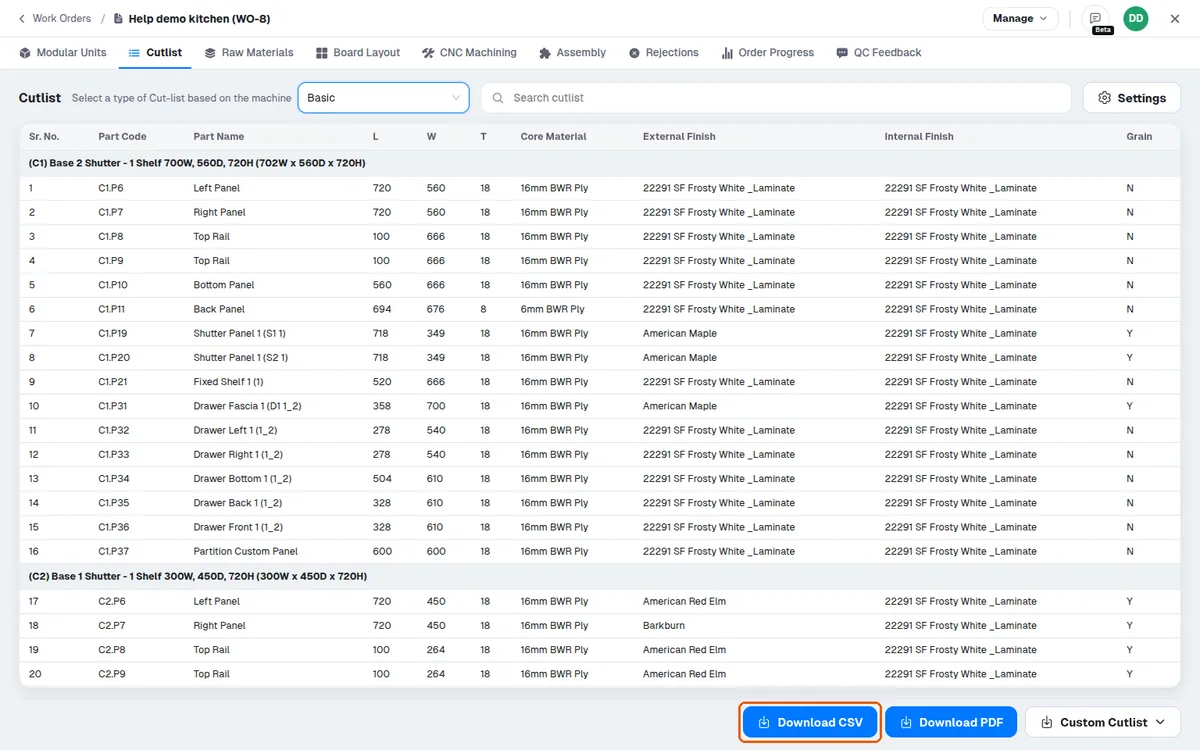
The downloaded file can be shared with the factory person for production.
A basic cutlist and the board layout can be exported directly from the production design area without first creating a work order.