Refresh cutlist settings from Admin and republish
Pull the latest cutlist settings from the Admin portal and republish the design so updated production files can be downloaded.
'Refresh From Admin' re-fetches cutlist settings from the Admin portal and overrides the design's current settings. When the settings payload covers all cutlist types, the settings window is split into per-type tabs (plus a shared pre-milling section) and each type is applied on its own; on older setups without that per-type data the single-type layout is used. It sits behind a warning confirmation.
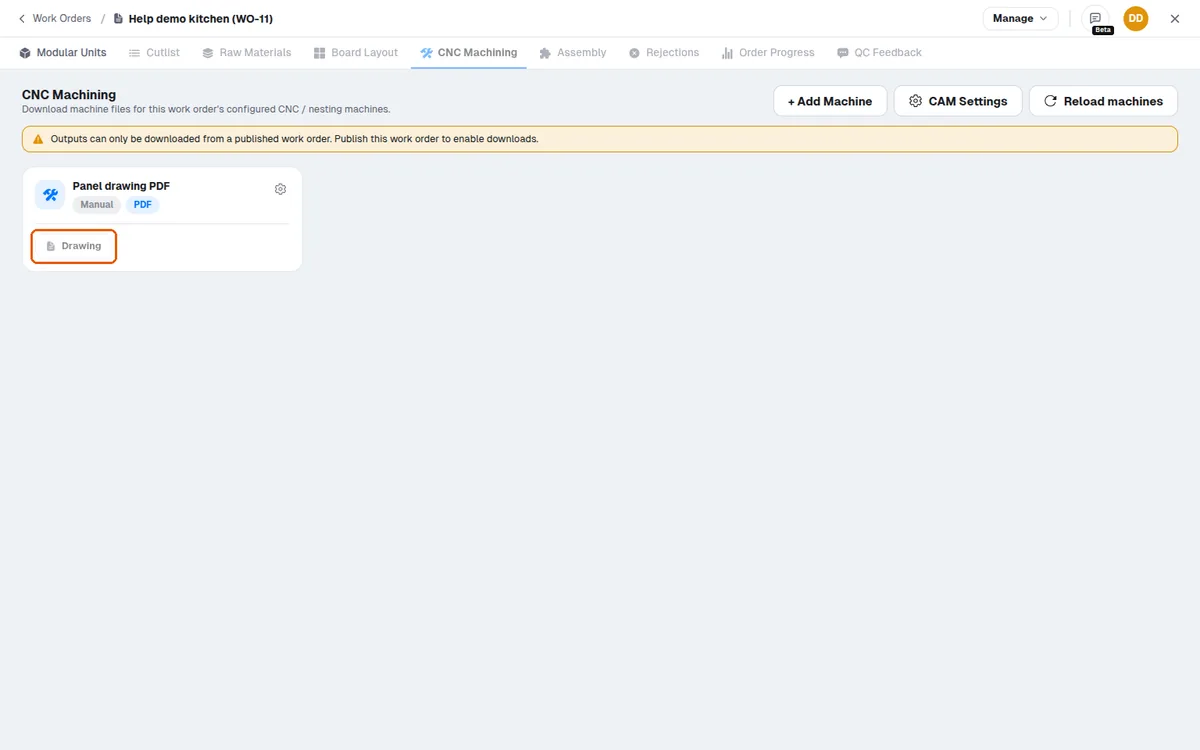
After refreshing the CAM settings from Admin, the design must be republished before the updated production files can be downloaded.
Downloads are only available from a published work order.
✓ 2026년 10월 19일에 제품에서 확인됨