Handle invalid codes and duplicate or closed-box scans
Read the reason for an invalid code, pick the panel manually, and confirm before adding to a closed box.
Invalid codes show the reason with a 'Select panel manually' action that opens the manual panel picker.
✓ 2026년 10월 21일에 제품에서 확인됨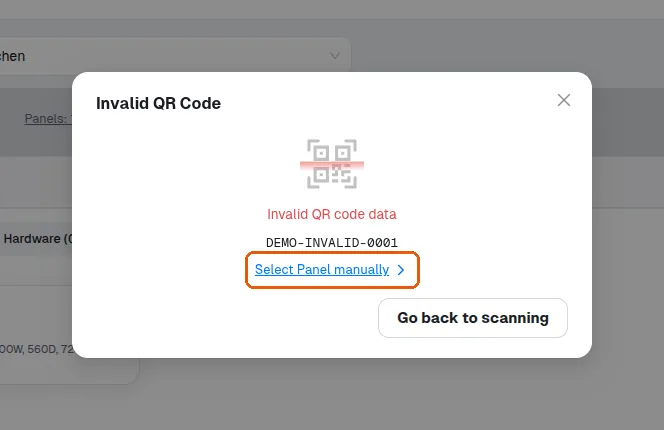
Scanning a panel that is already in a box shows an error toast '<panel> is already in this box' (no Invalid QR popup).
✓ 2026년 10월 21일에 제품에서 확인됨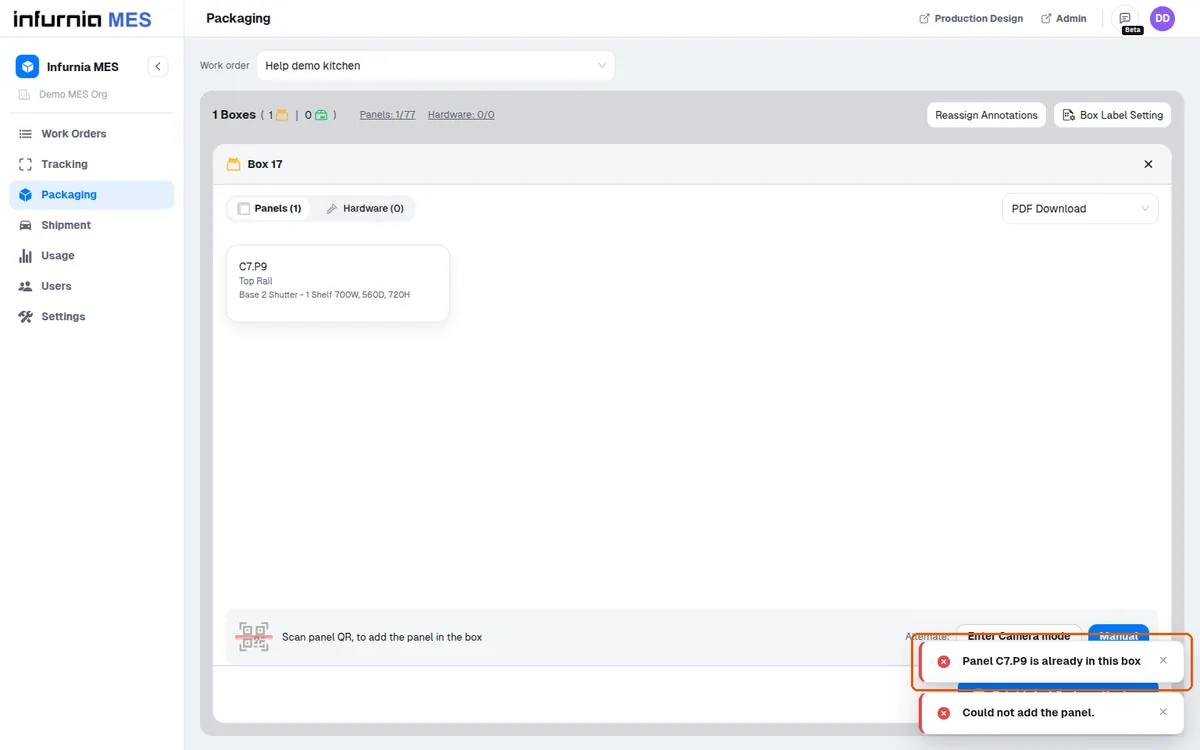
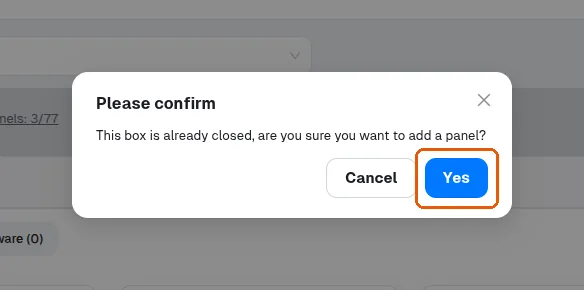
Scanning into a box that has already been closed first asks you to confirm before the panel is added.
✓ 2026년 10월 21일에 제품에서 확인됨