Find the Rotate tool and what it does
Locate the Rotate control and use it to turn an object around an axis.
Open the design portal.
Infurnia has a "Rotate" control, shown as the "Rotate tool".
✓ 2026년 10월 22일에 제품에서 확인됨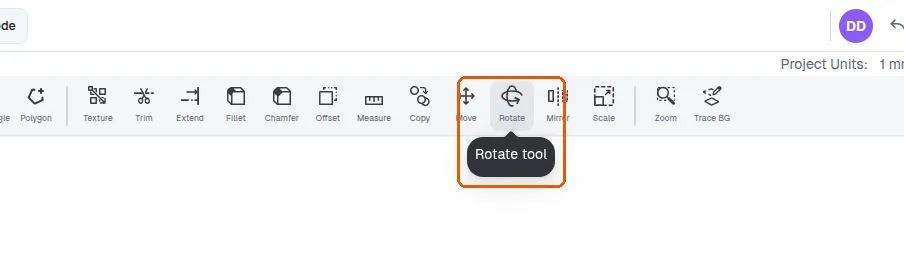
The tool is labelled "Rotate" and its tooltip reads "Rotate tool".
✓ 2026년 10월 22일에 제품에서 확인됨Use the "Rotate" tool to turn an object around an axis.
✓ 2026년 10월 22일에 제품에서 확인됨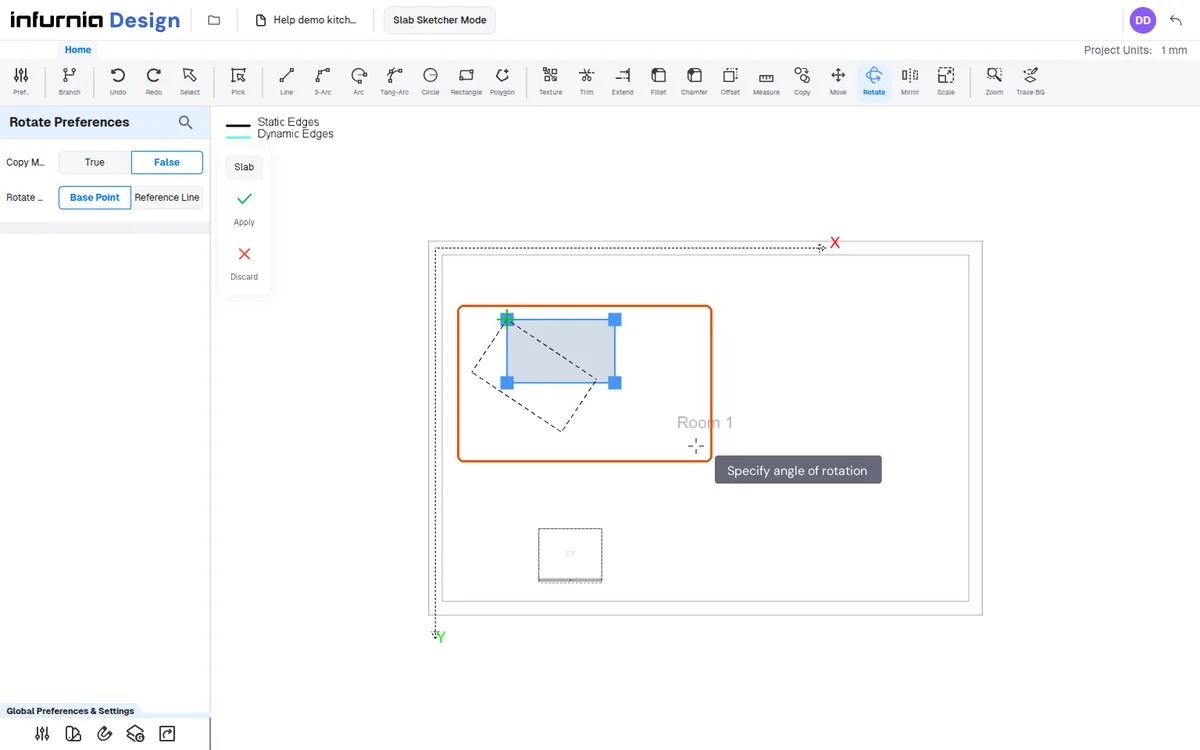
To turn an object, use the "Rotate" tool.