Understand Shipment page tabs and station permissions
Learn how the Shipment page's Loading and Unloading tabs depend on the stations mapped to you and what each view requires before you scan boxes.
The Shipment page's two tabs are permission-driven: 'Shipment Loading' appears only if the user is mapped to a station of type Shipment Loading, and 'Shipment Unloading' only if mapped to a Shipment Unloading station.
✓ 2026年10月9日に製品で確認済みA user mapped only to unloading lands directly on the Unloading view.
The selected work order must also be published for production.
A shipment must exist and be selected before boxes can be loaded.
✓ 2026年10月9日に製品で確認済みThe loading view scans into the active shipment.
✓ 2026年10月21日に製品で確認済み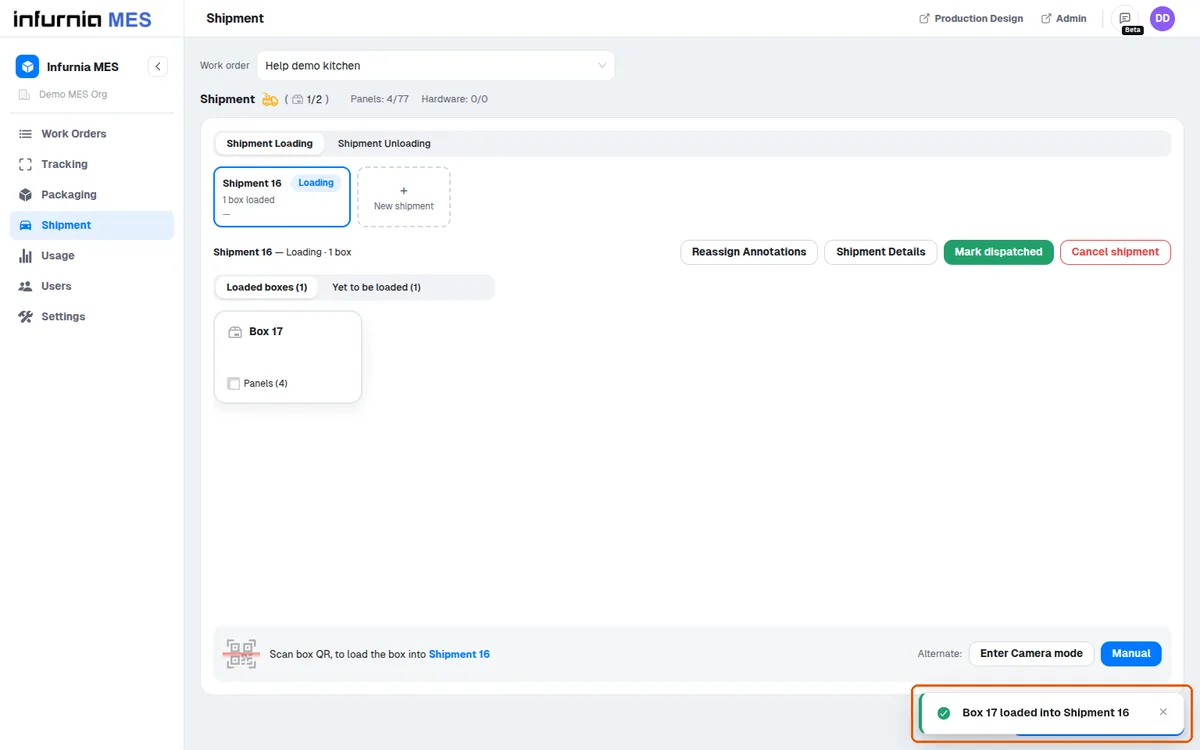
A dispatched shipment cannot take more boxes.
When the user loads or unloads a box (by scanner, camera, or the Manual box picker), the system automatically stamps the action with their mapped shipment station and the method used, for the audit trail.
Loading also records which shipment the box went into.
✓ 2026年10月21日に製品で確認済み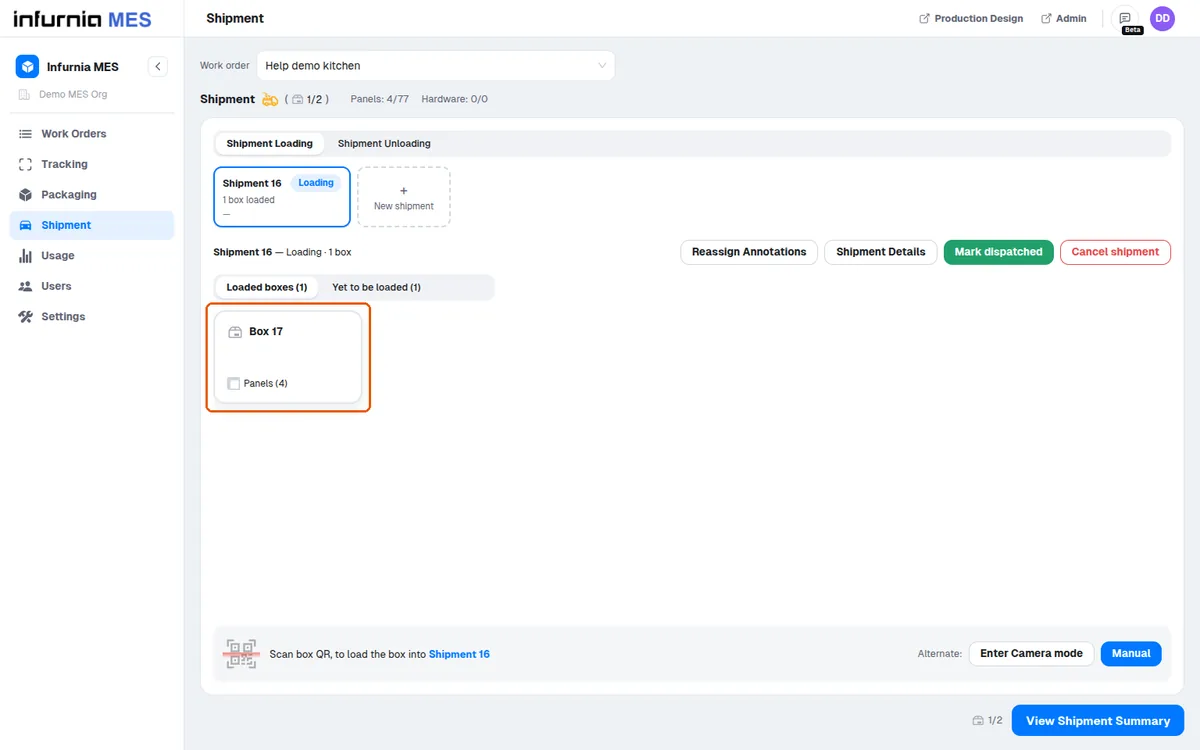
Unloading is also gated on shipment status: if the boxes are being taken out of a shipment that has not yet been marked as Dispatched, a confirmation appears first, offering to mark that shipment (or shipments) as Dispatched before unloading, or to continue unloading from the undispatched shipment.
Note these two station types (plus Packaging) intentionally never appear on the Tracking page's station dropdown.