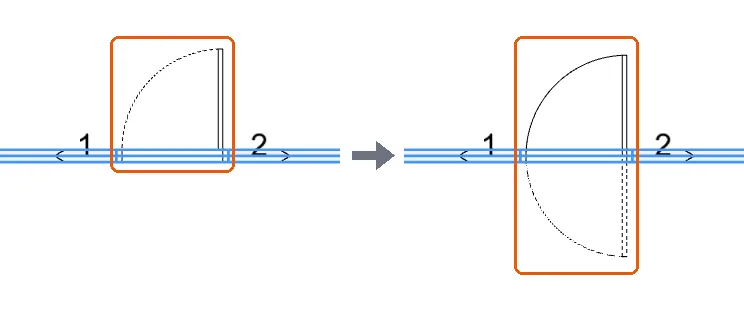
Flip door side, hinge, and two-way opening from door orientations
Control how a selected door opens by flipping its side or hinge, or enabling two-way opening.
After selecting a door, open door orientations to control how it opens.
✓ 2026年10月21日に製品で確認済み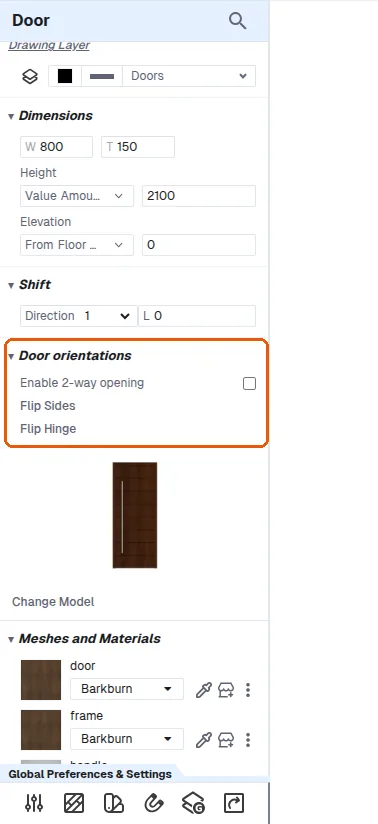
Door orientation options (Enable 2-way opening, Flip Sides, Flip Hinge) are in the selected door's panel under 'Door orientations'. They are there as soon as the door is selected, before and after using the panel's Shift.
Flip sides toggles whether the door opens inside or outside (each click alternates).
✓ 2026年10月21日に製品で確認済み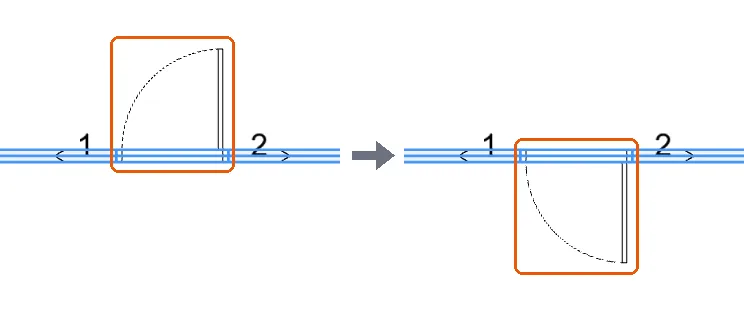
Flip hinge changes the hinge position.
✓ 2026年10月21日に製品で確認済み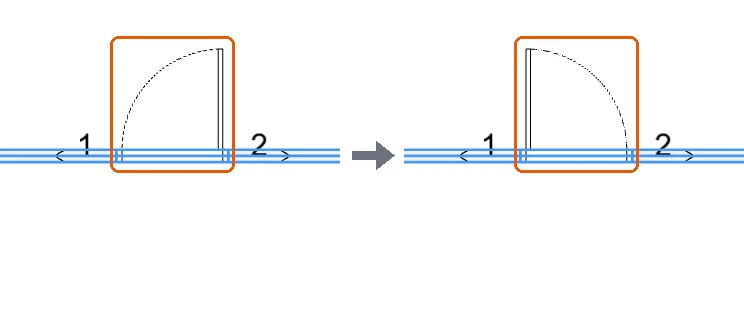
Enable two-way opening makes the door open on both sides.
✓ 2026年10月21日に製品で確認済み