Set up stations and operators for panel tracking
Start tracking with one person at a chosen station and add stations and operators as work progresses.
Tracking is typically started with one person at a chosen station, most often packaging or shipment, with CNC stations added later.
To track a panel through later stages, switch the selected station in the portal (for example from Panel Cutting to Edgebanding or CNC) and scan the same panel QR again; the scan is recorded against the newly selected station.
✓ Comprobado en el producto el 20 de octubre de 2026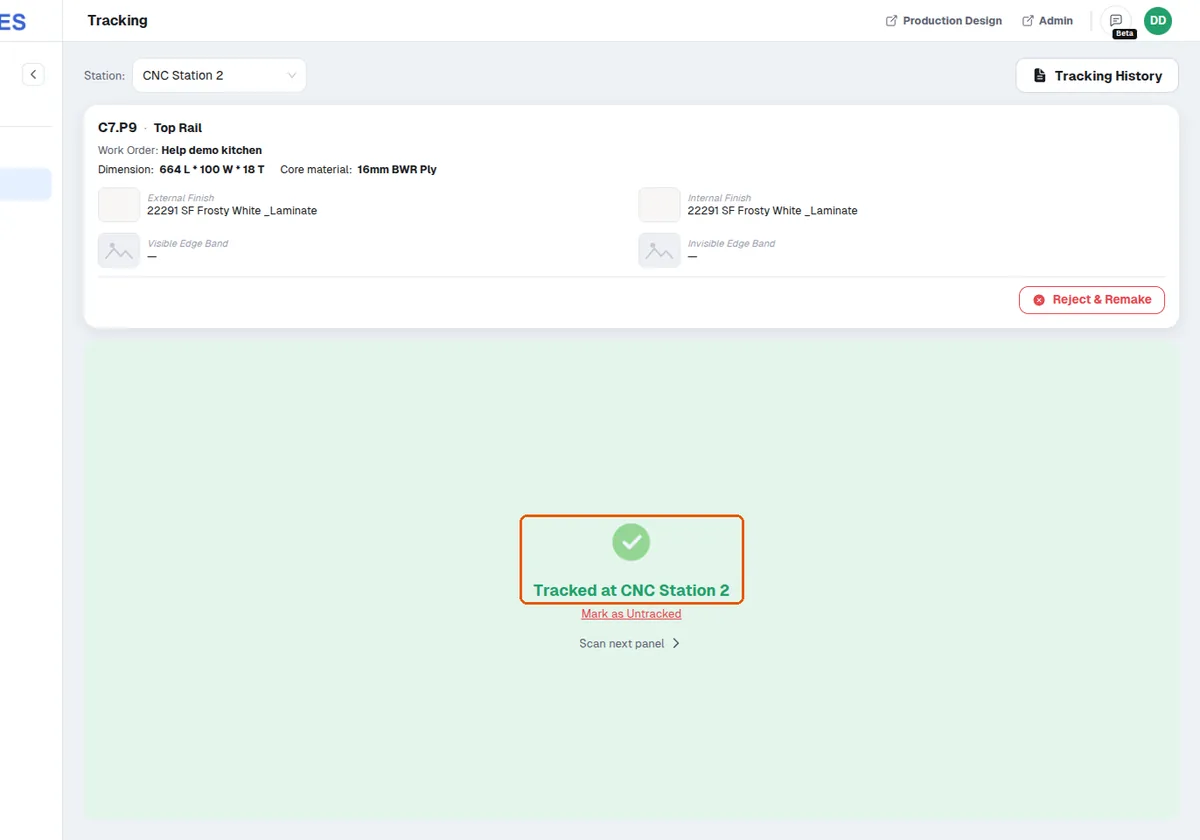
Panels are scanned at each station from cutting through to packaging and shipping.
✓ Comprobado en el producto el 20 de octubre de 2026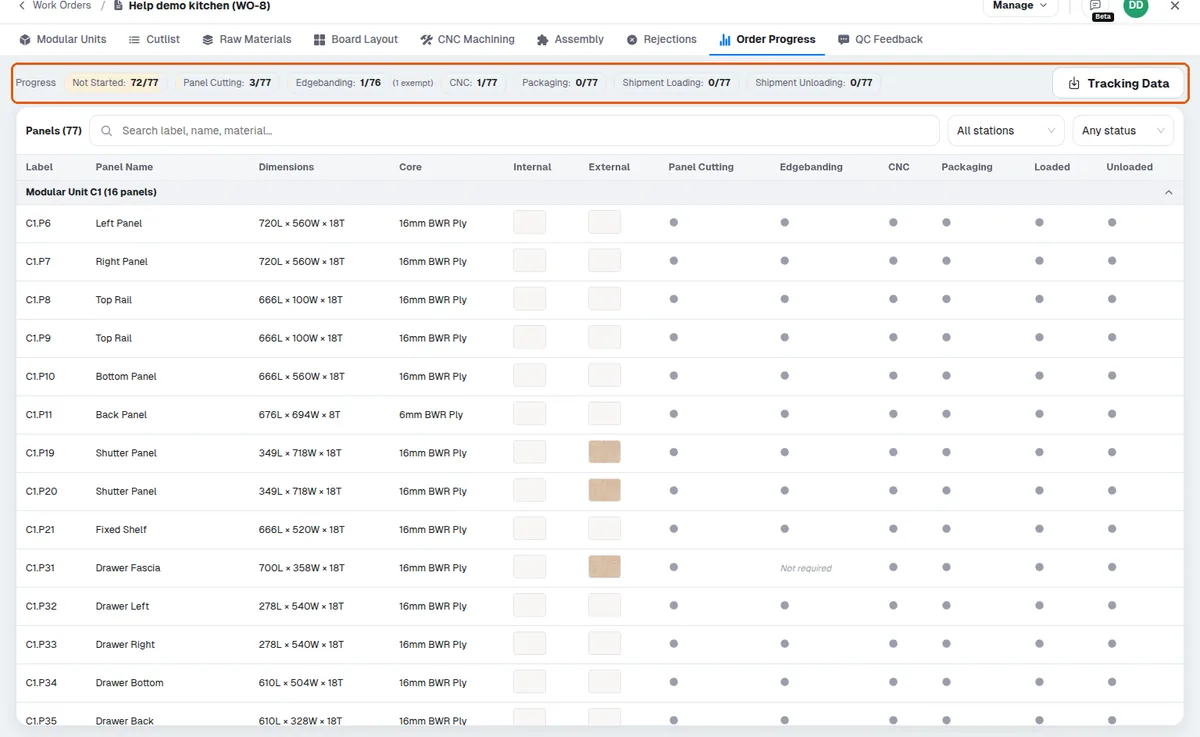
The scanned data appears on screen showing which panels are completed.
✓ Comprobado en el producto el 20 de octubre de 2026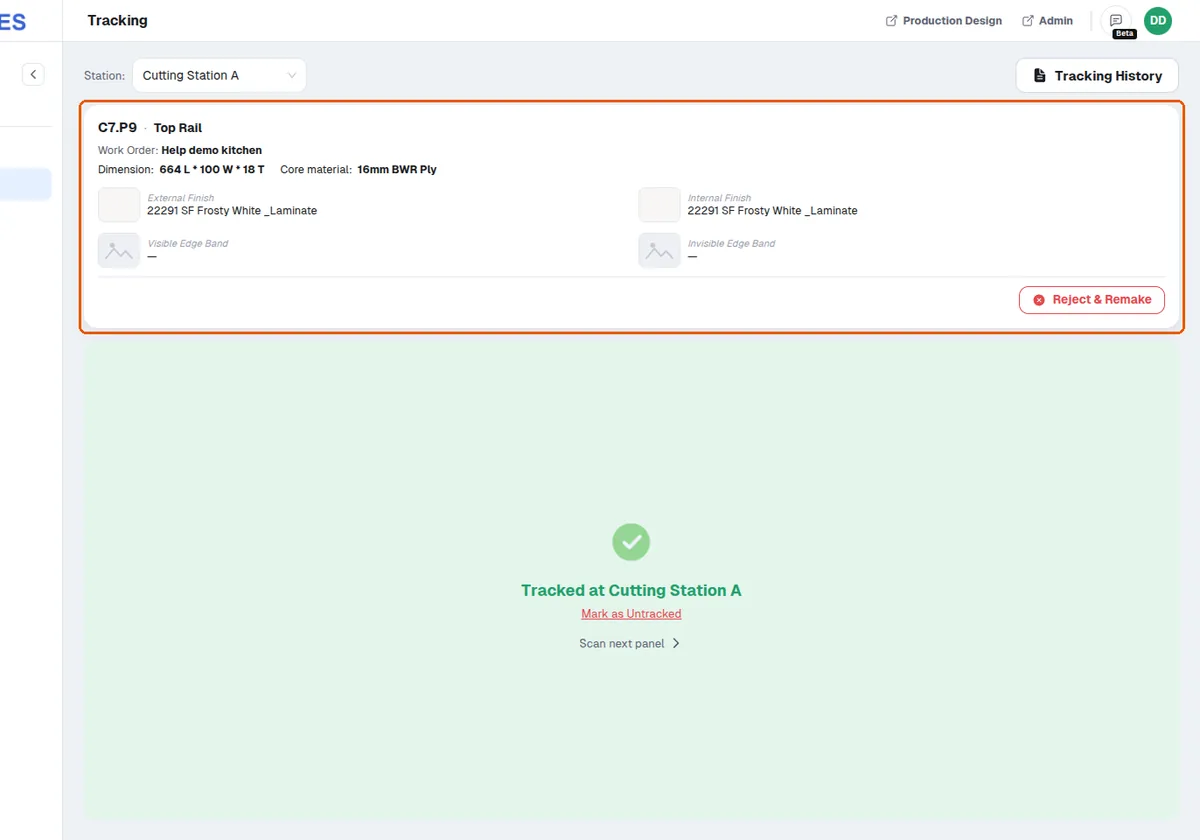
Different operators can be assigned to different stations.
✓ Comprobado en el producto el 20 de octubre de 2026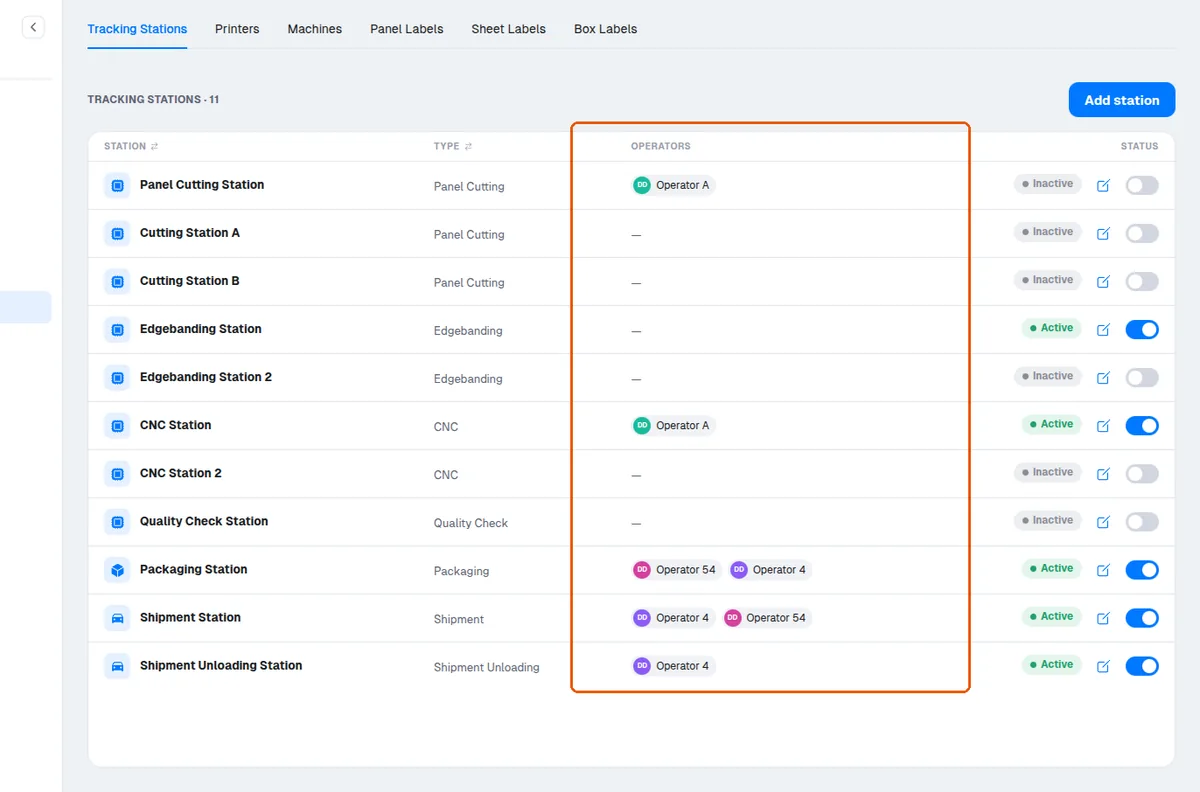
To record progress, the operator must also scan the panel in Infurnia (running both in separate browser tabs works).
A panel can be rejected by scanning its label in the MES rejection option, using either a mobile camera or the factory hardware scanner.