Pack panels into boxes and ship them
Scan panels into a box on the Packaging page, then complete shipment by scanning the box.
Packaging is done panel by panel: on the Packaging page each panel's QR is scanned into a box. Shipment is completed by scanning the box rather than the panel.
✓ Checked in the product on 19 October 2026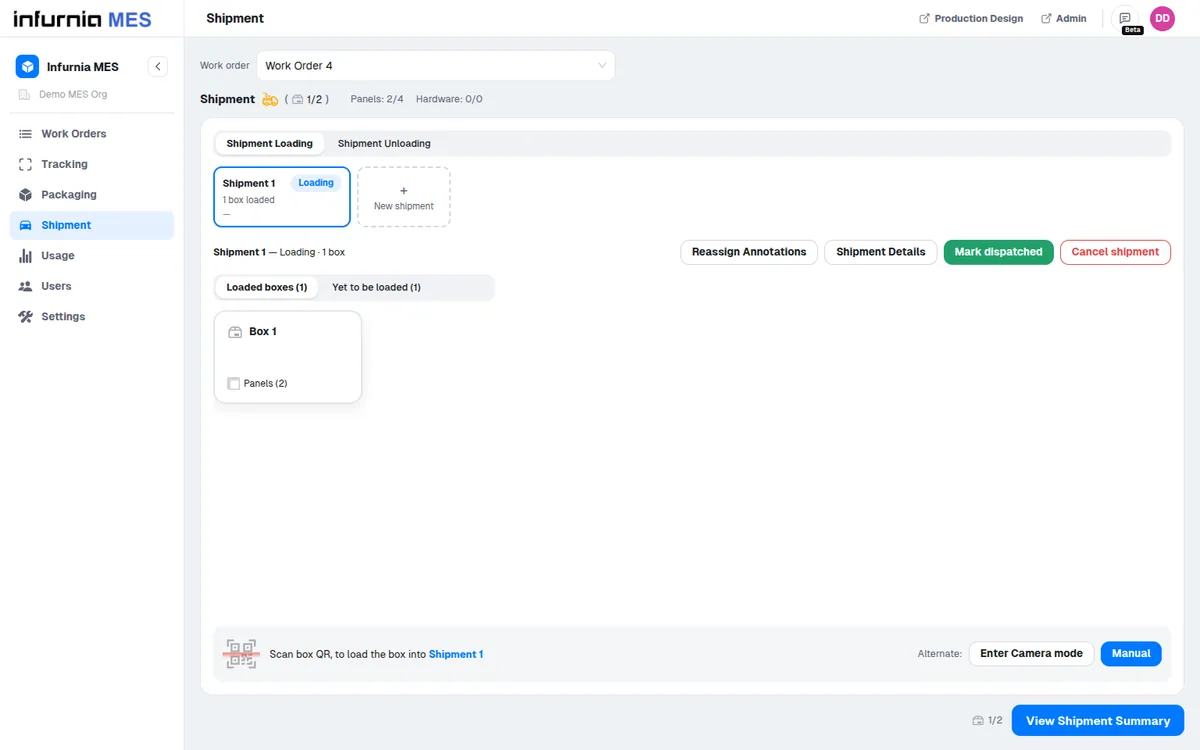
Shipment Loading and Shipment Unloading are station types that must be configured and mapped to users before the shipping workflow can be used.
✓ Checked in the product on 20 October 2026The Shipment page's Loading and Unloading tabs appear only for users mapped to the corresponding shipment station.
✓ Checked in the product on 20 October 2026