Insert tables and images into presentation sheets like a spreadsheet
Place a table on a presentation sheet, format its cells and columns, and insert an image into a cell.
The table tool works like a spreadsheet: place a table, create cells for headings such as finish type, carcass and shutter.
Format the cells (bold text, cell height, column width) and add columns to the left or right of existing cells.
✓ Checked in the product on 21 October 2026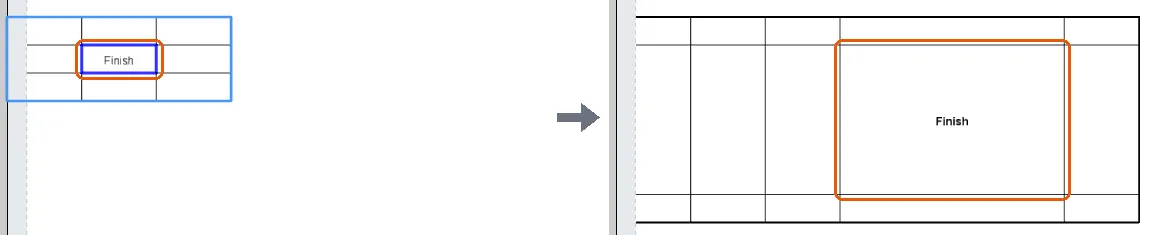
To add an image, select a cell, choose the image option from the left-hand panel and insert it, adjusting its size so it displays correctly.
✓ Checked in the product on 17 October 2026