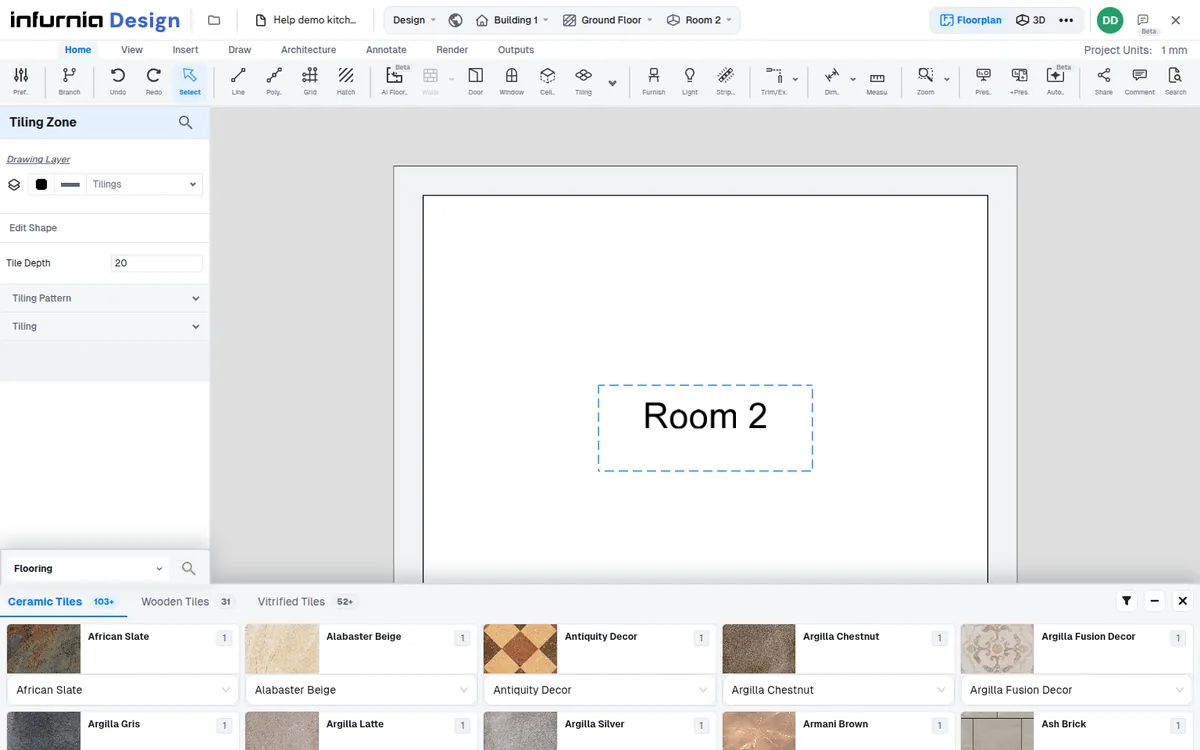
Change tile pattern before setting tile size
Apply tiling to a room surface, choose the tile layout first, then set the tile size that the pattern allows.
When applying tiling, pick the room surface and apply.
✓ Checked in the product on 19 October 2026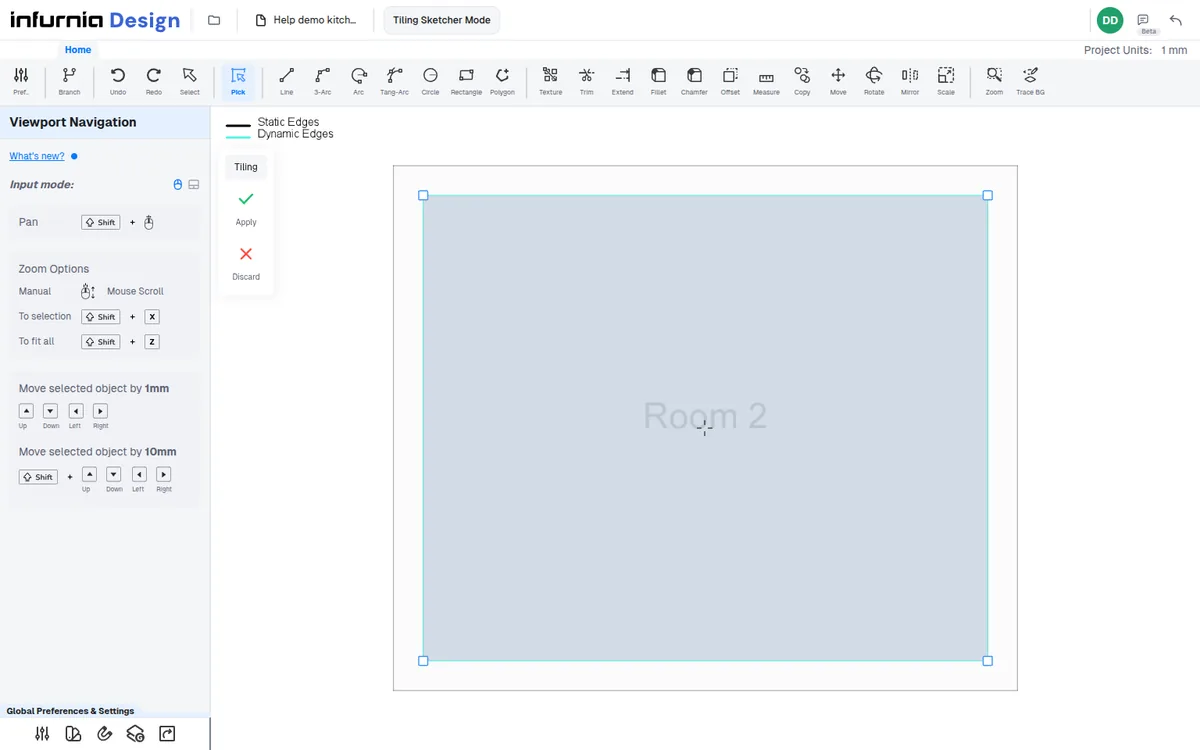
Use Change Pattern to choose from the available tile layouts.
✓ Checked in the product on 19 October 2026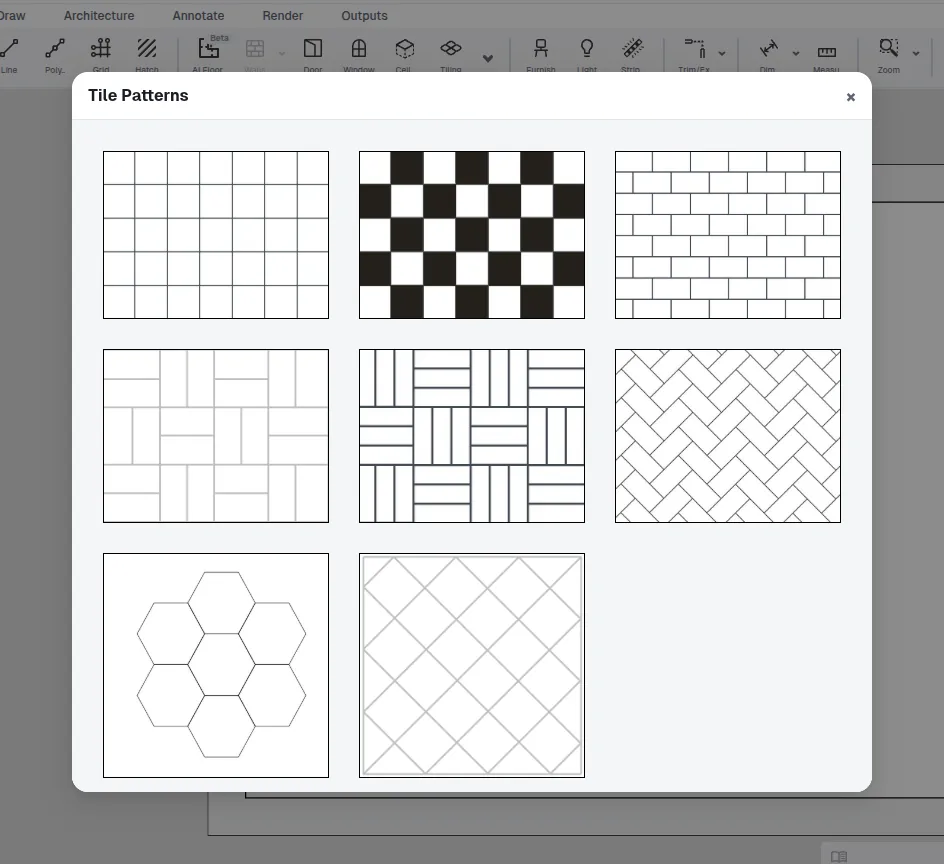
Tile size options depend on the selected pattern: herringbone and basket weave keep their own tile proportions, so 600 by 600 typed in Change Tile Size becomes 1200 x 600 (1800 x 600 for basket weave 3), while brick bond, hexagon and diamond take 600 by 600, as the square (linear) pattern does.
Switch the pattern to square first, then use Change Size to set 600 by 600.
✓ Checked in the product on 19 October 2026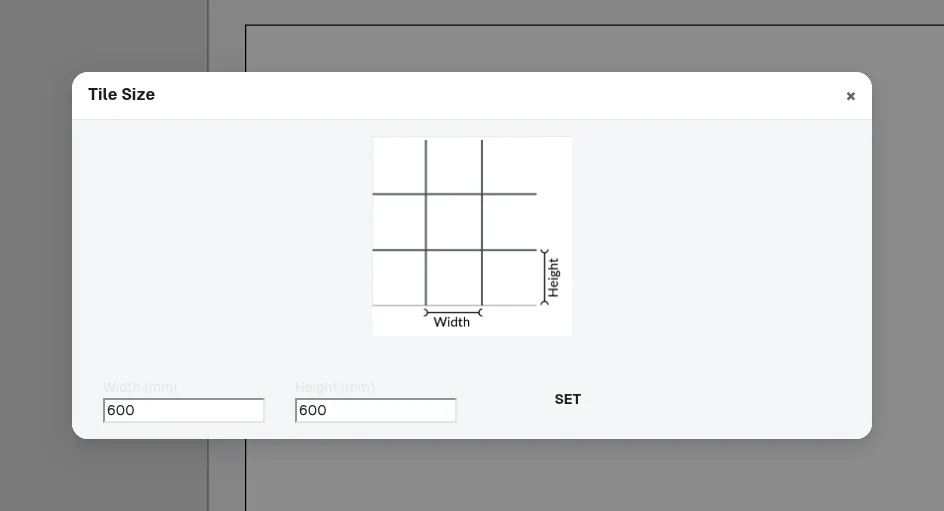
Tile materials can be chosen from the catalogue after the pattern and size are set.
✓ Checked in the product on 19 October 2026