Change door or window type via the Change Model option
Swap a placed door or window for another model from the carousel and adjust its size, hinge side and position.
After placing a door or window, select it and use Change Model to pick another model from the carousel. Doors offer single, double, triple, sliding and open models, among others (such as gates and roller shutters); windows have their own window models (such as windows, vents and casement or double-hung windows).
Width, thickness (e.g. 100, 150, 200 depending on the frame) and height can be edited.
✓ Checked in the product on 21 October 2026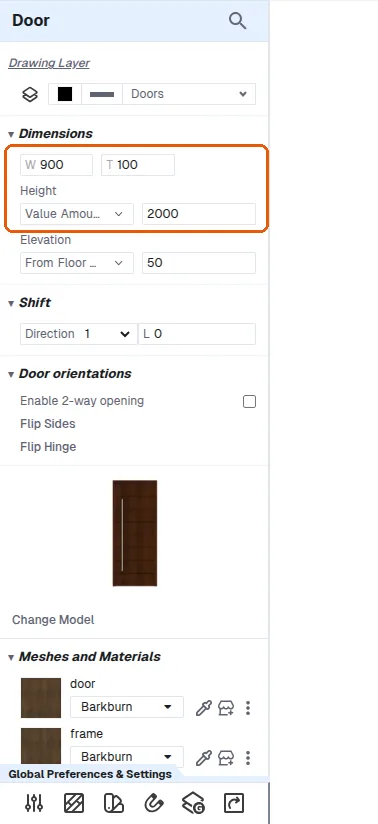
The hinge side can be flipped.
✓ Checked in the product on 21 October 2026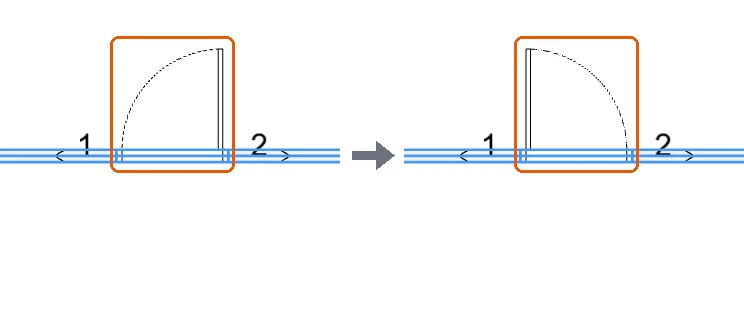
A window can be centred by dragging until a rectangle indicator appears.
The chosen model is what appears in 3D.