Add and edit doors with width, height, thickness and wall distance
Place a door on a wall in the floor plan, set its size and distance from the wall, and change its model and material.
In the floor plan under the Architecture tab, select the door element and enter its width, height and wall thickness.
✓ Checked in the product on 19 October 2026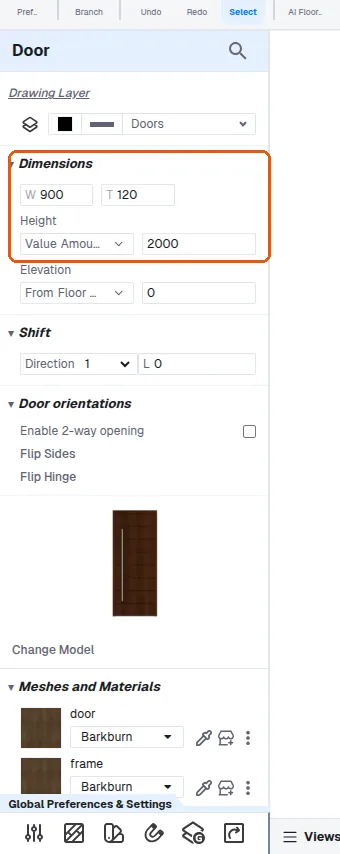
Click on the wall to place the door.
✓ Checked in the product on 19 October 2026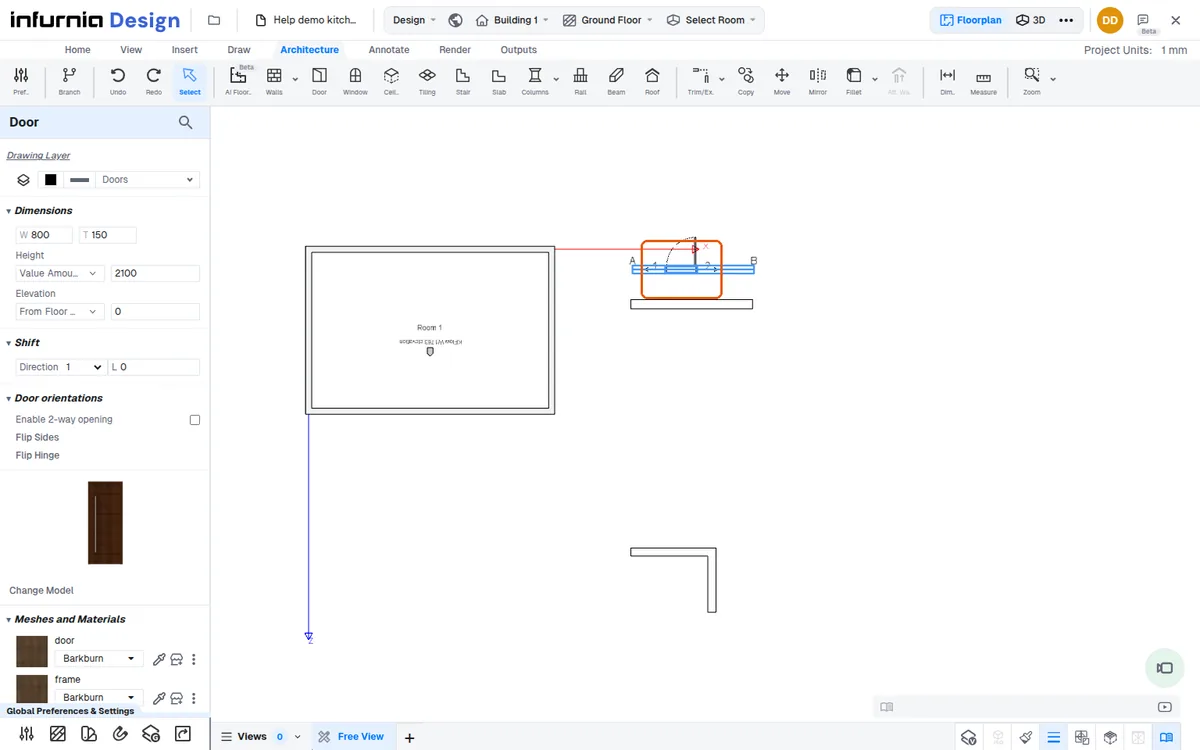
Click the dimension text to edit the distance of the door from the wall (e.g. 1500 mm).
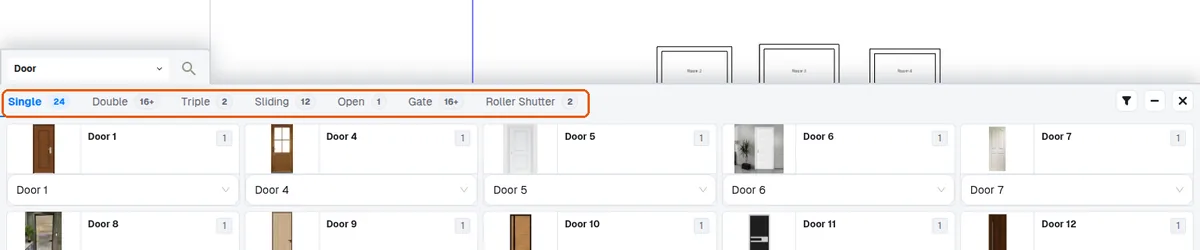
The door model can be changed between single, double and sliding models.
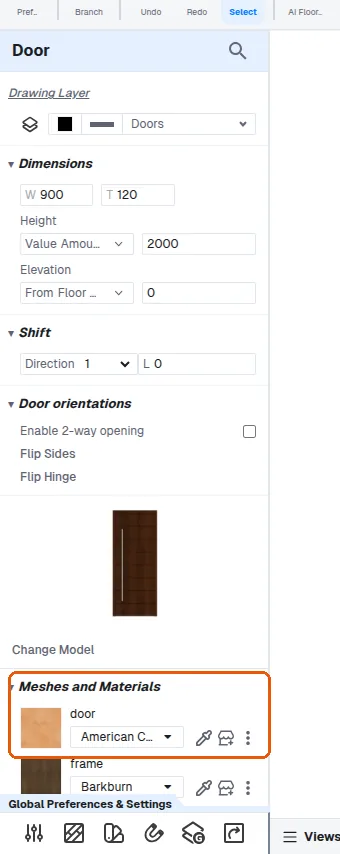
The door material can be matched from the left-side options.
✓ Checked in the product on 19 October 2026