Which brands appear in the brand list
See which own, Infurnia global and subscribed-catalogue brands show up in the brand list and what you can do with each.
The brand list a client sees combines two sources by default: brands their own organisation created, and Infurnia's global built-in brands — both presented as part of their catalogue.
✓ Checked in the product on 20 October 2026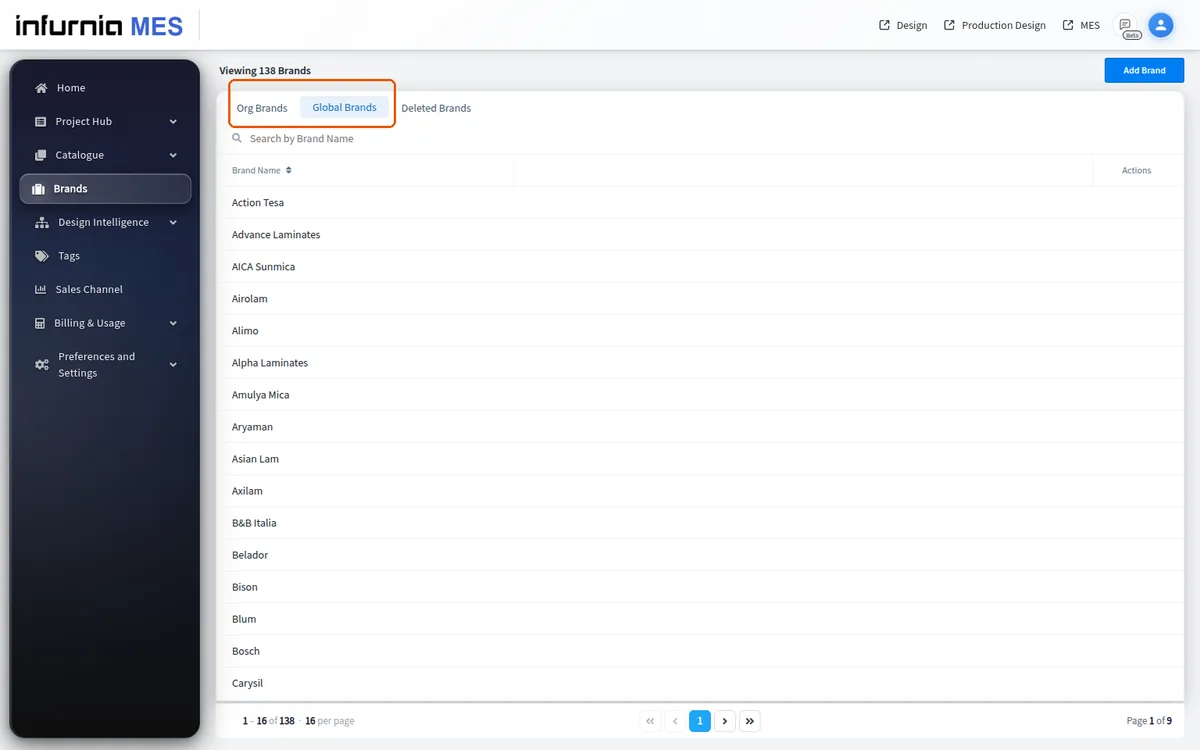
On screens that include subscribed sales-channel data, brands belonging to catalogues the organisation subscribes to are appended as well, marked as not belonging to the client's own store: they show up for browsing and filtering but are read-only.
Editing and deleting only work on the organisation's own brands.
✓ Checked in the product on 19 October 2026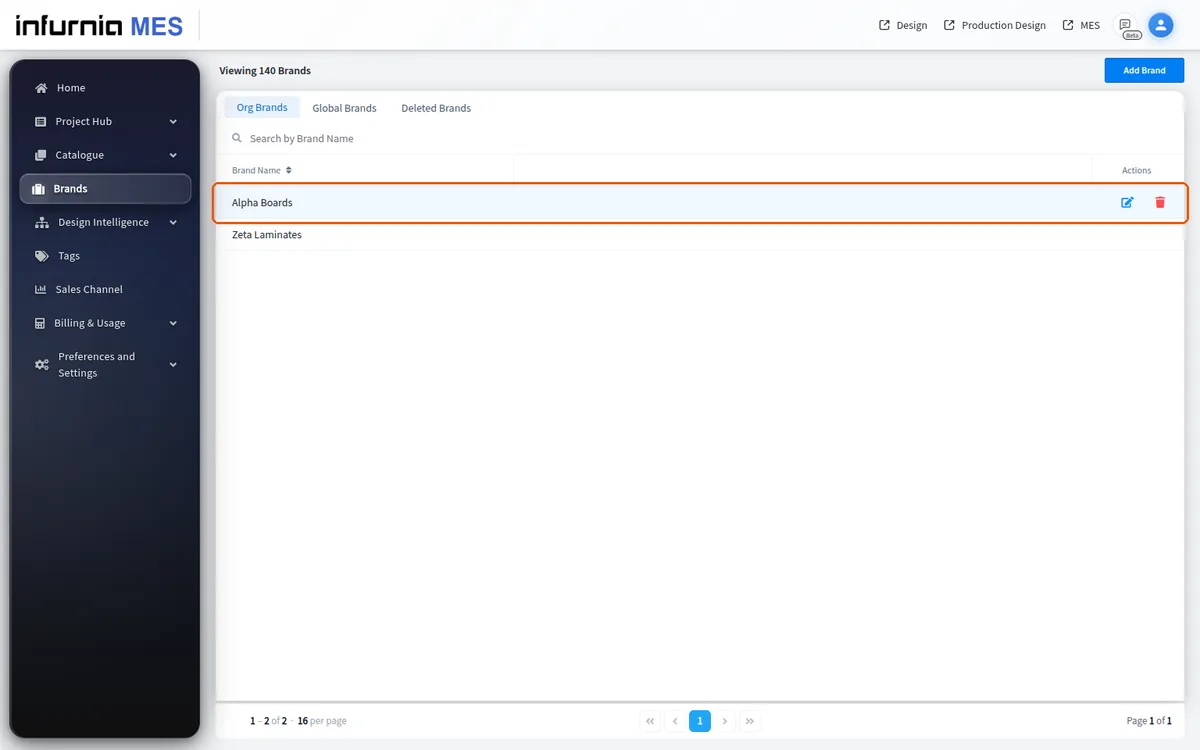
If a brand is missing, the designer can still create materials by duplicating a similar existing item and renaming it.
If a brand is missing, the designer can still create materials by choosing from the brands that are present.