Edit, clone and bulk-delete catalogue items
Change existing SKUs, create variants by cloning, and clear out unwanted items.
Existing items are changed by opening the item and using Edit SKU properties, updating the values and saving.
✓ Checked in the product on 19 October 2026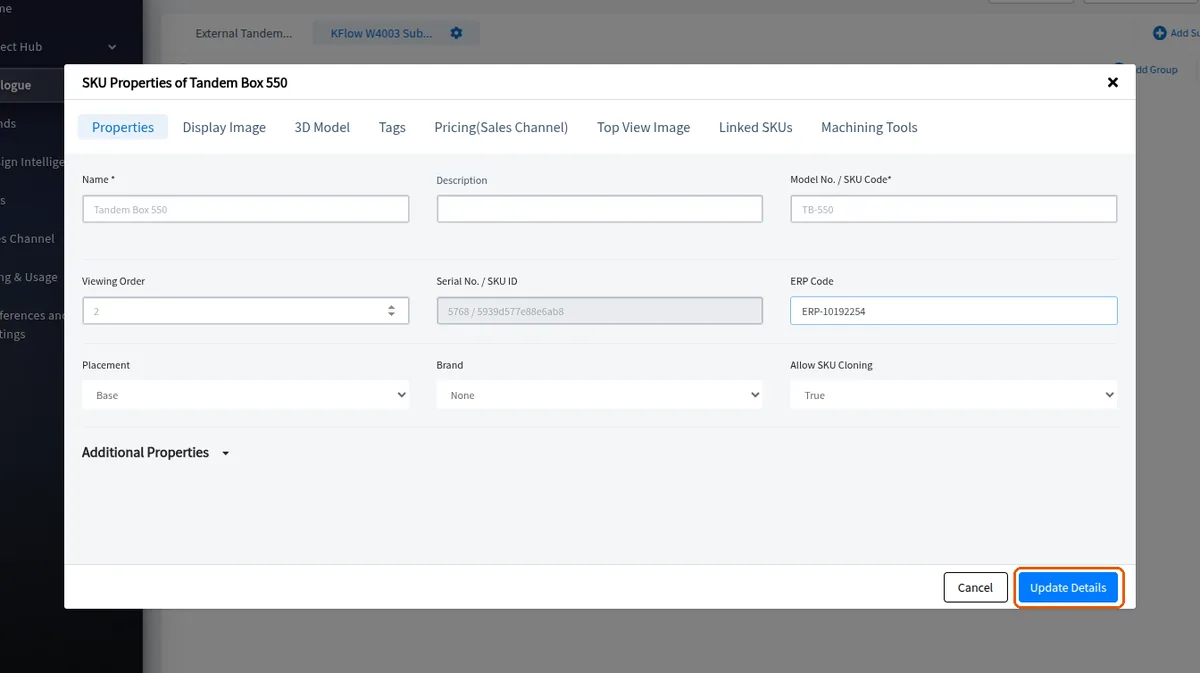
Items can also be cloned and renamed to create variants.
✓ Checked in the product on 19 October 2026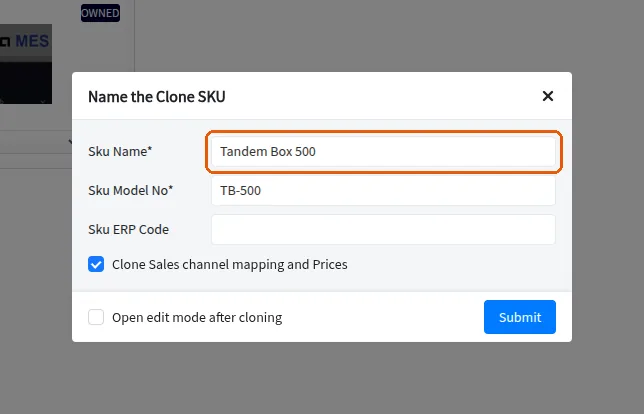
Multiple items can be selected together and modified at once.
✓ Checked in the product on 19 October 2026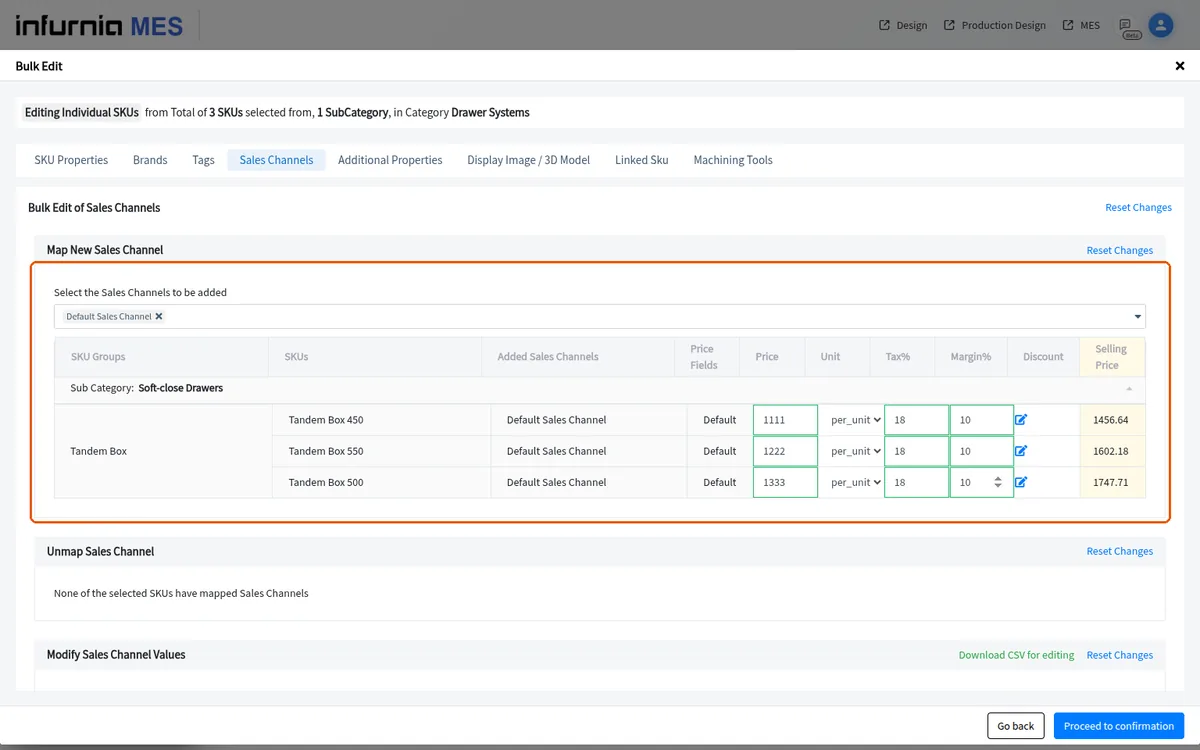
To clear out a cluttered catalogue, multi-select the unwanted SKUs (or a whole category) and use Bulk Delete.
Editing is done on the copies you download, so unused SKUs need not be downloaded.
Clone SKUs (Clone SKU to same Group or to a new Group) to convert them into owned, fully editable SKUs in your catalogue.