Add drawer channels and tandem drawers
Download drawer channels and tandem drawers, then clone and fit them in your designs.
Warehouse hardware such as tandem drawers comes in several variants that differ by depth and weight-bearing capacity.
Each variant can be located by searching its article number or model name so the right one can be picked for the requirement.
✓ Checked in the product on 19 October 2026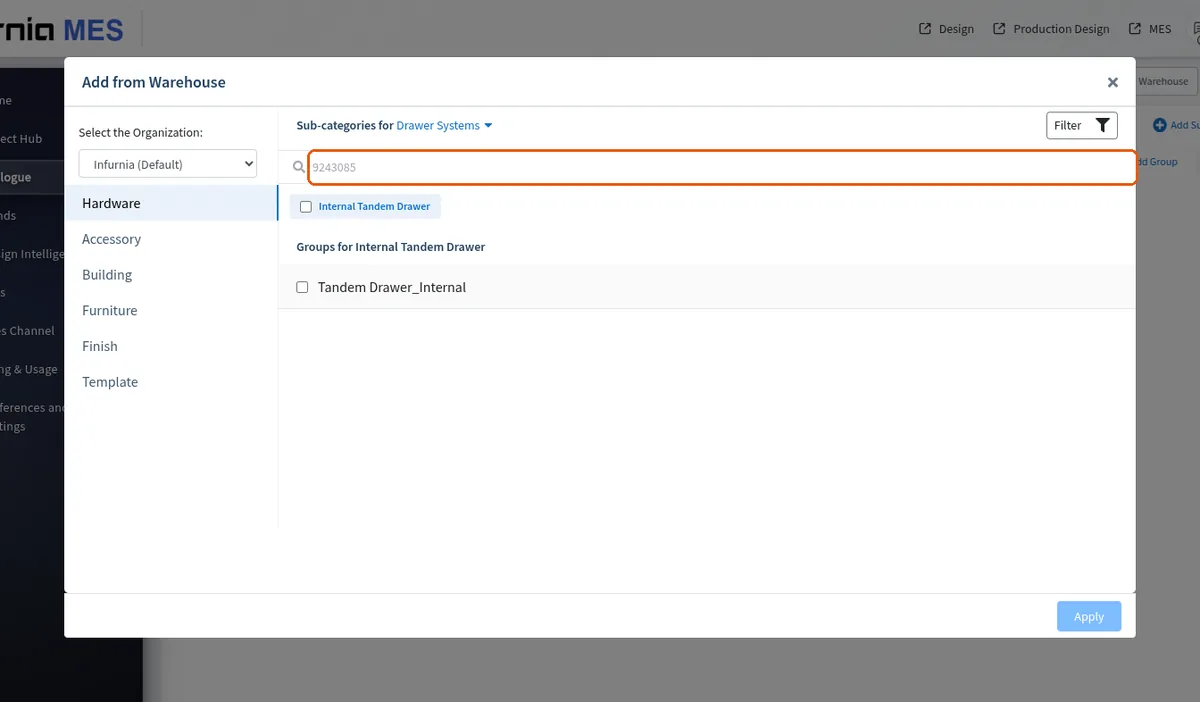
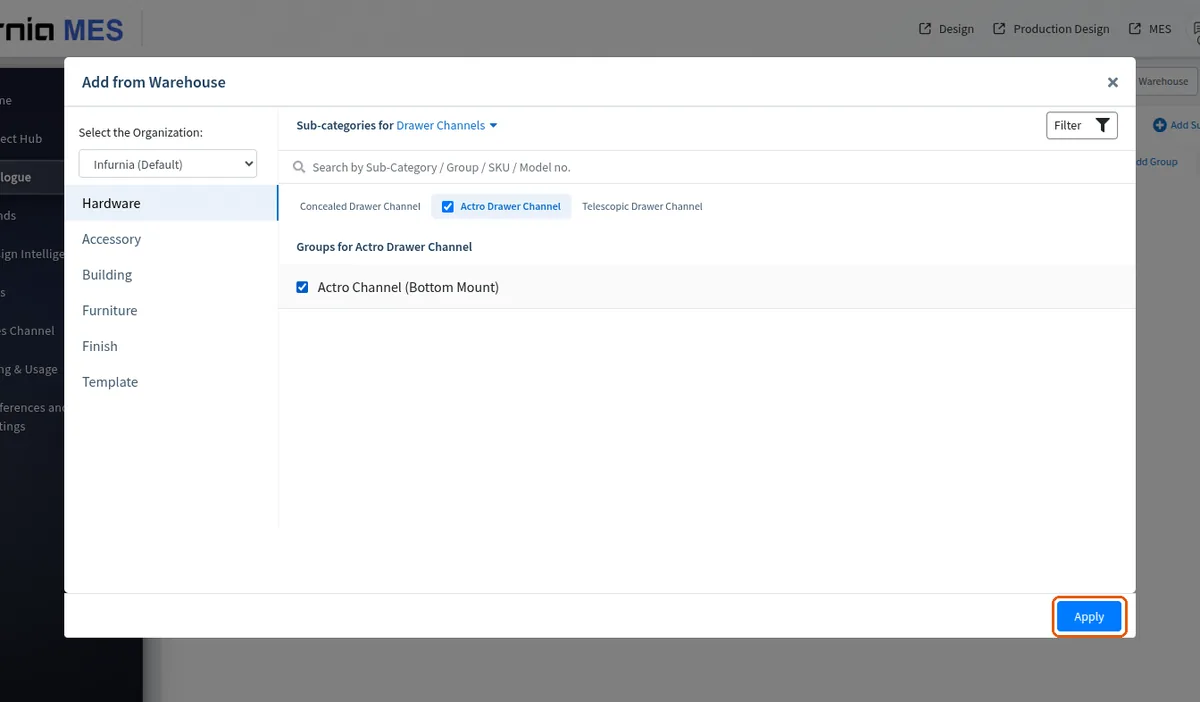
Select a category such as drawer systems, choose the specific items or select all, then click Apply to add them to the organisation's catalogue.
After the items are downloaded into the design, the drawer unit can be placed and its tandem or channel changed in the design.
Drawer channels specifically are added the same way: open 'Add from warehouse', select the organisation (for example Blum), open the drawer channels and add the required channels, then clone them to make them editable.
After the tandem drawer item is added from the warehouse, open the relevant furniture base unit, edit its structure at drawer level, change the drawer to the selected tandem drawer and save.
If a drawer height or SKU you need is not already configured, you can add that hardware from the warehouse at admin level instead of being limited to the heights already set up.