Reveal cabinet internals with skeleton mode
Toggle skeleton mode to disable shutters and expose the internal construction of cabinets for an internal elevation view.
In an elevation view, the Skeleton Mode button in the bottom bar's right-hand icon group toggles skeleton mode; it comes after View Specific Layers, Orthographic Camera, Rich View, Line Weights, Tiling Layout Plan and Reflected Ceiling Plan.
✓ Am 22. Oktober 2026 im Produkt geprüft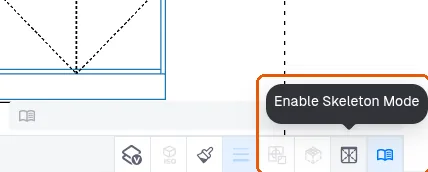
In skeleton mode the shutters are disabled and the internal construction of the cabinets becomes visible, which is used when preparing an internal elevation view.
✓ Am 9. Oktober 2026 im Produkt geprüft