Add columns, beams and slabs from the architecture tools
Place columns, beams and slabs on your floor plan and adjust their dimensions, end points, height and thickness.
To add a column, go to the ground floor plan (for snapping points), switch to 2D, open architecture, select a column type and place it.
✓ Am 21. Oktober 2026 im Produkt geprüft
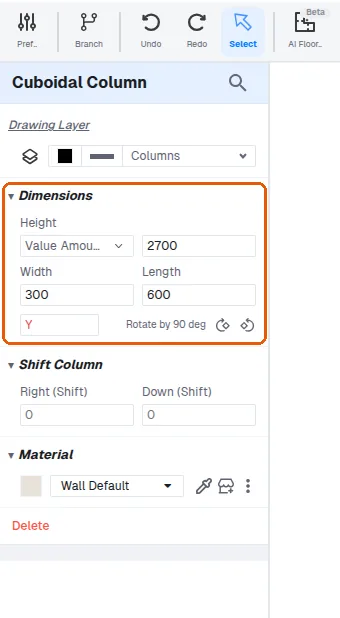
Resize a column by editing the dimensions or extending it.
To add a beam, open the beams tool, place it and adjust its size and end points.
For slabs, use the slab tool, draw a rectangle and click Apply.
✓ Am 21. Oktober 2026 im Produkt geprüftSlab height from floor and thickness can be adjusted.
✓ Am 21. Oktober 2026 im Produkt geprüft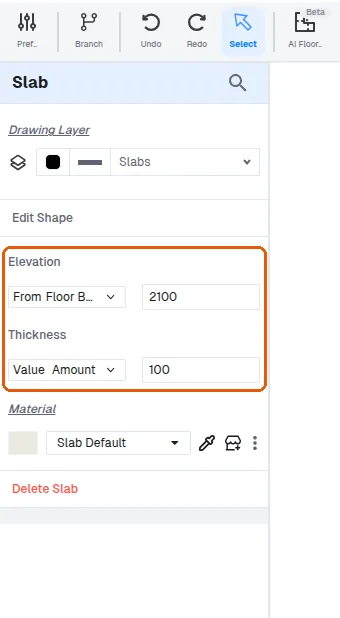
Slabs can serve as loft or floor slabs.
✓ Am 21. Oktober 2026 im Produkt geprüft