Find hardware items that no longer appear in the warehouse
Learn why added SKUs and deprecated groups keep items out of the warehouse listing, and where to find them instead.
The warehouse listing shows SKUs available to the organization through its subscribed sales channels that have NOT yet been added to the store/business-unit catalog.
✓ 已于 2026年10月22日 在产品中核实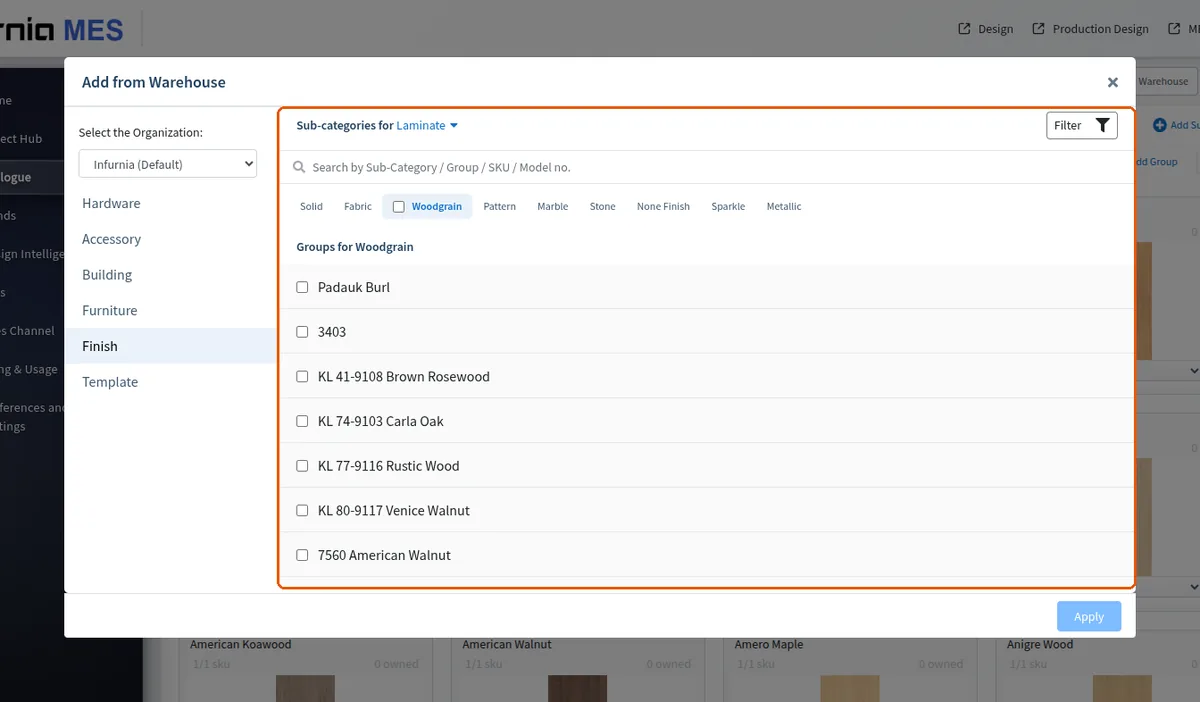
Deprecated groups/sub-categories/categories are hidden from the warehouse tree by default (an admin flag exists to include them), so a warehouse SKU sitting under a deprecated group is invisible there too.
The warehouse call can also be narrowed to specific subscribed channels, so if a UI surface passes a channel filter, SKUs from other channels won't show.
When a hardware item such as a pull-out basket cannot be found by searching the warehouse, it is usually because it has already been added to the organisation account.
Search the hardware catalogue instead: open the sales channel, go to Hardware, choose the relevant category (for example Baskets → Pull-out), filter by brand, and copy the item for reuse rather than adding it again.
Before creating a new hardware item, first search the warehouse by its article number; if the item is already there, add it from the warehouse instead of creating a duplicate entry.