Add or remove service charges in admin preferences and settings
Set up service charges in admin so you can add new ones or delete existing ones.
Service charges are configured in admin under preferences and settings (Settings > Service Charge).
✓ 21 اکتوبر، 2026 کو پروڈکٹ میں جانچا گیا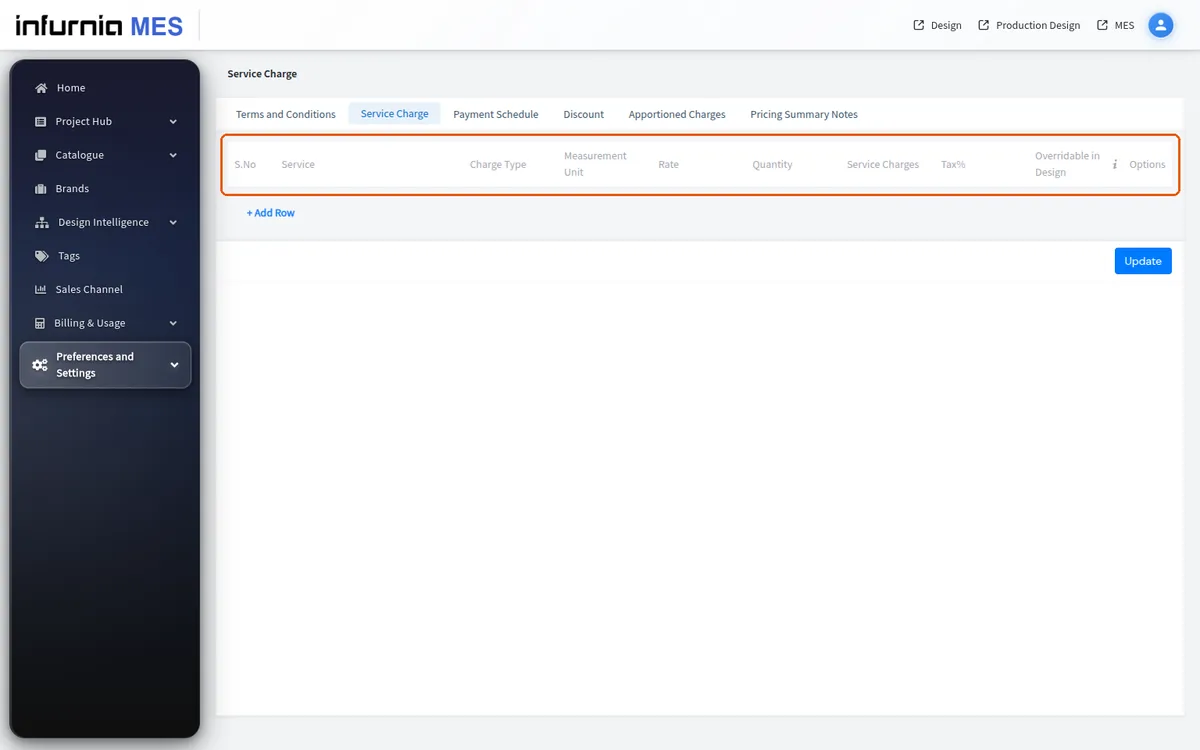
To add one, click '+ Add Row', choose Custom from the service dropdown, type the name and pick the charge type: Length, Area, Volume or Per Unit Basis, Absolute (a fixed amount) or Percentage.
✓ 21 اکتوبر، 2026 کو پروڈکٹ میں جانچا گیا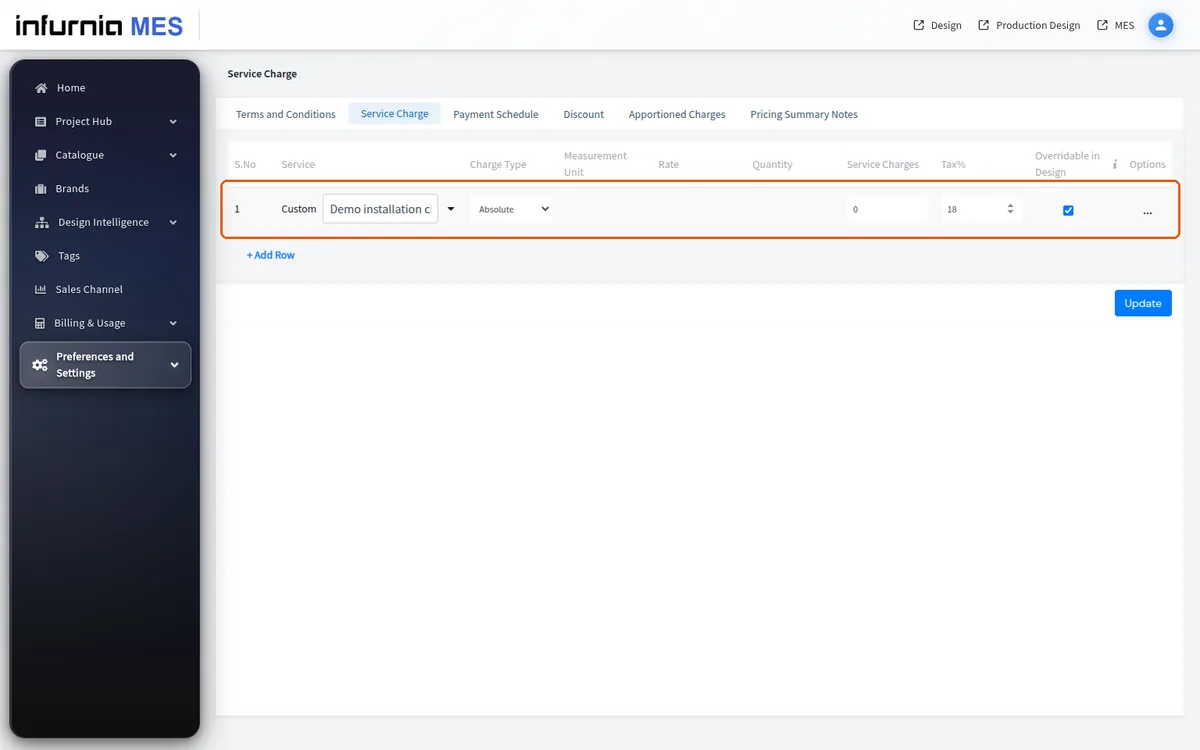
Tax can be included if needed, then click Update and reload the design page.
To remove an existing charge, click the three dots on the row, choose Delete Row and click Update.
✓ 12 اکتوبر، 2026 کو پروڈکٹ میں جانچا گیا