Choose the room and download scope for board layout files
Open the board layout for one room and set the screen level that decides which panels a download covers.
The board layout opens scoped to a single room.
Select the room you want before downloading.
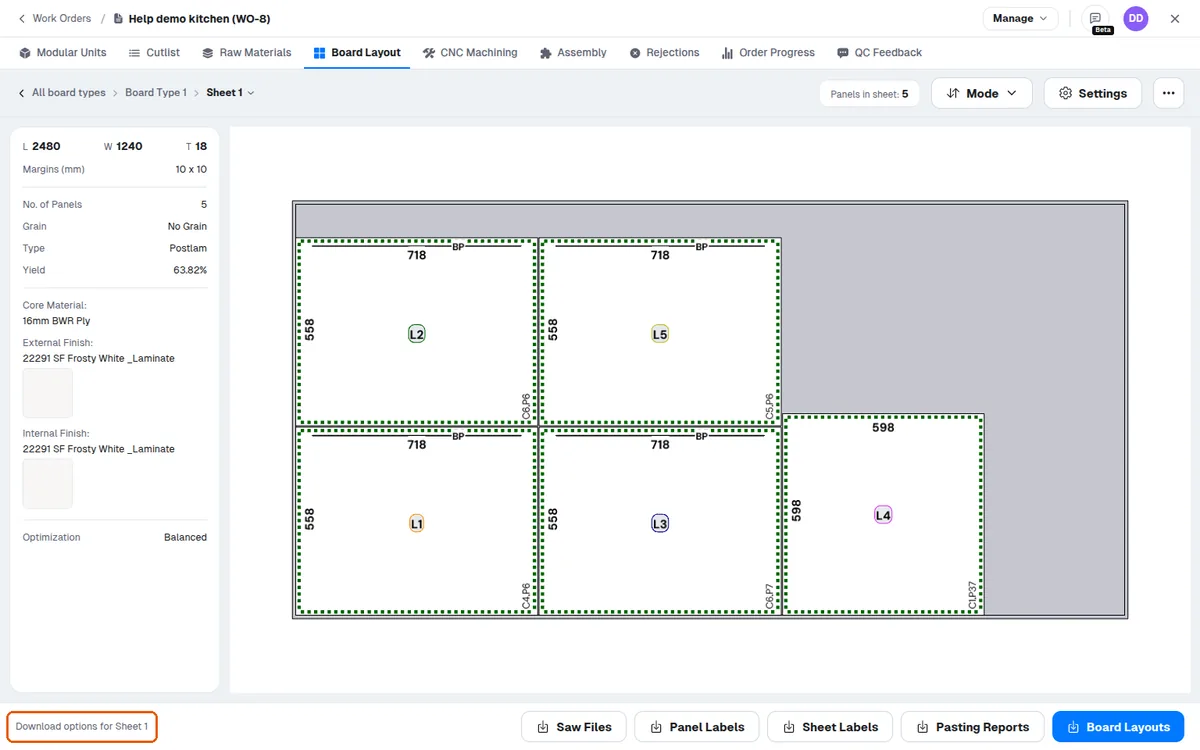
The board layout footer's download options depend on the current screen level and the layout's cut type.
✓ 20 Ekim 2026 tarihinde üründe doğrulandıAt the all-board-types screen downloads cover all panels.
✓ 20 Ekim 2026 tarihinde üründe doğrulandı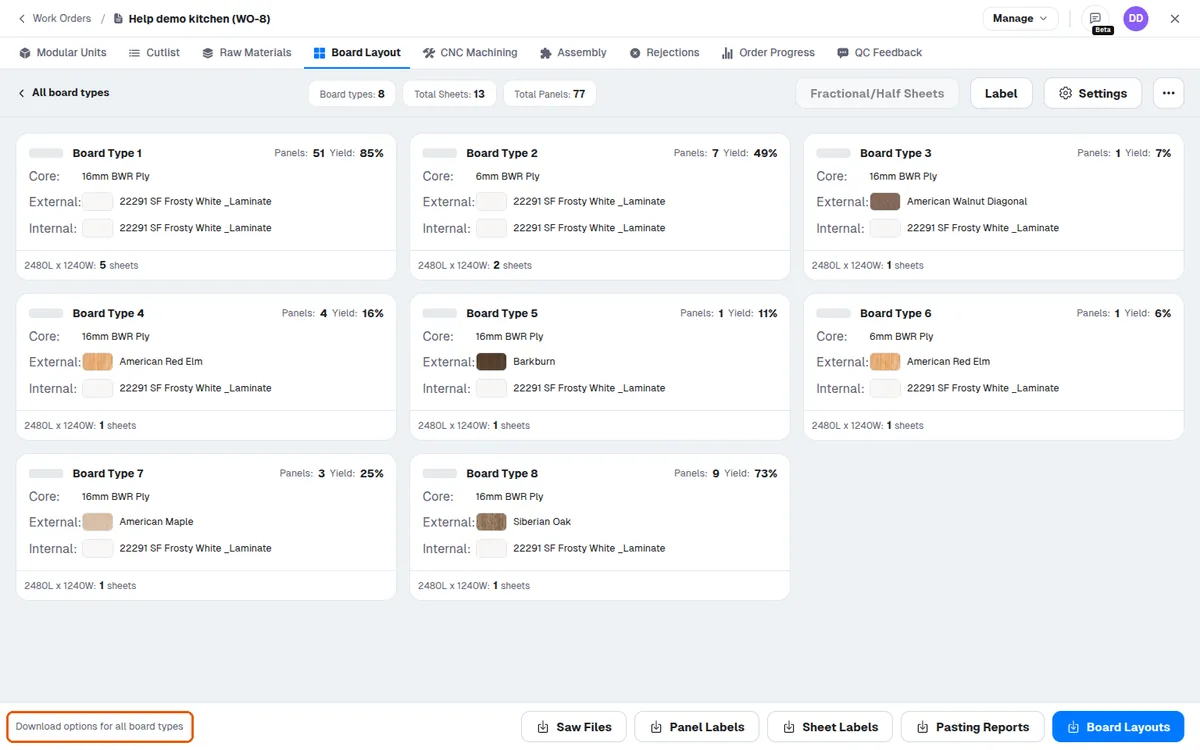
Inside one board type downloads cover the active board type (and the selected size tab).
✓ 20 Ekim 2026 tarihinde üründe doğrulandı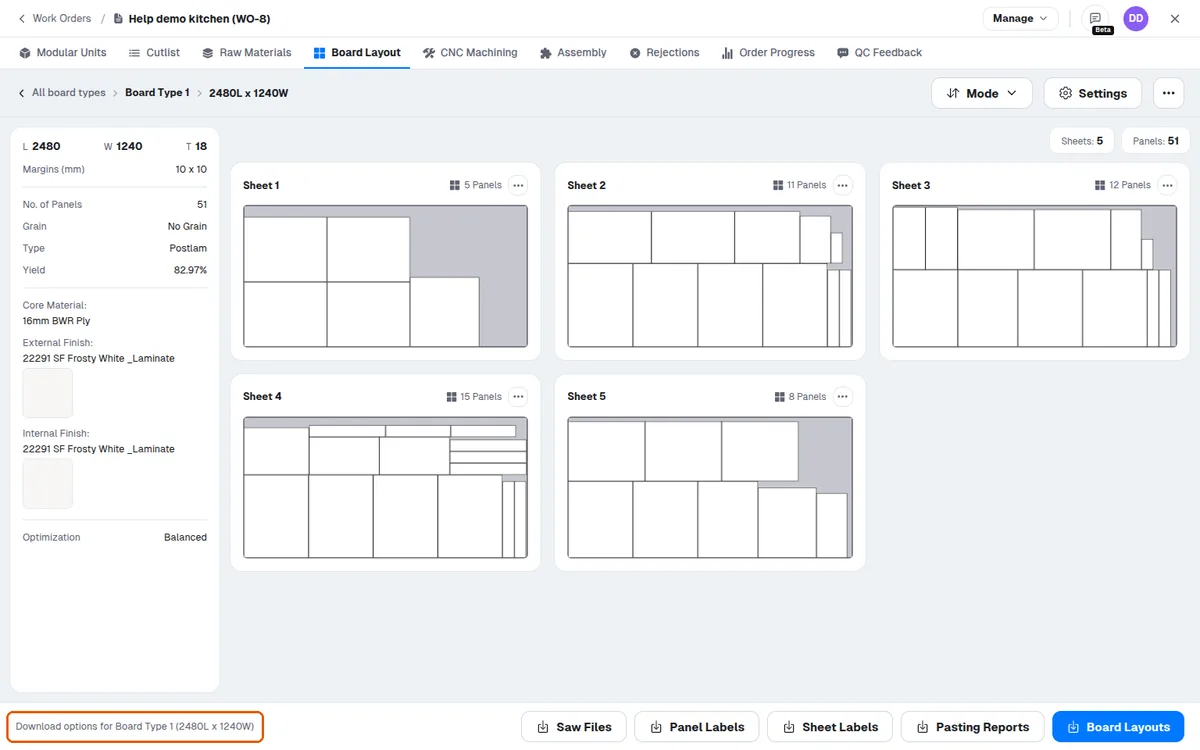
On a single sheet downloads cover just that sheet.
✓ 20 Ekim 2026 tarihinde üründe doğrulandı