Set prices on finishes added from the warehouse
Enter prices on a laminate or finish you added so it works in designs and quotations.
After adding a laminate or finish from the warehouse, enter its prices on the added item so it is usable in designs and quotations.
Filter the default materials, apply the filter, then select apply to add them to the catalogue.
✓ 19 Ekim 2026 tarihinde üründe doğrulandı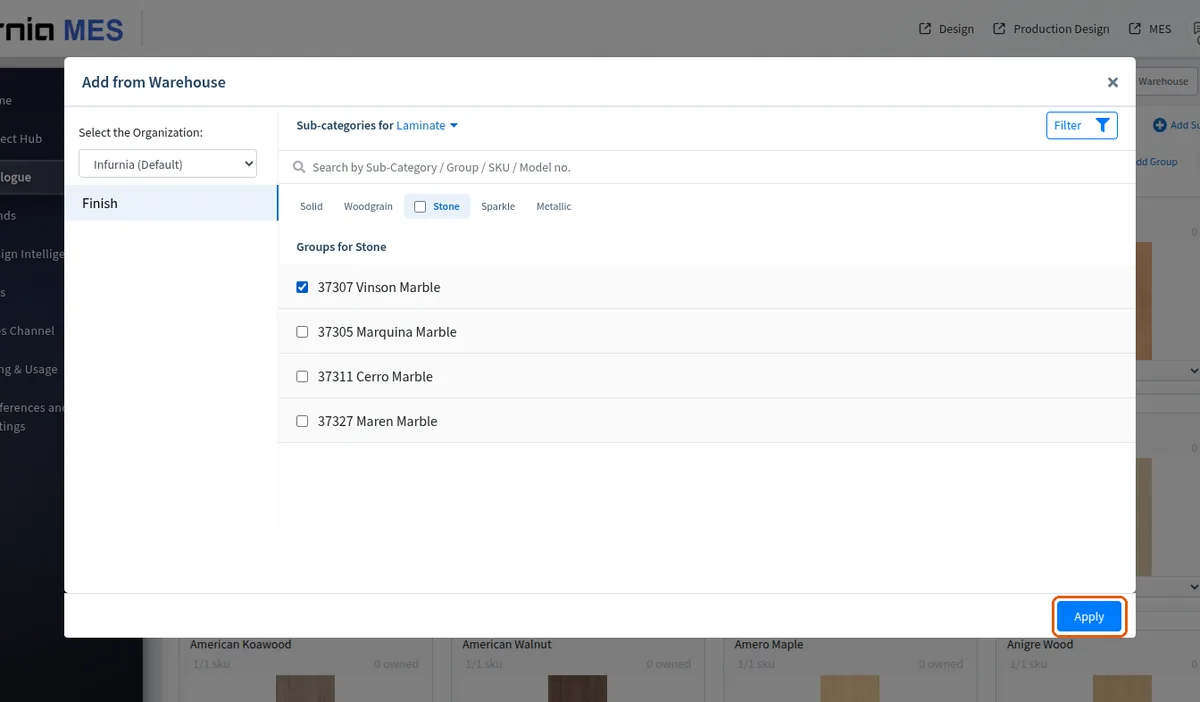
Branded finishes such as laminates are added by first subscribing to the brand's sales channel in the admin portal.
Subscribing to a brand's catalogue makes that brand's items available for later use.