Set up the admin portal and manage catalogue roles
Sign in to the admin portal to edit the catalogue and grant the Catalogue Manager role for shared publishing.
Items are added and organised in the admin portal.
✓ 20 అక్టోబర్, 2026న ప్రోడక్ట్లో తనిఖీ చేయబడింది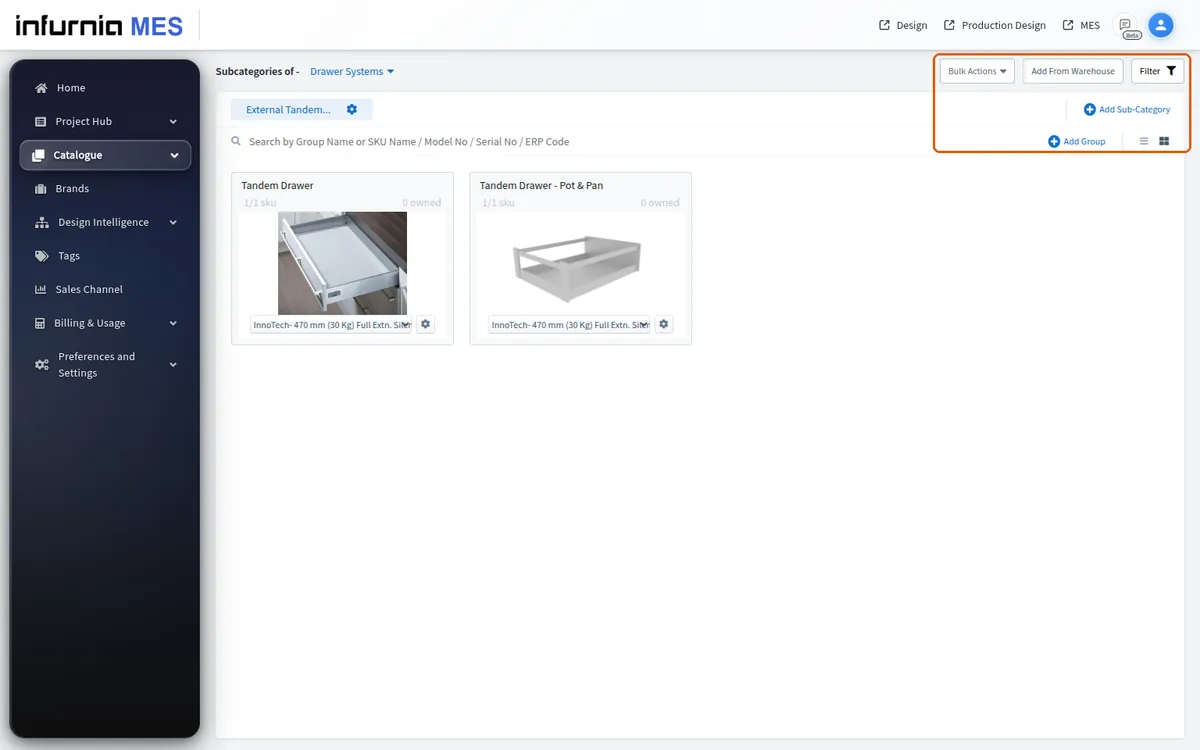
What is set up in the admin portal is what appears in the design portal.
Catalog and hardware editing is done from the admin portal, reached at the admin subdomain of the platform's website, where a user with admin rights signs in.
✓ 20 అక్టోబర్, 2026న ప్రోడక్ట్లో తనిఖీ చేయబడిందిDesign work happens in the separate design portal login.
✓ 20 అక్టోబర్, 2026న ప్రోడక్ట్లో తనిఖీ చేయబడిందిPublishing to the shared company catalogue is gated by the Catalogue Manager role, so a designer can use the catalogue but only catalogue managers publish/verify the shared content.
Designers can be granted the Catalogue Manager role to assist with uploading and updating catalogue data.