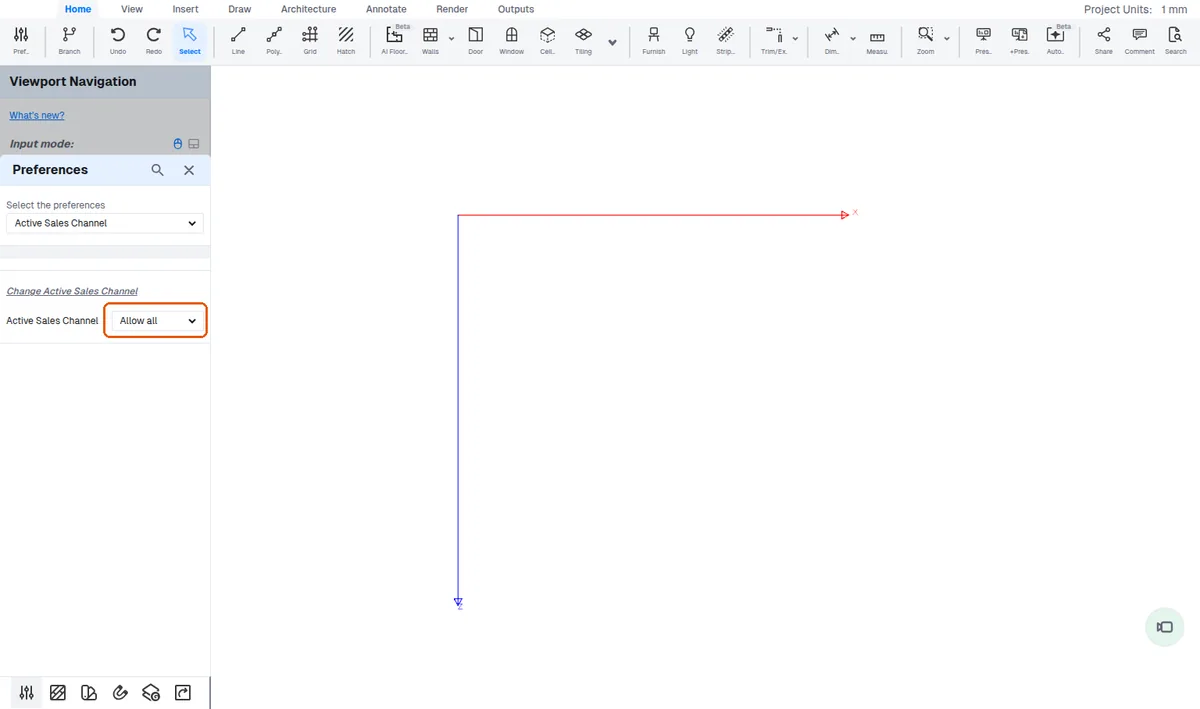
Recover lost active sales channel via Preferences
Recover the active sales channel for a design that shows it has been lost by selecting the correct channel in Preferences.
When a design shows the error that the active sales channel has been lost, recover it by opening Preferences, going to Active Sales Channel, and selecting the correct sales channel for that design.