Add CNC tools that match the machine
Enter every tool the job uses with names and numbers that match the machine so CNC output can be matched and downloaded.
Tool and CNC settings are maintained in the Admin portal.
✓ Проверено в продукте 19 октября 2026 г.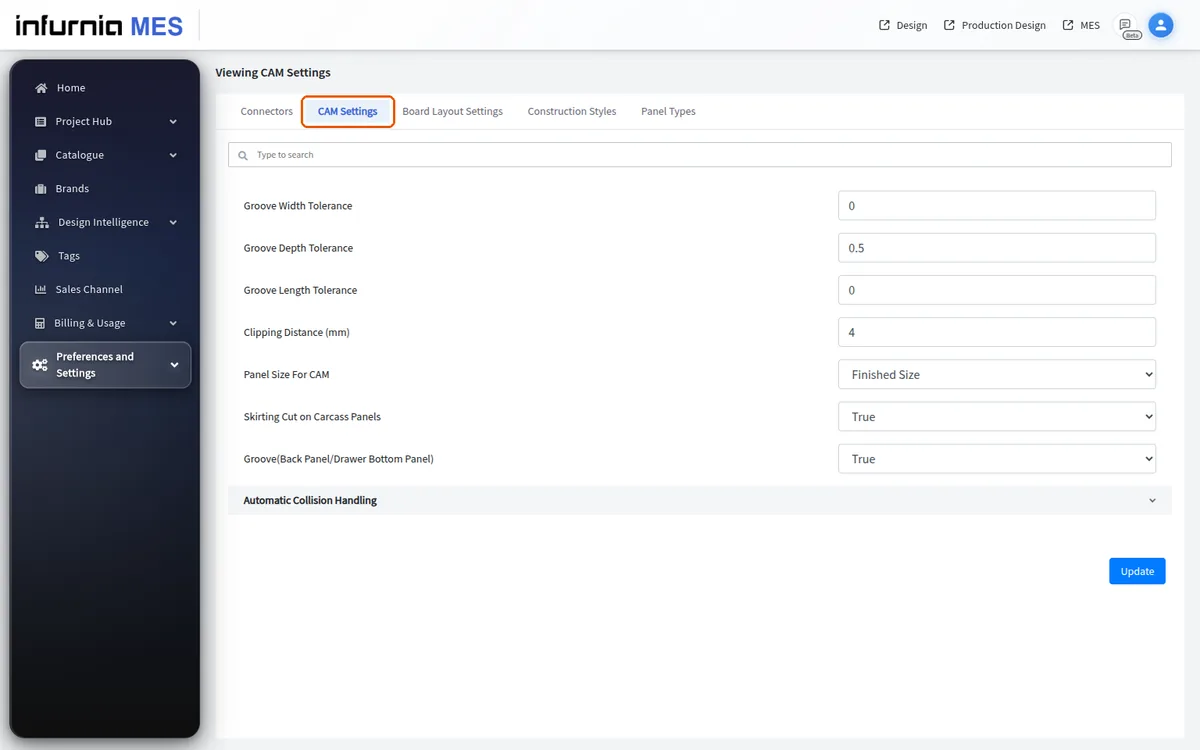
When an NC machine's tool list is set up, add every tool the job uses with its name, slot number, diameter, feed rate and plunge rate.
Keep the tool number and name consistent from the first setup.
The tool names in the software must match the names on the machine (for example, tool 10 must be tool 10 in both).
When entering tool names for a CNC machine, use the designation exactly as it appears on that machine's own layout rather than a generic default, since the designation differs from machine to machine.
A saw tool is only needed if the machine has one.
Tools must be added before downloading CNC output.
If the tools are not added, the output cannot be matched to the machine.