Understand why the wizard skips sheets
See how the Auto-generate wizard builds its sheet set from the presentation template and its settings.
The Auto-generate wizard emits the sheets listed in the presentation template it uses.
✓ Проверено в продукте 20 октября 2026 г.A template is an ordered, editable list of sheet entries (cover page, key plan, ceiling plan, room schedule, 3D view, floorplan per unit bucket, wall elevation, skeleton elevation), and each entry can be added, removed, reordered or given its own sheet template.
✓ Проверено в продукте 20 октября 2026 г.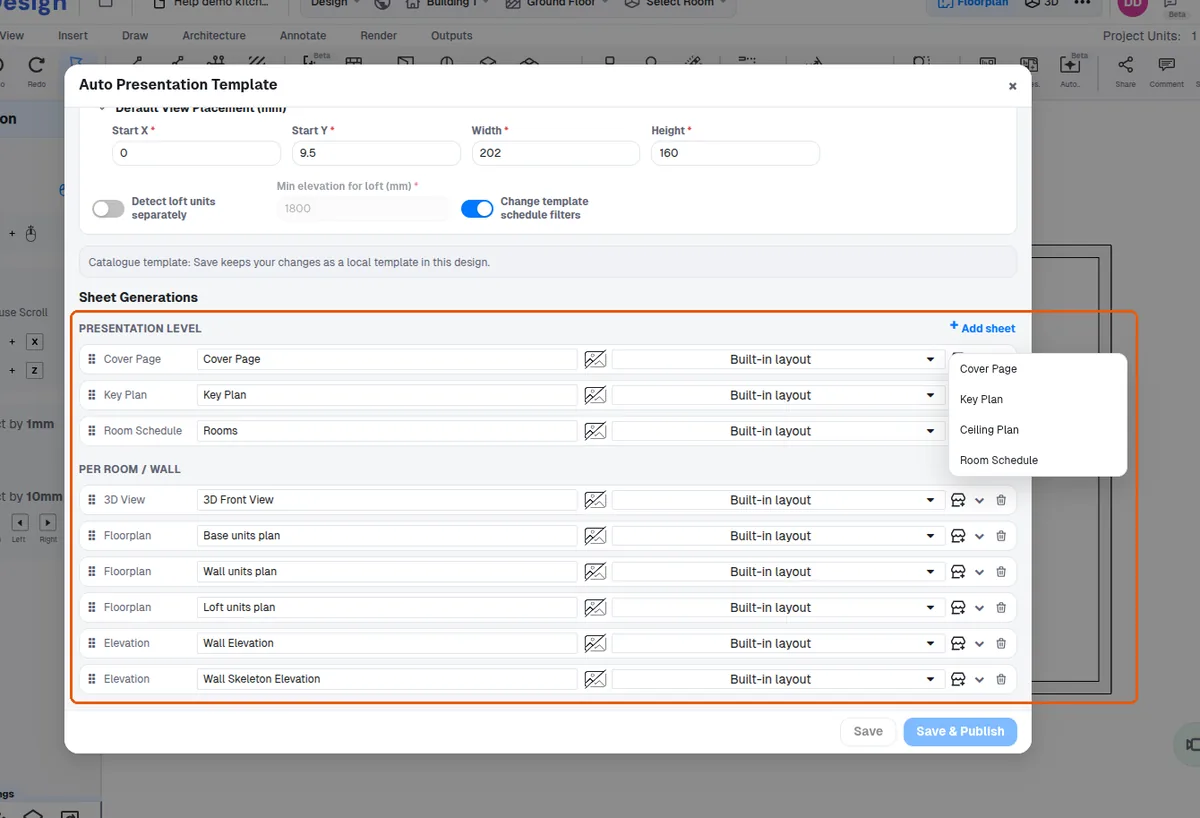
The auto-generate wizard's settings (cover page, key plan, ceiling plan, room schedule, loft detection) live in the presentation template.
✓ Проверено в продукте 20 октября 2026 г.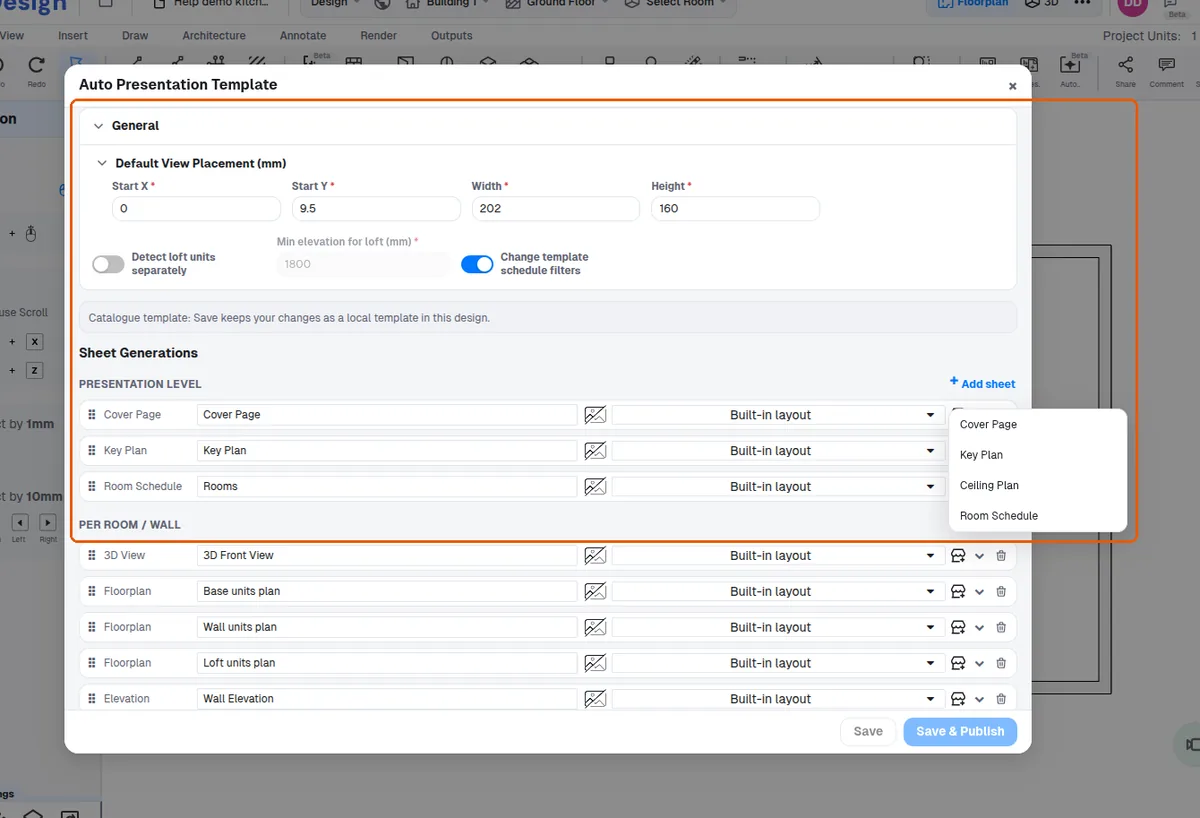
The auto-generate wizard is reached from the Outputs area.
✓ Проверено в продукте 20 октября 2026 г.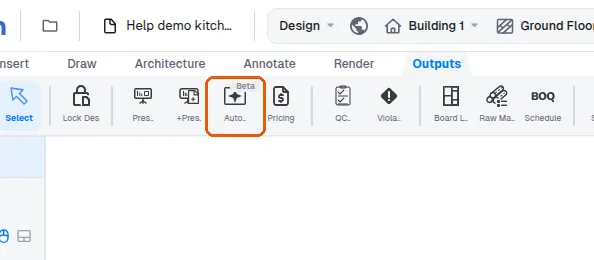
The generated presentation is produced from the Outputs area via the Auto Presentation wizard.
✓ Проверено в продукте 20 октября 2026 г.Loft plans additionally require the template's 'detect loft separately' setting (also off by default).
✓ Проверено в продукте 20 октября 2026 г.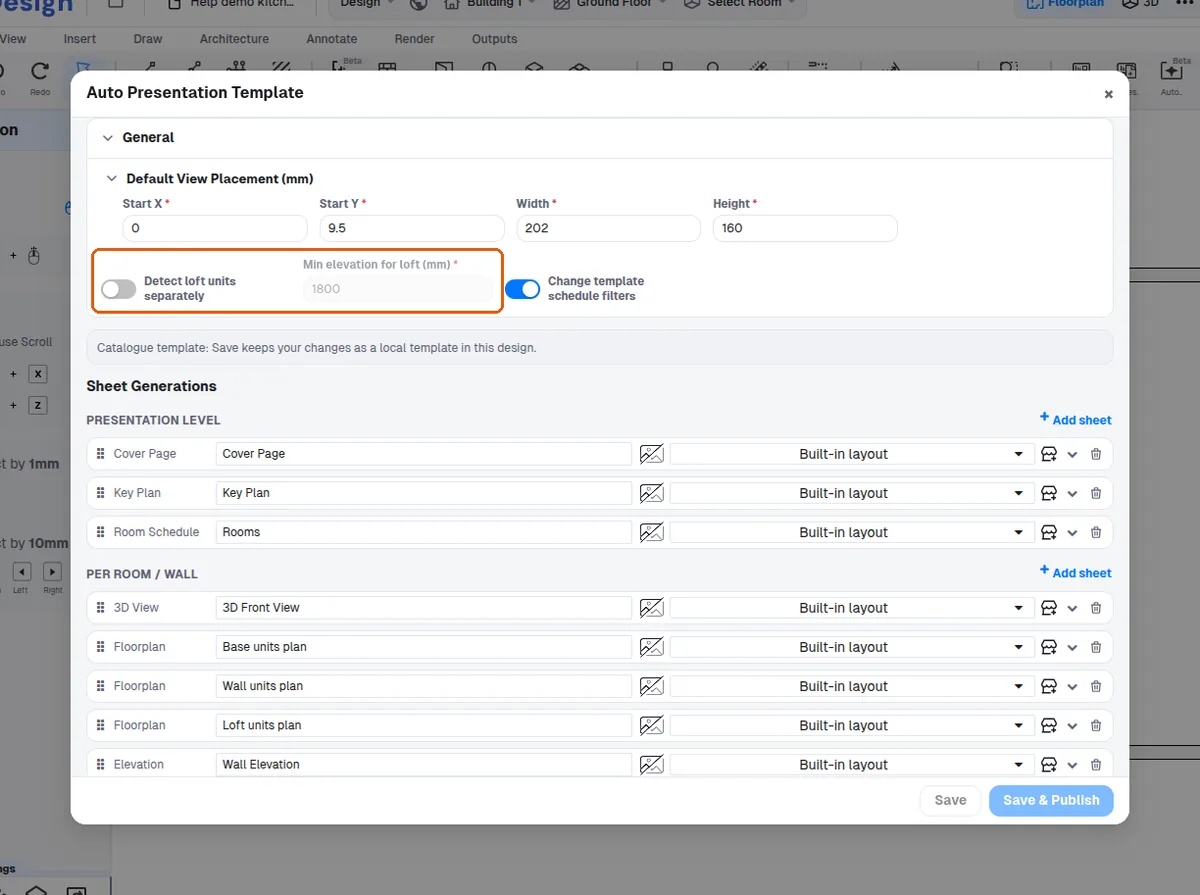
A floorplan page is only produced for a room when the room actually contains units of that bucket (empty bucket = no page).
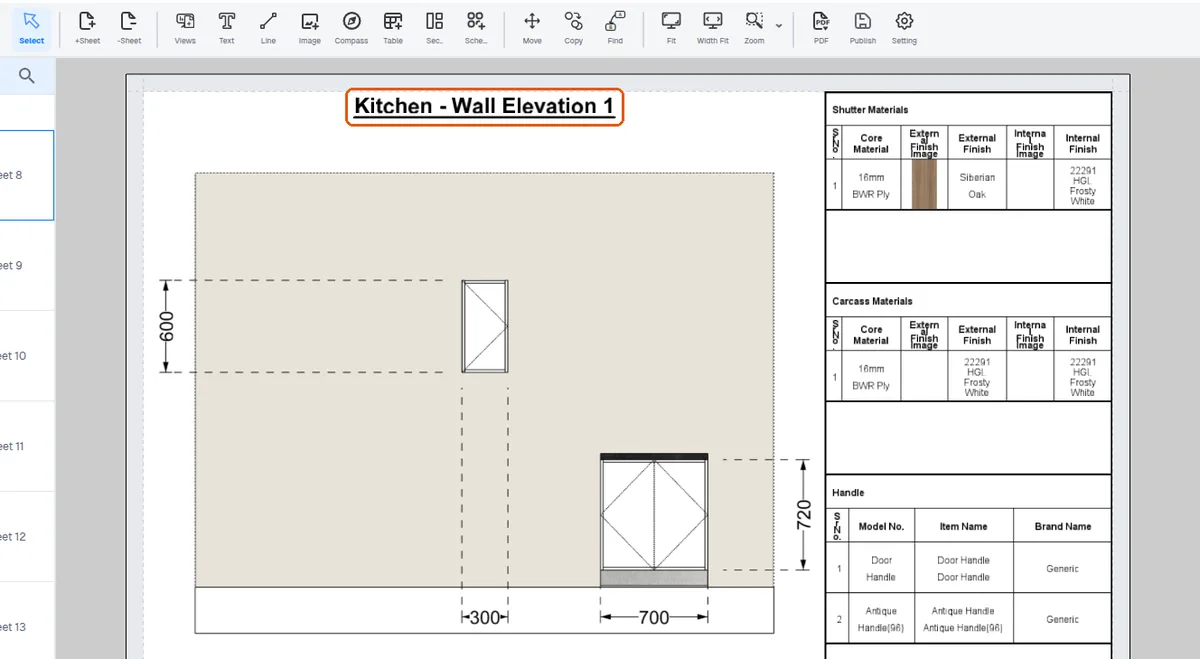
✓ Проверено в продукте 20 октября 2026 г.Wall-elevation pages are produced per auto-selected wall section, so rooms with no qualifying wall sections get none.
✓ Проверено в продукте 20 октября 2026 г.