Assign a brand to a finish, material or laminate SKU
Pick a saved brand when editing a finish's material info, creating a material or setting SKU properties.
A brand must be created first (Brands page → Add Brand → enter the name → save) before it can be assigned to a finish.
✓ 19 ਅਕਤੂਬਰ 2026 ਨੂੰ ਪ੍ਰੋਡਕਟ ਵਿੱਚ ਜਾਂਚਿਆ ਗਿਆ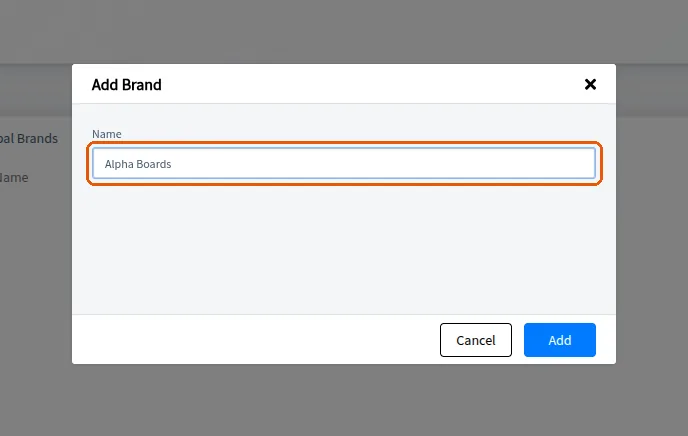
Once saved a brand becomes selectable when editing a finish's material info.
✓ 19 ਅਕਤੂਬਰ 2026 ਨੂੰ ਪ੍ਰੋਡਕਟ ਵਿੱਚ ਜਾਂਚਿਆ ਗਿਆ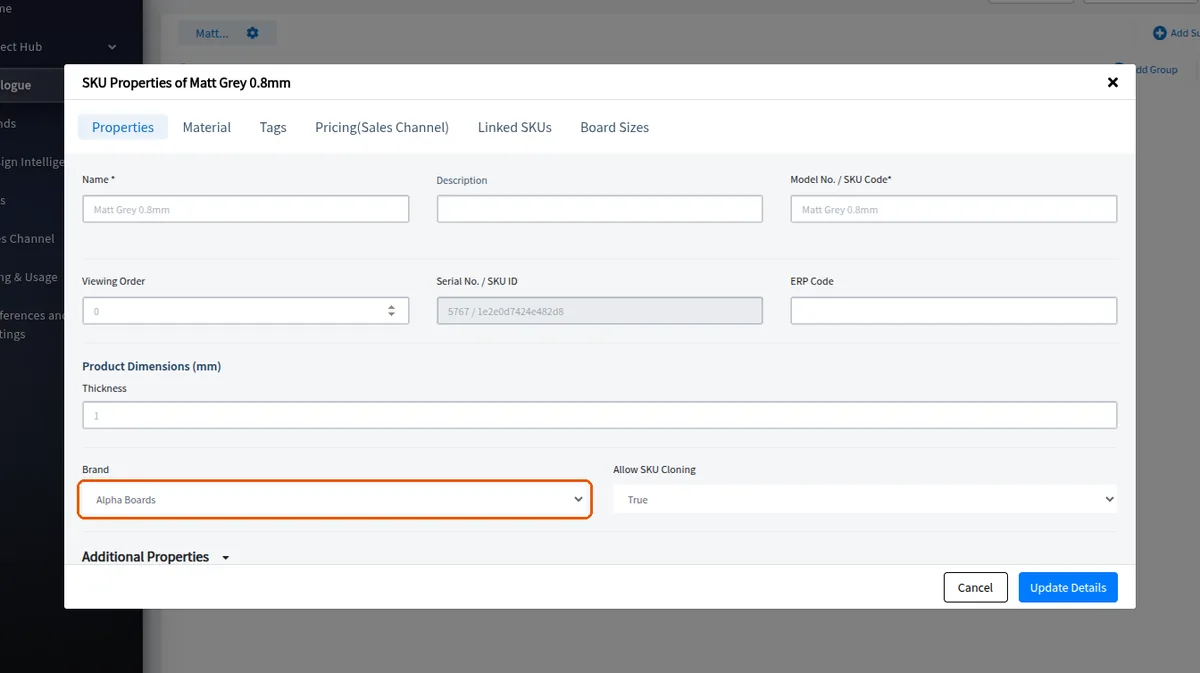
A brand can be selected when creating a material.
✓ 19 ਅਕਤੂਬਰ 2026 ਨੂੰ ਪ੍ਰੋਡਕਟ ਵਿੱਚ ਜਾਂਚਿਆ ਗਿਆ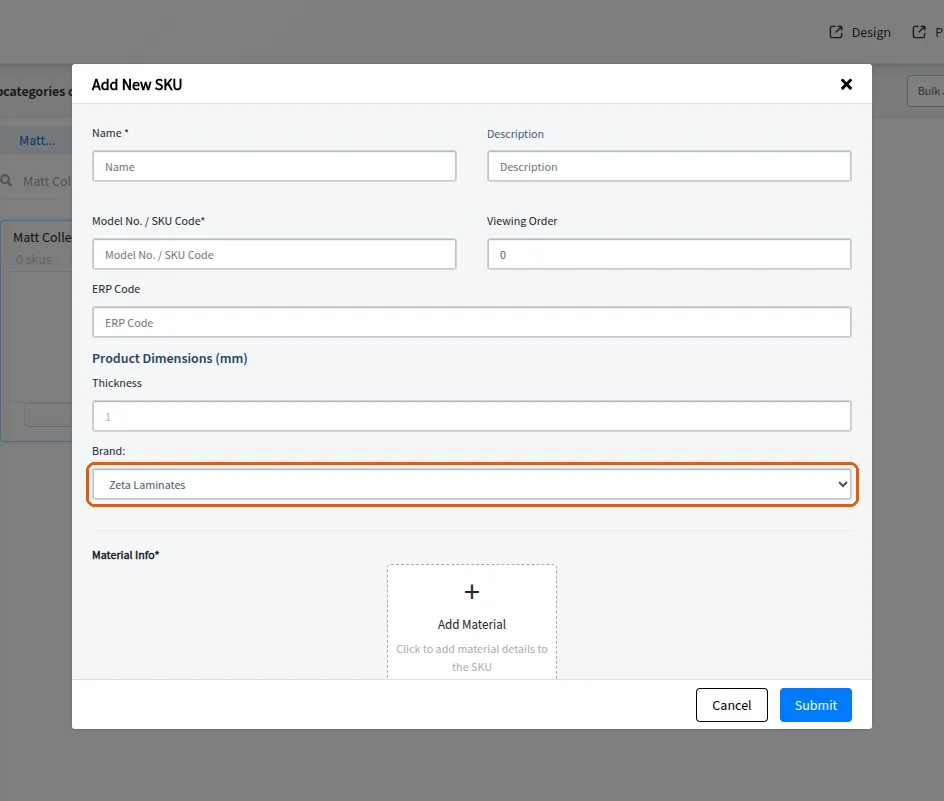
When creating a laminate SKU, the brand is optional: you can pick a brand from the list or leave it blank and the SKU is saved without a brand.
A newly added custom brand becomes selectable in the brand dropdown when editing SKU properties, so the brand on a material can be changed to it afterwards.