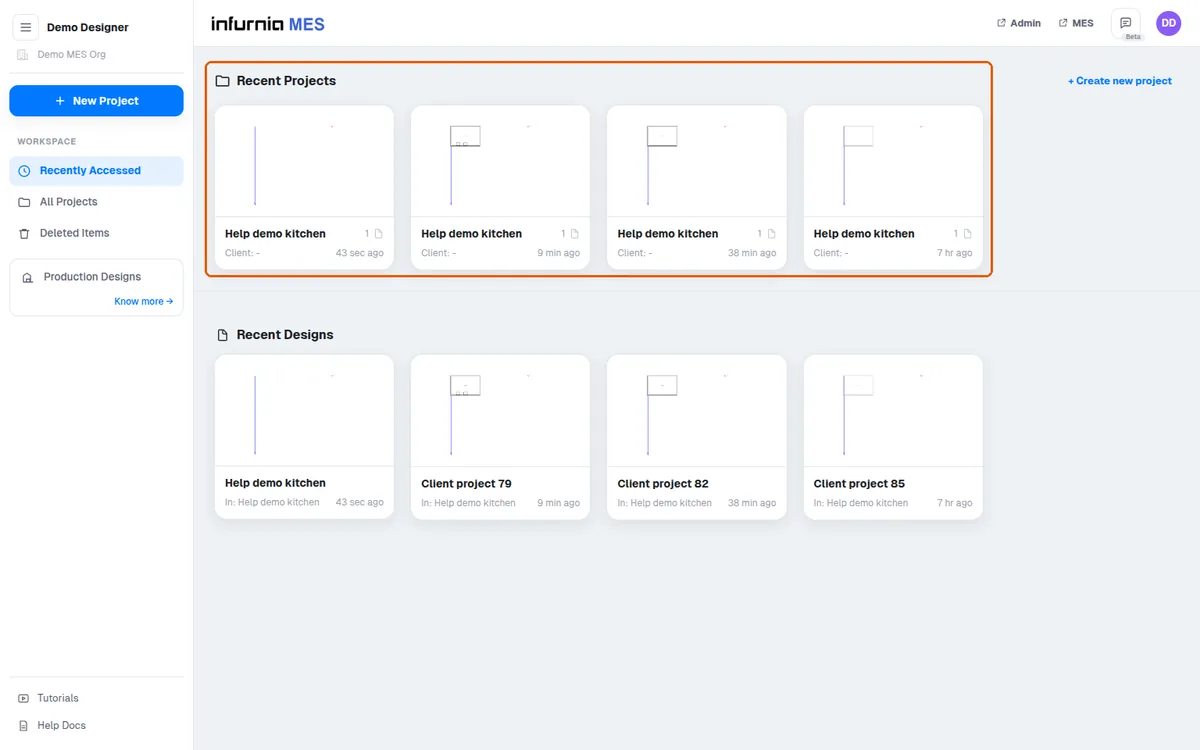
Create a new design project
Create a project, name it, and start a new design from a template or a blank template to begin modelling.
From the main screen, click New Project.
✓ ଅକ୍ଟୋବର 20, 2026 ରେ ପ୍ରଡକ୍ଟରେ ଯାଞ୍ଚ କରାଯାଇଛି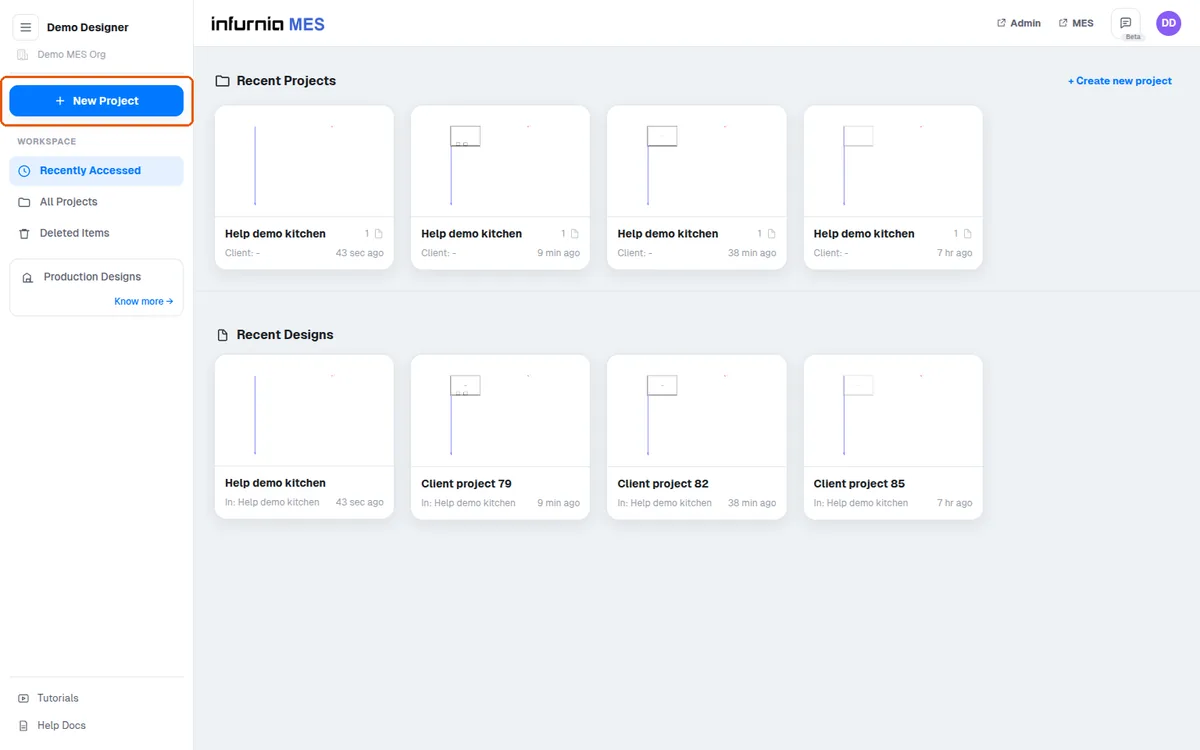
A project name is mandatory; client name, client details and project ID are optional additional fields.
✓ ଅକ୍ଟୋବର 20, 2026 ରେ ପ୍ରଡକ୍ଟରେ ଯାଞ୍ଚ କରାଯାଇଛି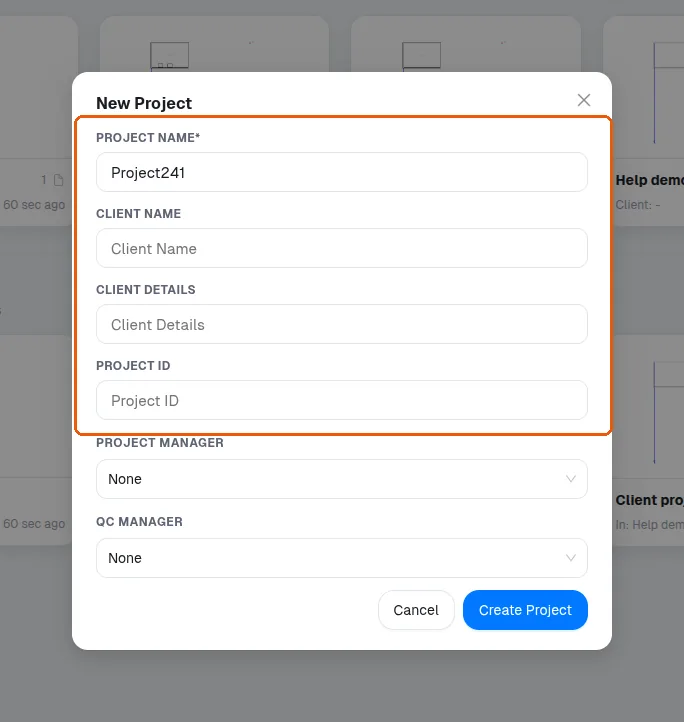
In the project details you can record who will be the project manager and QC manager.
✓ ଅକ୍ଟୋବର 20, 2026 ରେ ପ୍ରଡକ୍ଟରେ ଯାଞ୍ଚ କରାଯାଇଛି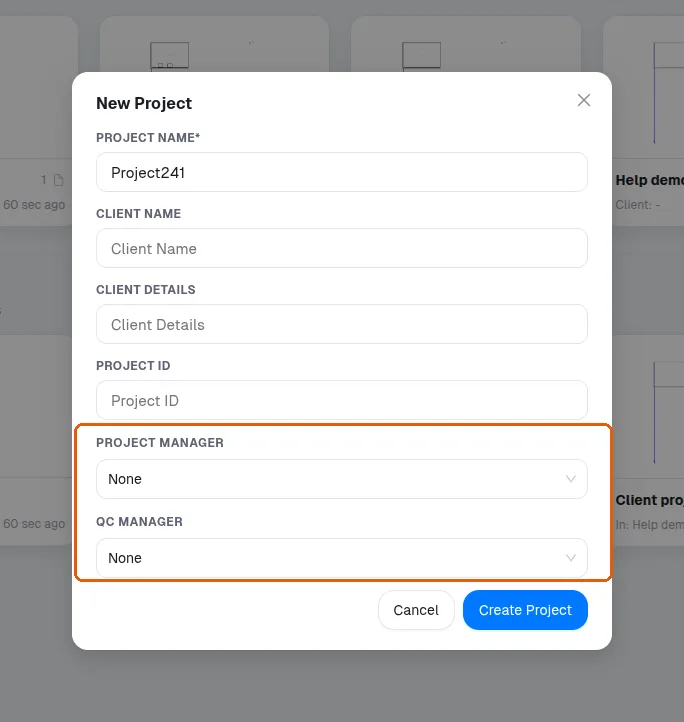
After creating the project, choose Start New Design and pick a template such as kitchen, bedroom or living design, or start from a blank template.
✓ ଅକ୍ଟୋବର 20, 2026 ରେ ପ୍ରଡକ୍ଟରେ ଯାଞ୍ଚ କରାଯାଇଛି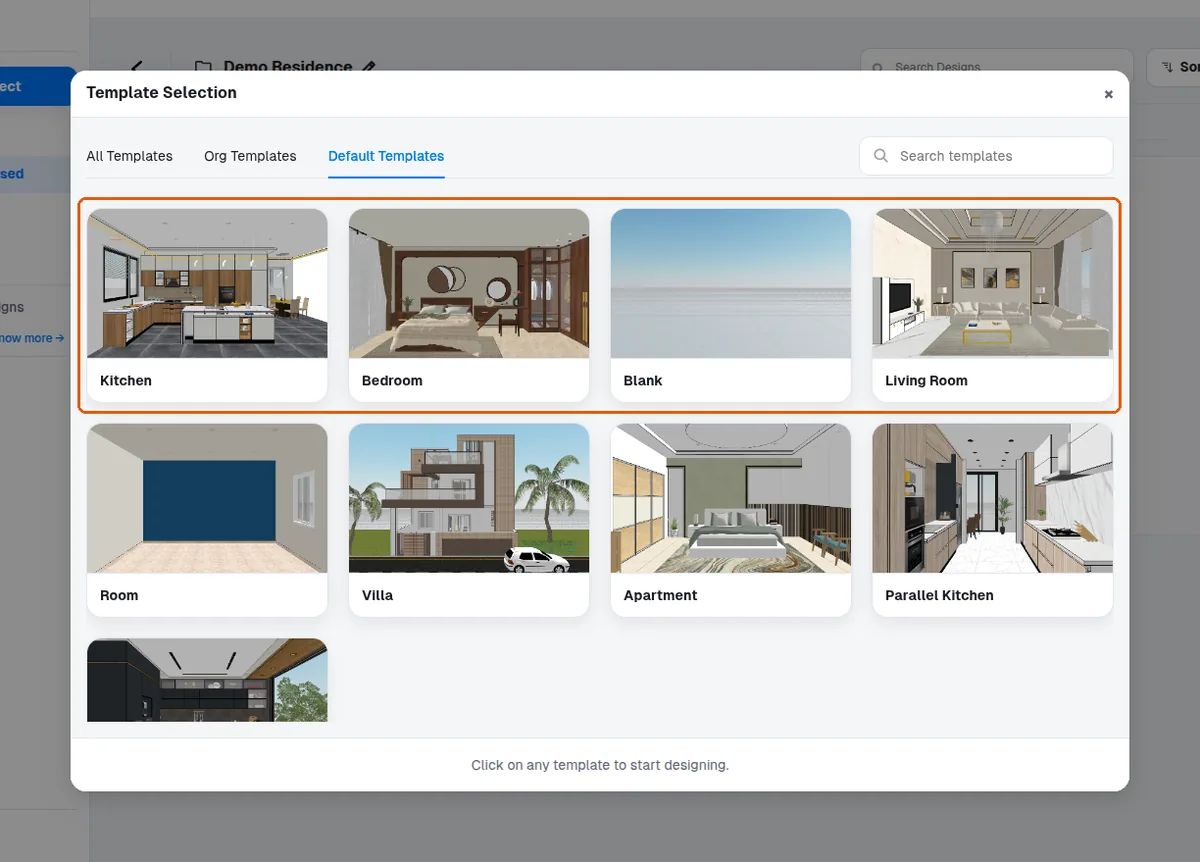
To start a project, log in to the design platform and create a new design using a blank template.
✓ ଅକ୍ଟୋବର 20, 2026 ରେ ପ୍ରଡକ୍ଟରେ ଯାଞ୍ଚ କରାଯାଇଛିTo begin work, go to New Project and give the project any name.
✓ ଅକ୍ଟୋବର 20, 2026 ରେ ପ୍ରଡକ୍ଟରେ ଯାଞ୍ଚ କରାଯାଇଛି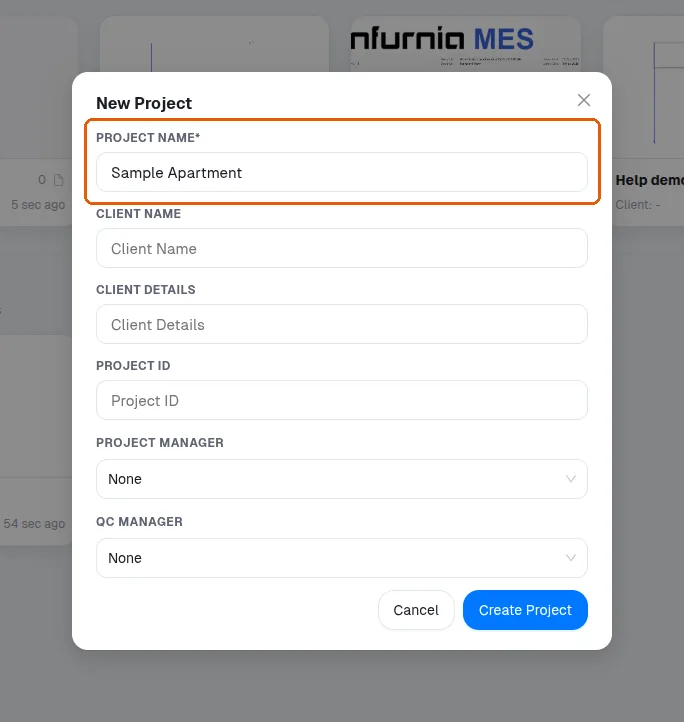
After creating the project, start a new design and open a blank template to begin modelling.
✓ ଅକ୍ଟୋବର 20, 2026 ରେ ପ୍ରଡକ୍ଟରେ ଯାଞ୍ଚ କରାଯାଇଛି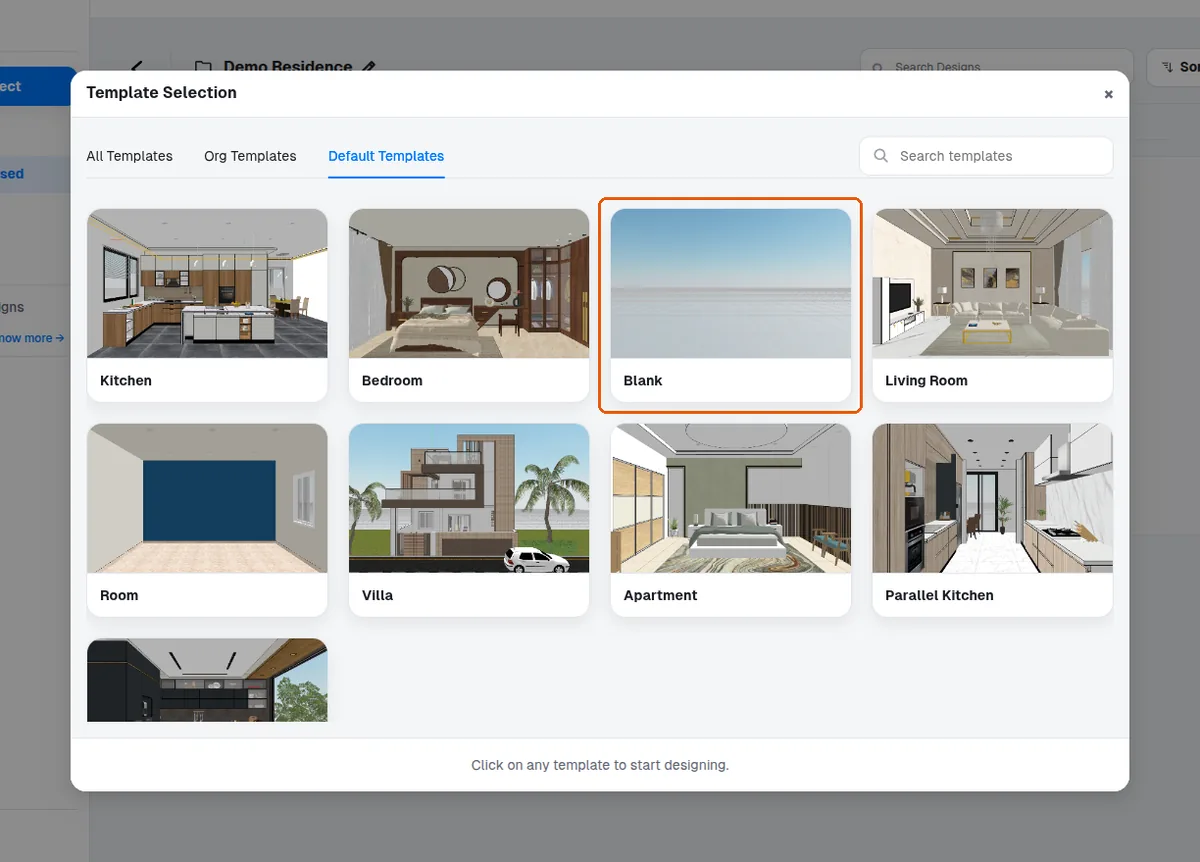
Recently accessed projects appear on the main screen.
✓ ଅକ୍ଟୋବର 20, 2026 ରେ ପ୍ରଡକ୍ଟରେ ଯାଞ୍ଚ କରାଯାଇଛି