Build a custom template from a blank sheet
Start from a blank sheet, set the page size and orientation, then add a border, lines, images and text boxes and save the layout as a template.
A custom template can be built by starting from a blank sheet, setting the page size and orientation, then adding a border, lines, images and text boxes before saving the layout as a new or existing template.
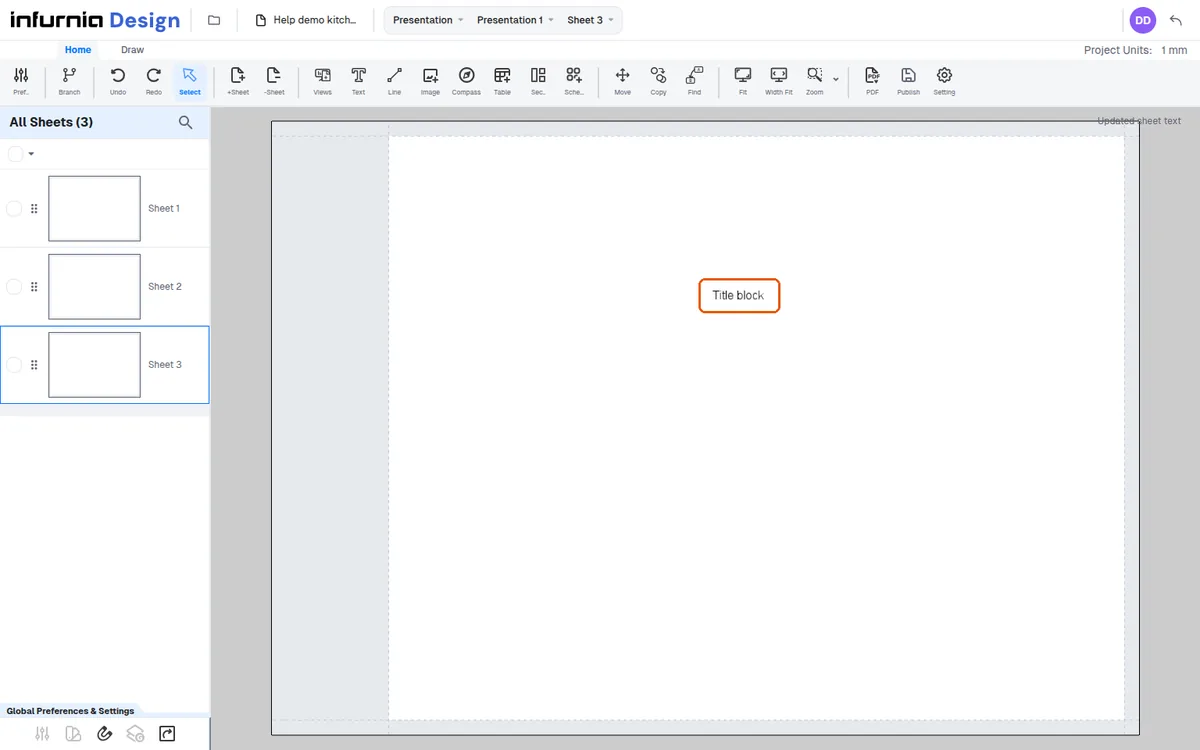
A custom template is built by starting from a blank sheet, setting the page size and orientation, then adding a border, lines, images and text boxes before saving the layout as a new or existing template.
A logo is added with the image plus button by picking a file from the computer, then cropping and placing it.
Text is added via the text option by dropping a text box, double-clicking and typing.
✓ 2026년 10월 22일에 제품에서 확인됨