Configure cutlist export options and pre-milling
Set dimension accuracy, quotes, header rows and pre-milling values so exported cutlist values come out correct.
The left side of Cutlist Settings holds settings that change the exported CSV values. When the cutlist supports all three types, this side is split into a shared pre-milling section and separate tabs for each cutlist type (Basic, Homag, Biesse), and each tab's settings are applied on their own. On older setups without that support, a single combined layout is shown instead.
Pre Milling Type plus Pre Milling Value: the value field is only editable when the type is 'Same For All Panels' (otherwise greyed with a tooltip explaining why).
✓ Verificato nel prodotto il 19 ottobre 2026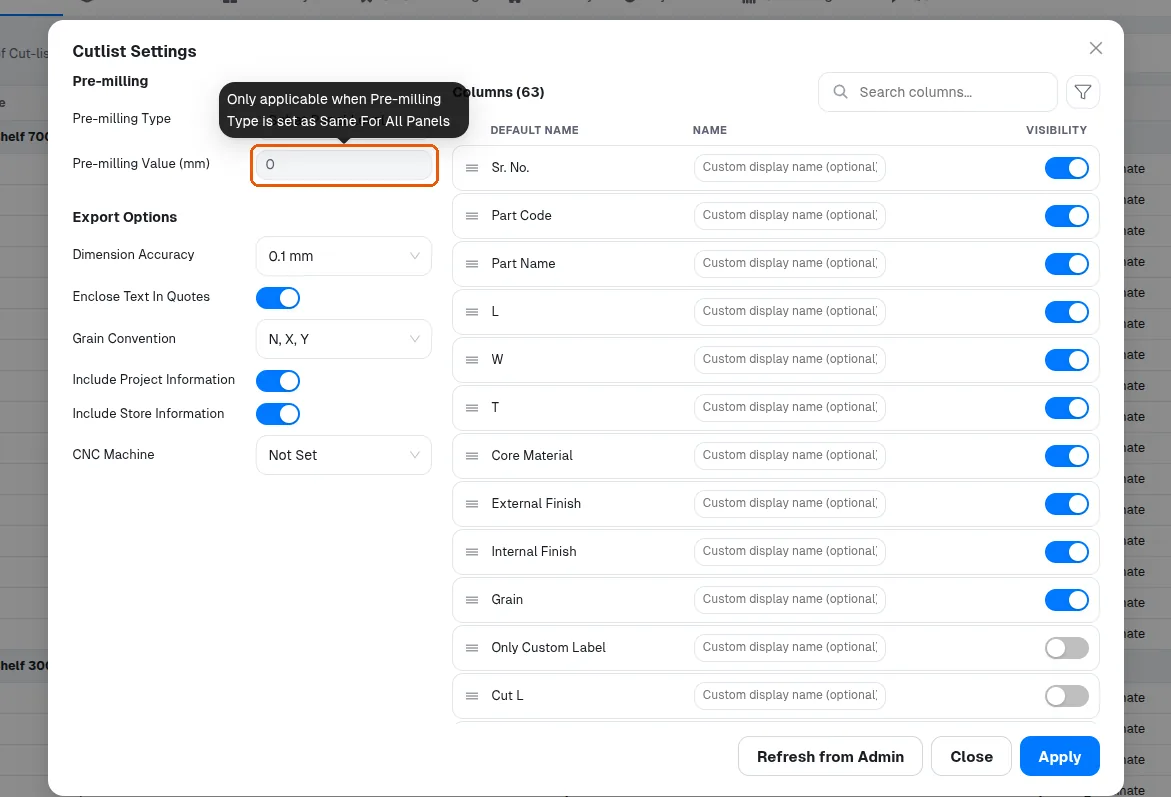
Pre-milling adds a per-side cut allowance on edgebanded panels, so it changes cutting sizes in the cutlist.
✓ Verificato nel prodotto il 19 ottobre 2026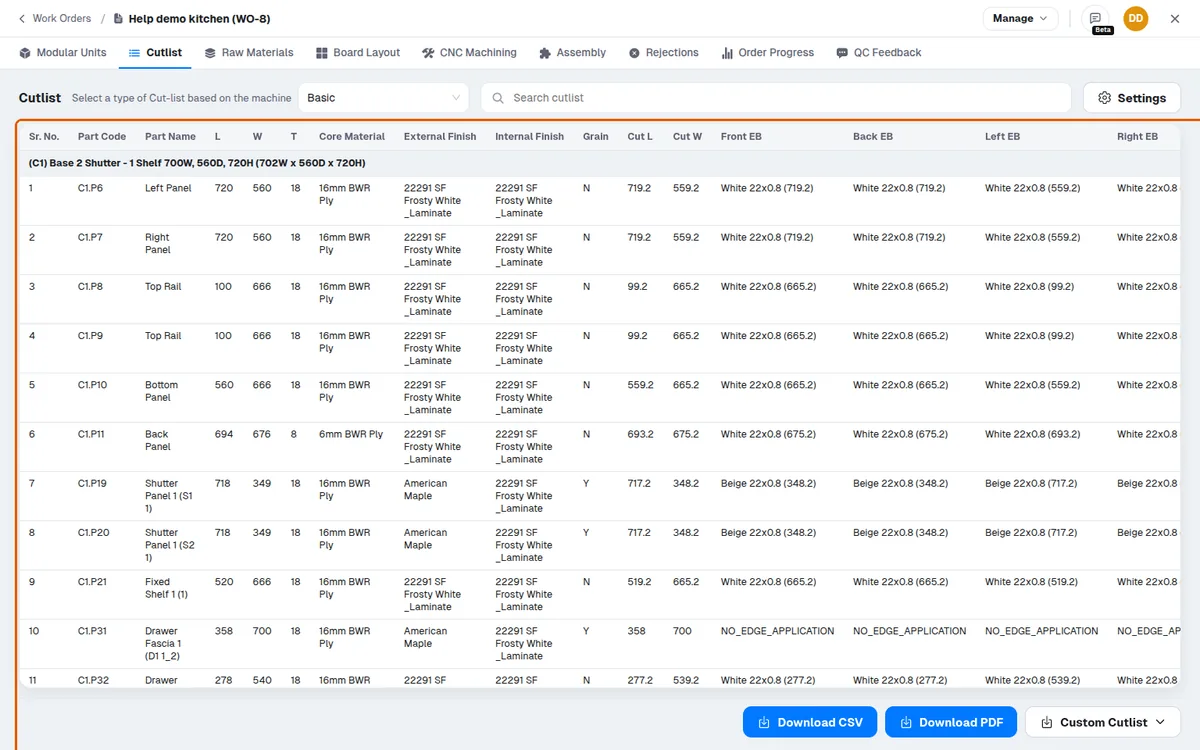
Export Options: Dimension Accuracy rounds exported dimensions to 1 mm, 0.1 mm or 0.01 mm.
✓ Verificato nel prodotto il 19 ottobre 2026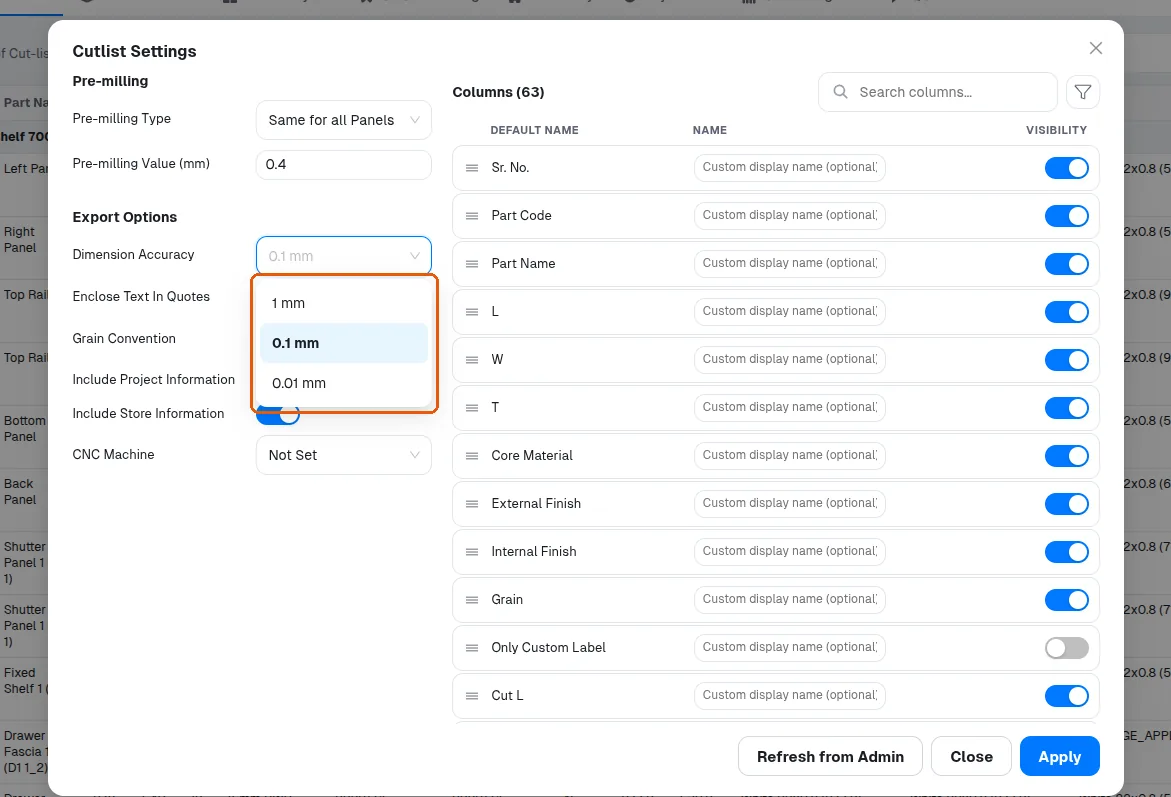
Enclose Text In Quotes wraps text cells in quotes (turn on when names contain commas so CSV columns don't shift).
✓ Verificato nel prodotto il 19 ottobre 2026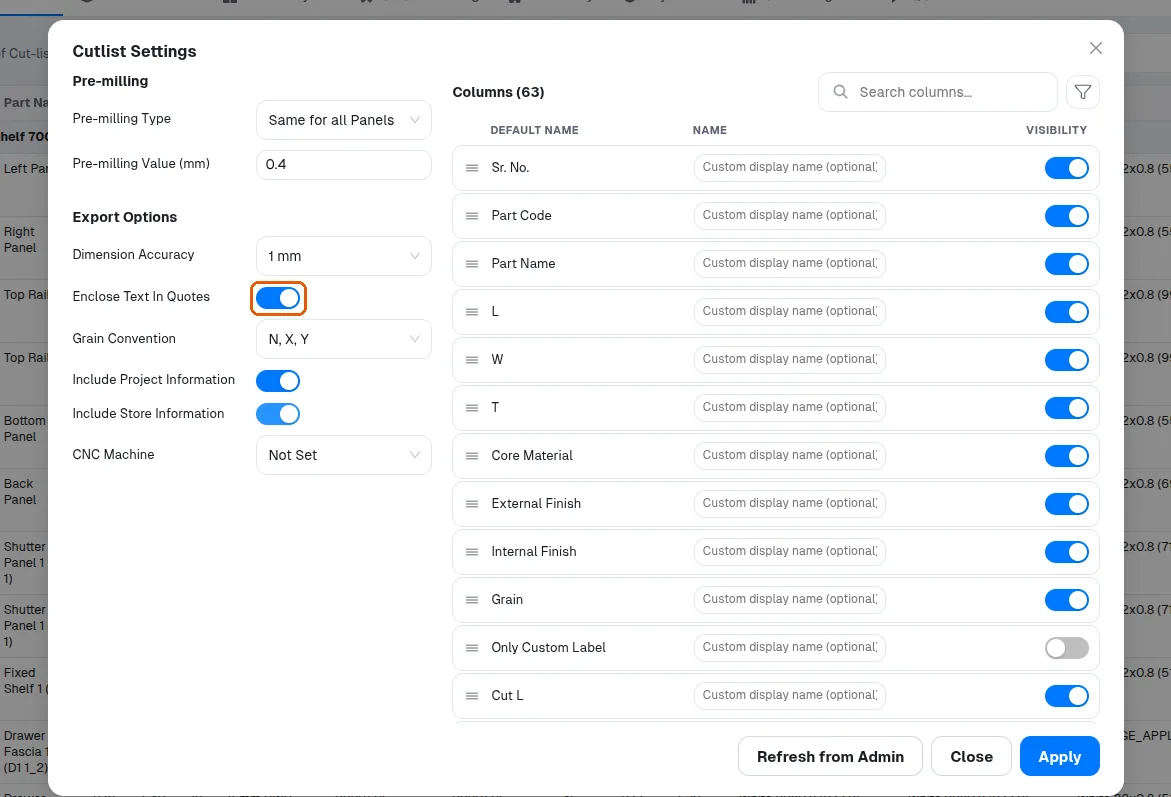
Include Project Information and Include Store Information add header rows.
✓ Verificato nel prodotto il 19 ottobre 2026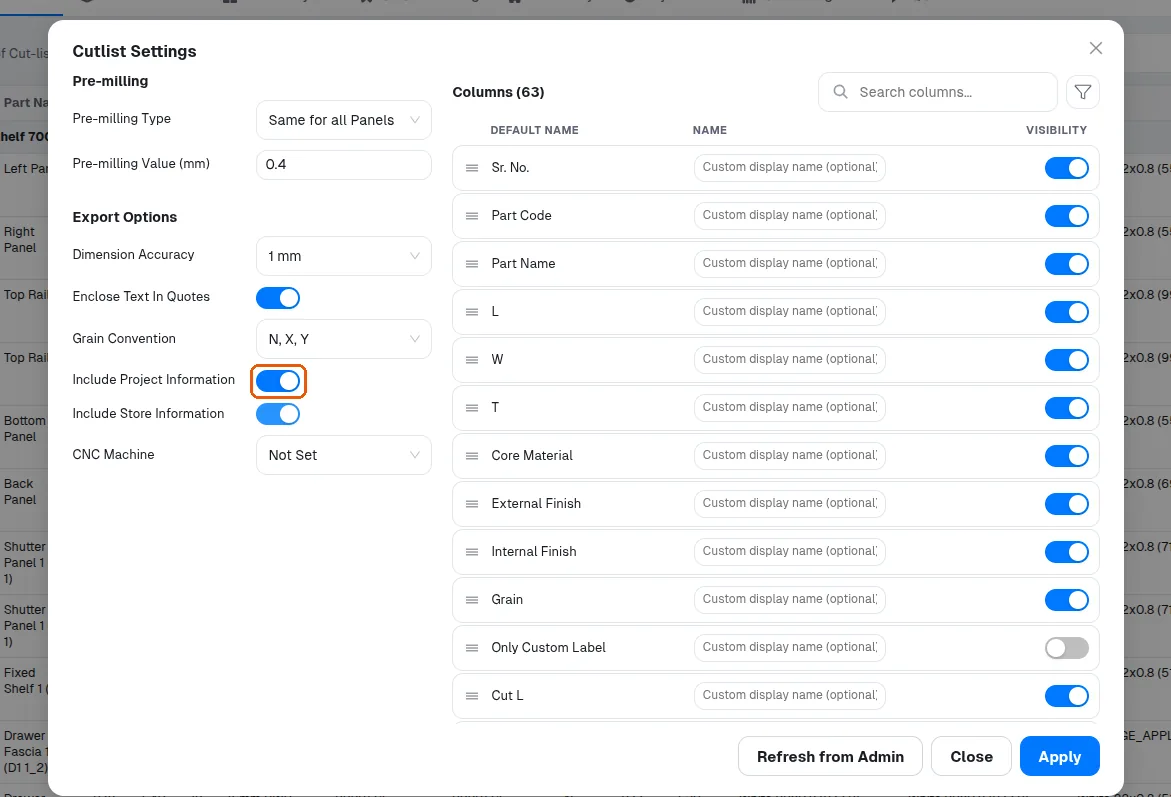
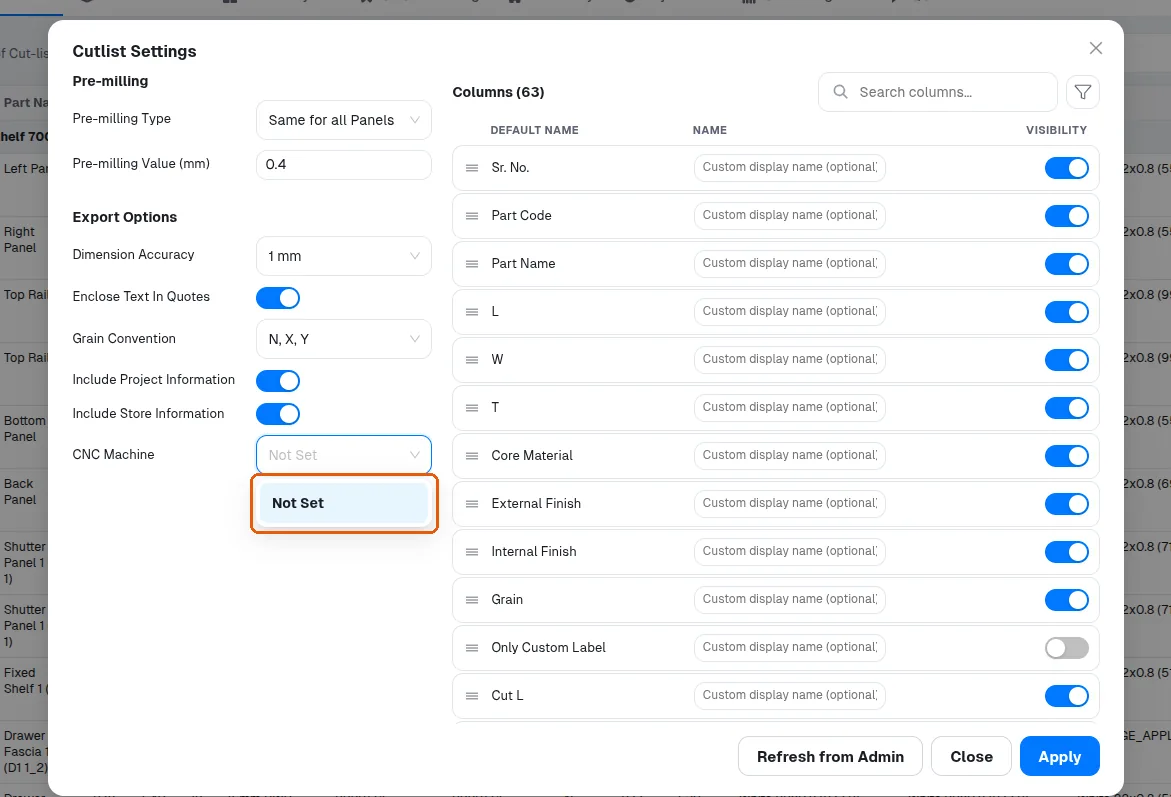
CNC Machine selects which machine populates machine-dependent columns like machine file names - 'Not Set' leaves those columns empty.
Pre Milling Value must be a non-negative number or saving is rejected.
✓ Verificato nel prodotto il 19 ottobre 2026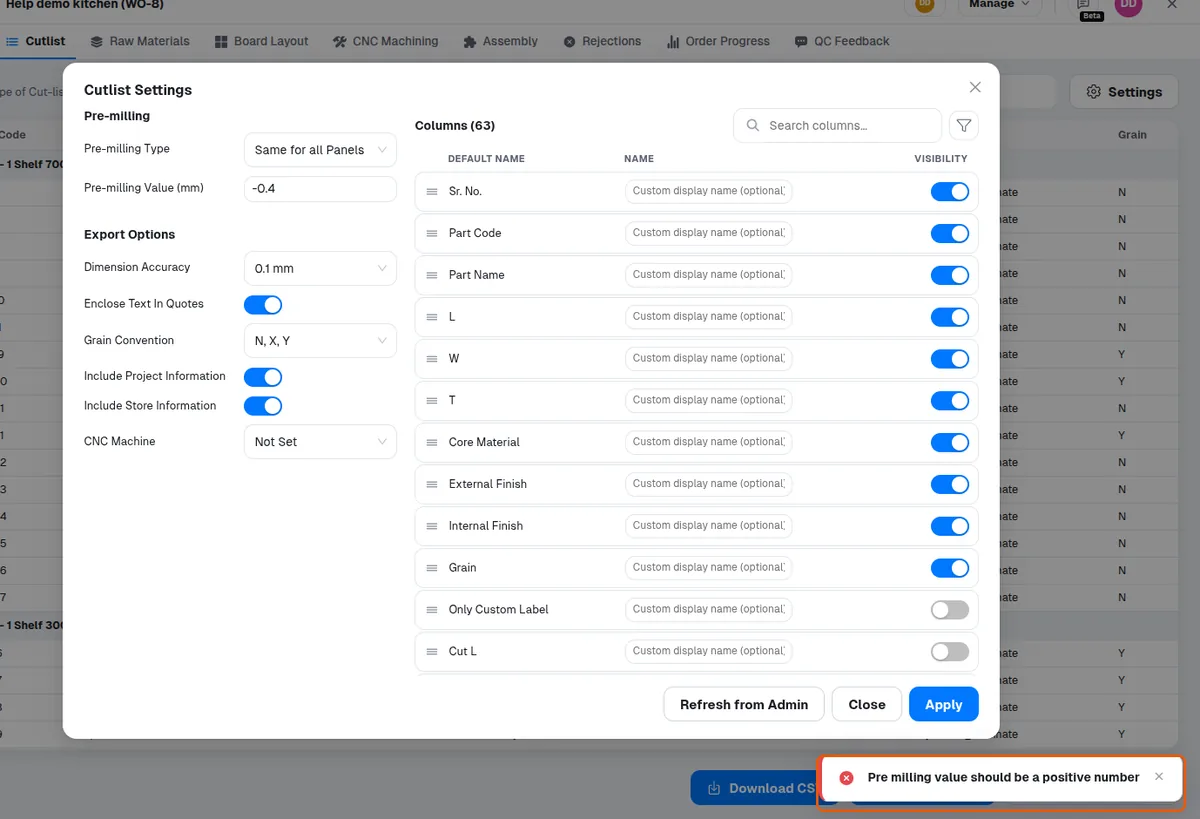
The pre-milling allowance is applied per banded side, so a 0.4 mm value adds 0.8 mm to the panel's cutting size along a dimension edge-banded on both edges; the finished size does not change.
✓ Verificato nel prodotto il 19 ottobre 2026Using the same pre-milling value on all panels keeps sizes consistent.