Update units that kept old materials after a preference change
Bring already-placed cabinets up to date by re-applying shutter, carcass and back-panel core materials.
Because preferences are stamped at add time, units added before a preference change keep their original materials — the designer must re-apply materials or use the relevant apply/refresh flows to update existing units.
After changing materials or finishes in the admin portal, already-placed cabinets keep their original core materials.
Select the affected cabinets in the design portal and re-apply the shutter core, carcass core and back-panel core materials (for example melamine MDF with a 9mm white back panel) to bring them up to date.
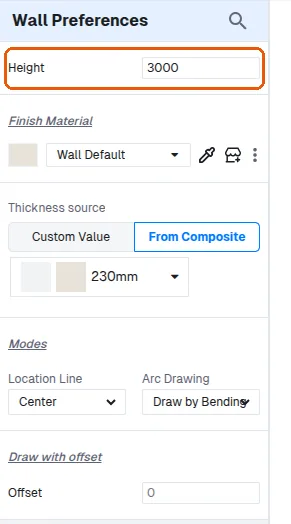
Wall height is likewise entered as a value (floor-to-ceiling height and thickness) in the wall properties before or while drawing, so walls drawn afterwards take that height.
✓ Verificato nel prodotto il 22 ottobre 2026