Scope the QC review to a room and check hardware quantities
Narrow the materials view to one room such as the kitchen and filter the read-only hardware list to check quantities for one area.
QC can be scoped to a single room (for example the kitchen), and the materials-used view then lists the core and finish materials used by that room's units so each can be verified and corrected from the same view.
✓ Diperiksa di produk pada 19 Oktober 2026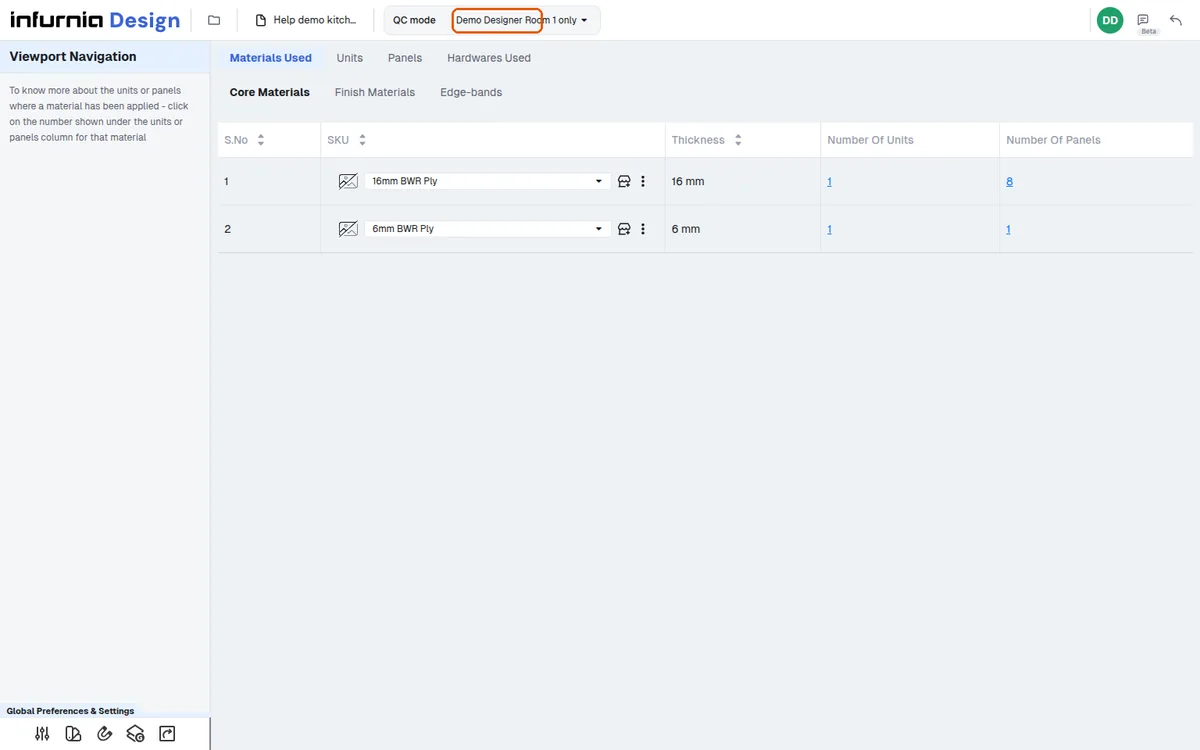
The Hardwares Used tab in QC mode can be filtered to narrow the hardware list to a specific scope, so hardware quantities for one area can be checked without going through a room-wise BOM.