Share a project via Home tab, Share, Invite
Give another user access to a project by inviting them with their email ID.
To give another user access to a project, open the Home tab, choose the Share option, then select the third-last option, Invite, and enter the email ID of the person to invite.
✓ Diperiksa di produk pada 20 Oktober 2026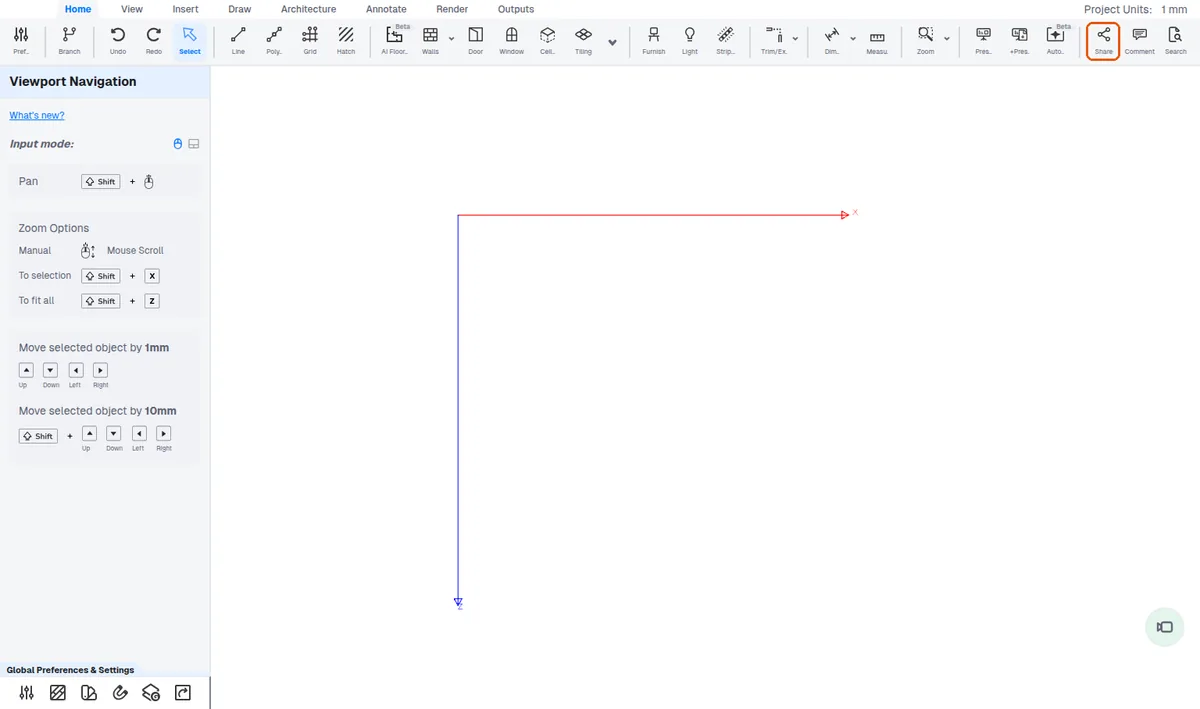
The invited user then gets access to the project.