Add kitchen units from Furnish panel dropdowns
Add base, sink, drawer, tall/appliance and filler units to your kitchen plan from the Furnish panel dropdowns.
To add kitchen components, open the Furnish option in the toolbar and use the left-hand panel.
✓ Diperiksa di produk pada 19 Oktober 2026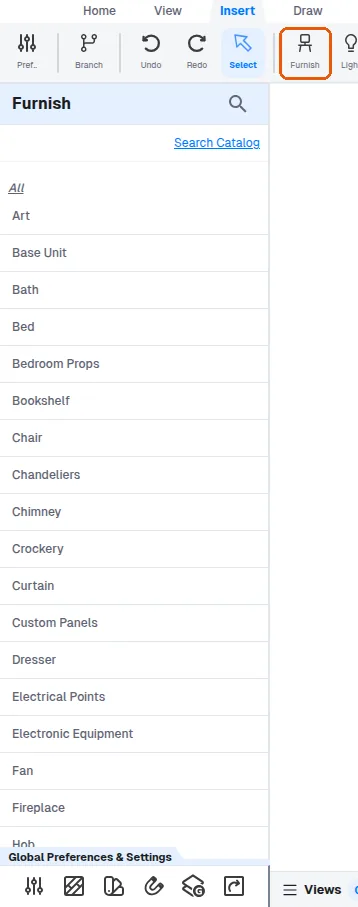
Base units, sink units, drawer units and tall/appliance units are chosen from the base unit dropdown (type or scroll to find them), then placed on the plan.

Kitchen fillers, including tall unit fillers, are added from the kitchen fillers dropdown.
✓ Diperiksa di produk pada 19 Oktober 2026