Add hardware accessories from the warehouse
Pull baskets and pull-out systems into your catalogue through Add from warehouse.
Hardware accessories such as baskets and pull-out systems are added through the 'Add from warehouse' option in the catalogue: choose the hardware category and download the required items.
✓ Diperiksa di produk pada 19 Oktober 2026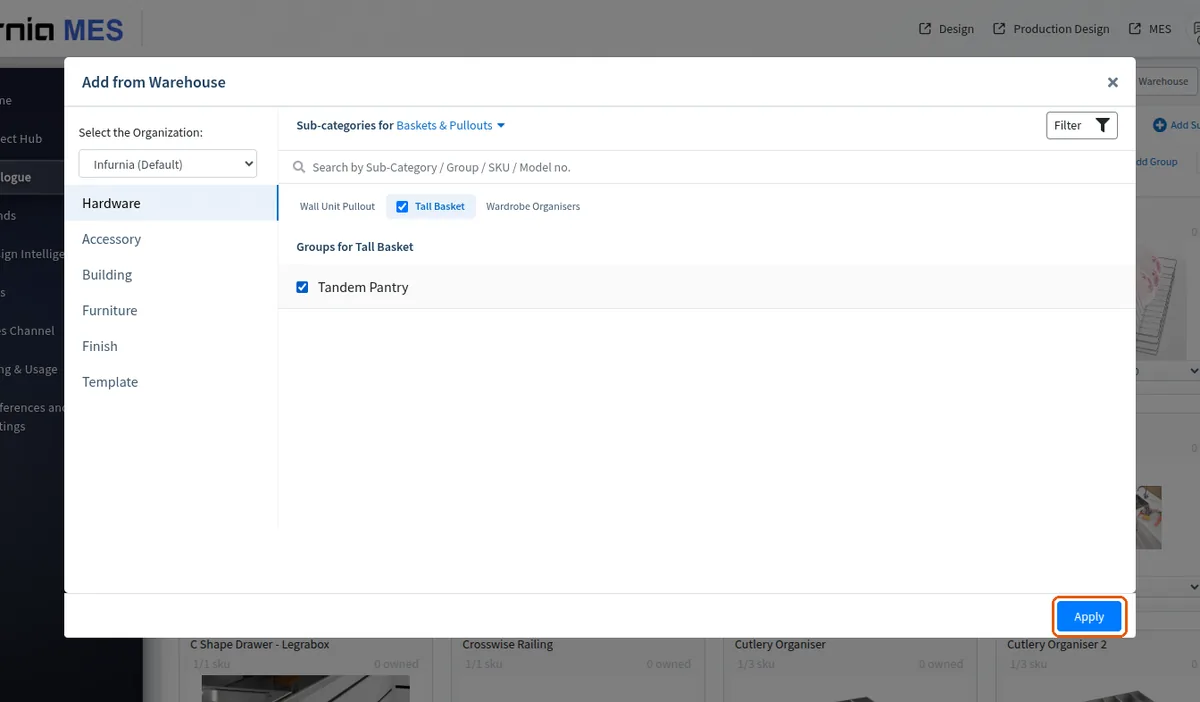
A new hardware SKU is created inside a sub-category (folder) under the relevant category.
✓ Diperiksa di produk pada 19 Oktober 2026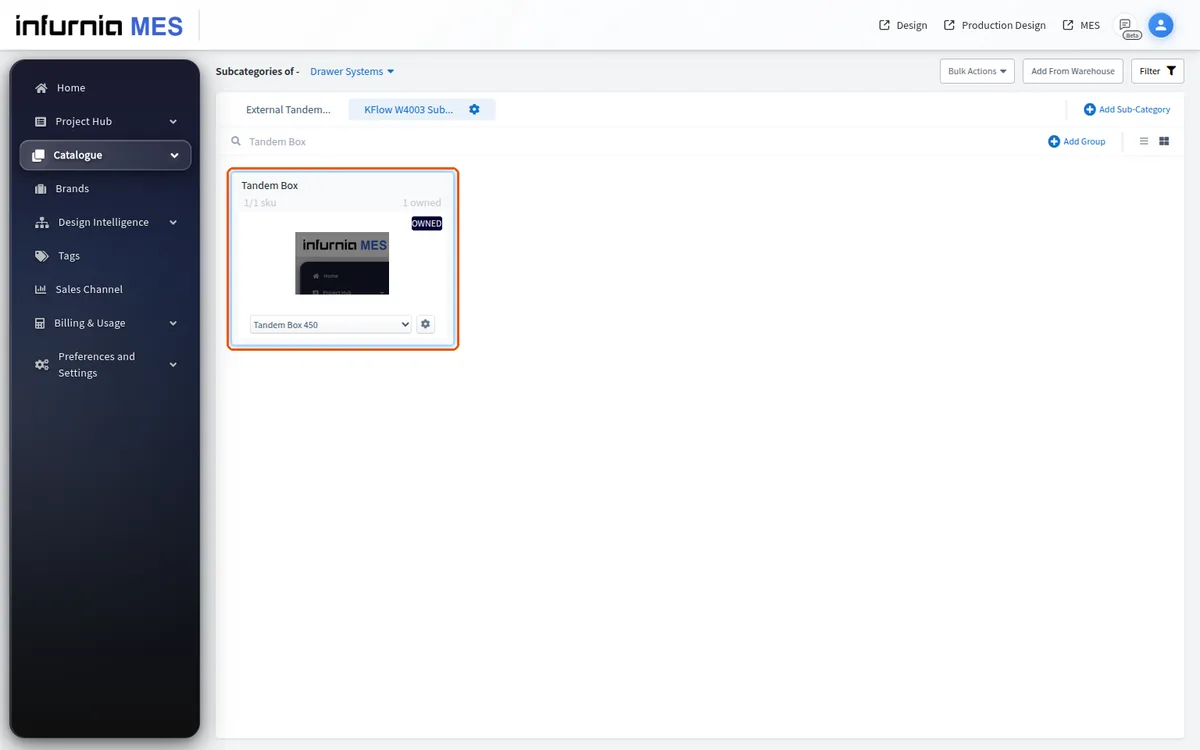
A new sub-category can be added from the top-right corner of the Hardware view.
✓ Diperiksa di produk pada 19 Oktober 2026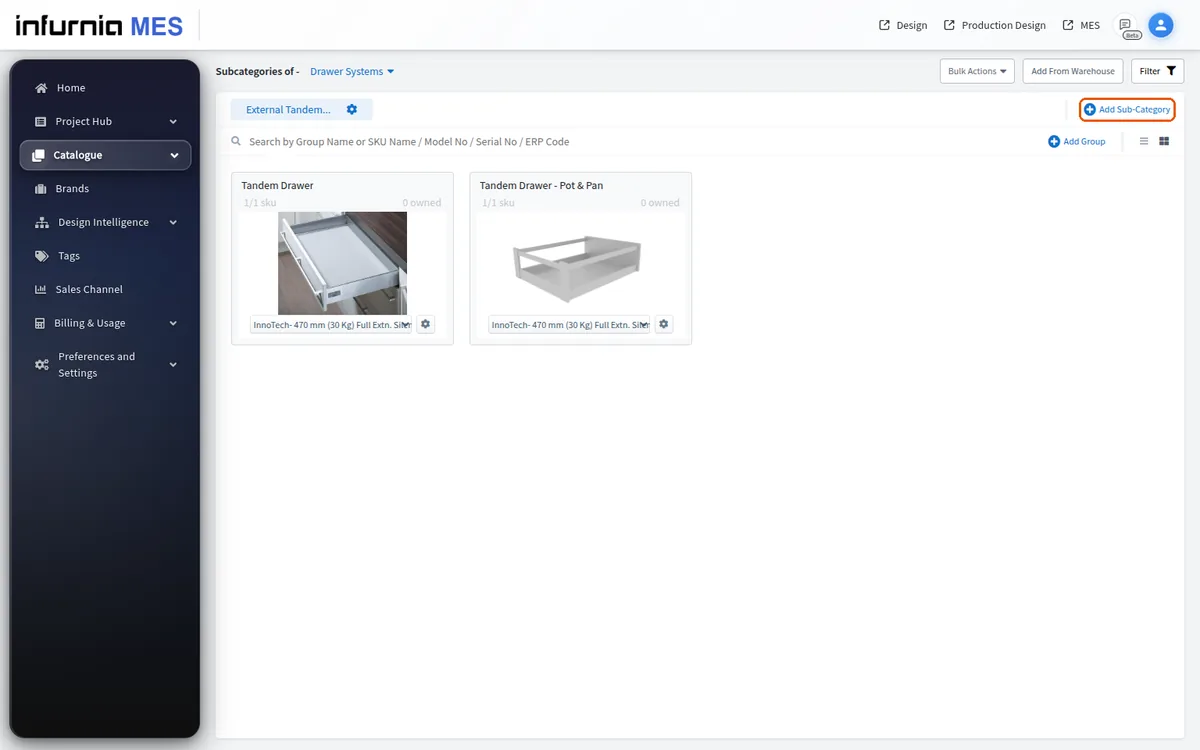
For hardware, the flow is repeated per hardware category.
Open the relevant hardware category.
For hardware, the flow is per hardware category: open the relevant hardware category, use 'Add from warehouse', select the specific items you need (rather than every size), and apply to add them to your organisation's catalogue.
✓ Diperiksa di produk pada 19 Oktober 2026Hardware items that are not available in the warehouse can be added manually as new hardware SKUs under the relevant hardware sub-category.