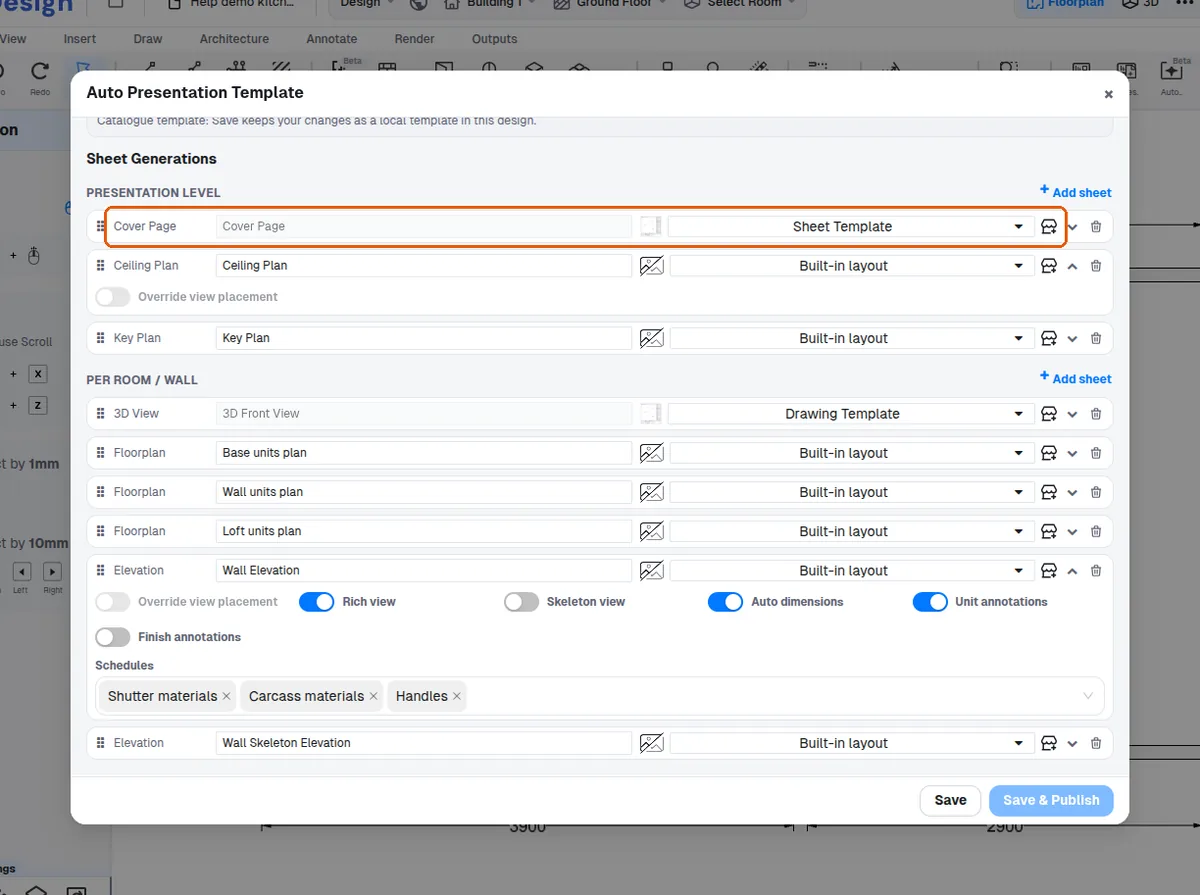
Set up an automatic cover page template
Upload a cover image, publish it as a template and select it as the default cover.
To make the cover appear automatically, upload the cover image on a presentation sheet.
Set all four page margins to zero and fit the image to the full page.
Publish it as a template under a category/subcategory/group.
In the presentation template select that template for the cover page so every generated presentation uses it.
A custom cover page can be set as the default cover template.
✓ 20 ઑક્ટોબર, 2026ના રોજ પ્રોડક્ટમાં ચકાસેલ