Give edit access to a shared design via Home share and invite
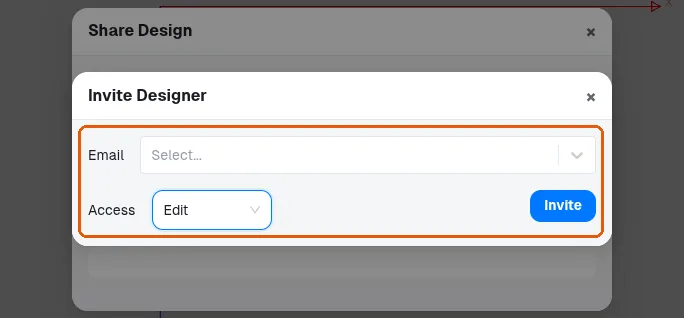
Sharing a design link alone does not grant editing, so invite the person by email from the Home tab to give them edit access.
Sharing a design link alone does not grant editing.
✓ 20 ઑક્ટોબર, 2026ના રોજ પ્રોડક્ટમાં ચકાસેલ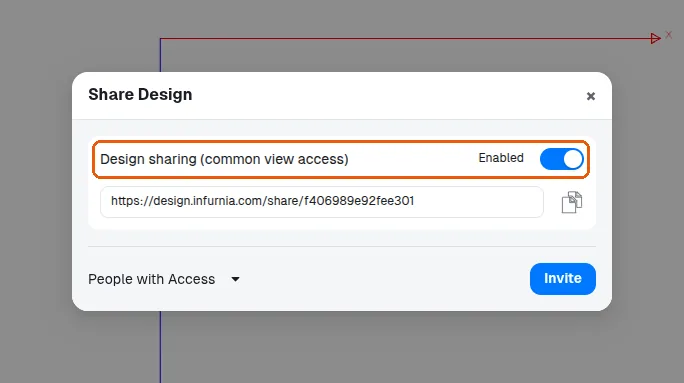
To give edit access, open the design, go to the Home tab, click the Share button in the right-side toolbar, choose Invite, enter the person's email ID, and click Invite again.
✓ 20 ઑક્ટોબર, 2026ના રોજ પ્રોડક્ટમાં ચકાસેલ