How finish annotations label finishes as L1, L2, L3 for schedules
Learn how finish annotations add finish labels such as L1, L2, L3, L4, L5 across the design and map each label to a finish in the schedule.
Finish annotations add finish labels such as L1, L2, L3, L4, L5 across the design.
✓ Vérifié dans le produit le 20 octobre 2026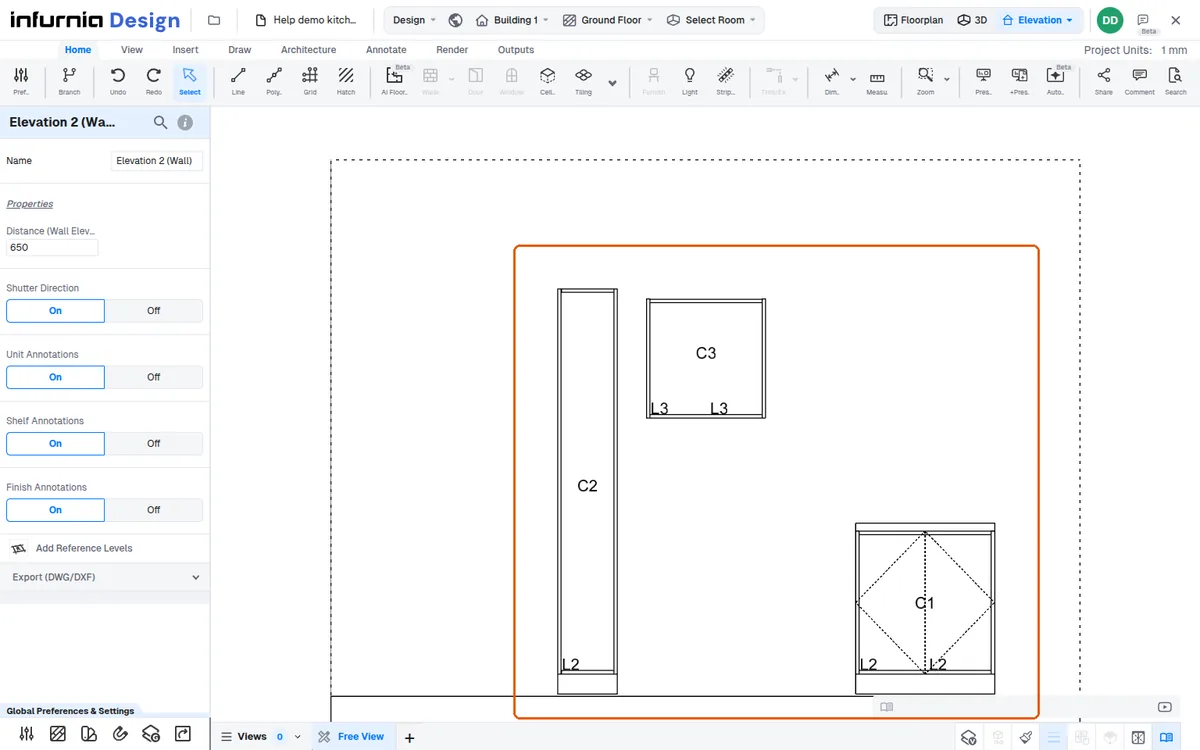
Each label maps to a finish in the schedule (for example L1 to one finish, L2 to another), so the elevation and the finish schedule stay linked.