Check and bulk-change core material by filtering
Filter the materials view by core material to spot a wrong ply and swap it in bulk.
To check or change the ply applied to a set of cabinets, filter the QC materials view by core material.
✓ Comprobado en el producto el 19 de octubre de 2026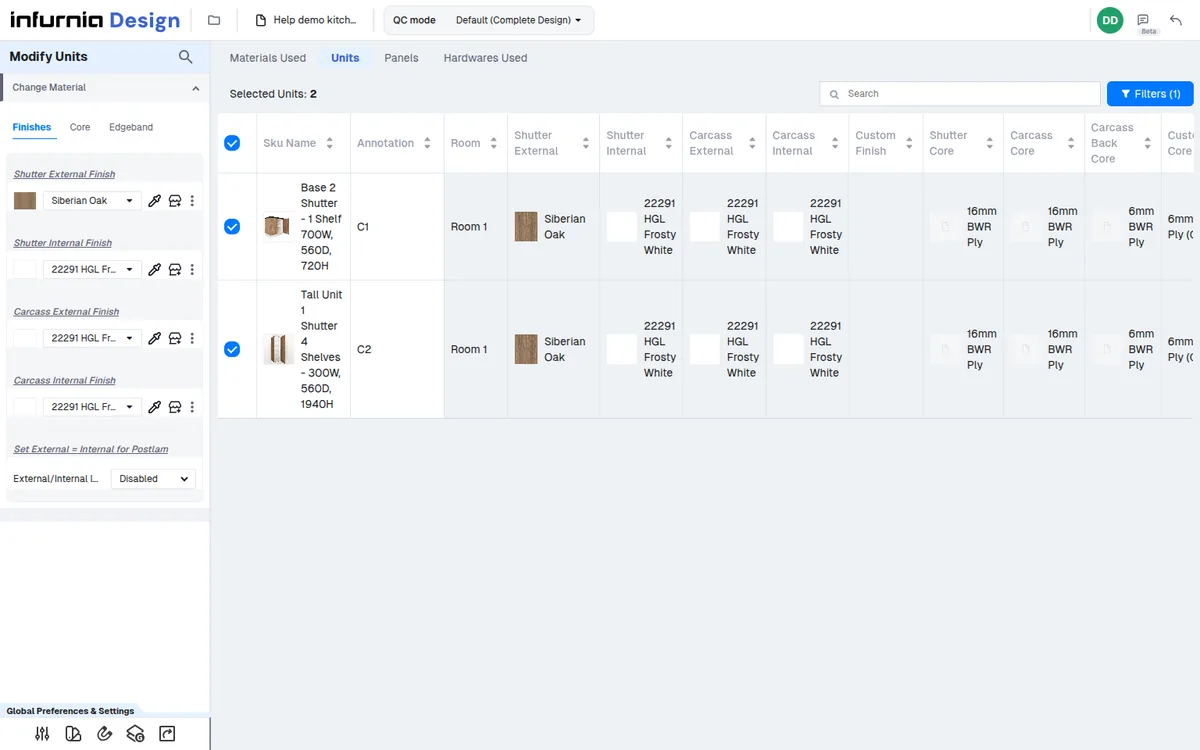
Only the units using that material are listed, and they can be selected to swap the core material in bulk.
✓ Comprobado en el producto el 19 de octubre de 2026The Edge-bands sub-tab of Materials Used lists each edgeband SKU with its unit and panel counts, and clicking a count opens the Units or Panels tab filtered to that SKU.
✓ Comprobado en el producto el 19 de octubre de 2026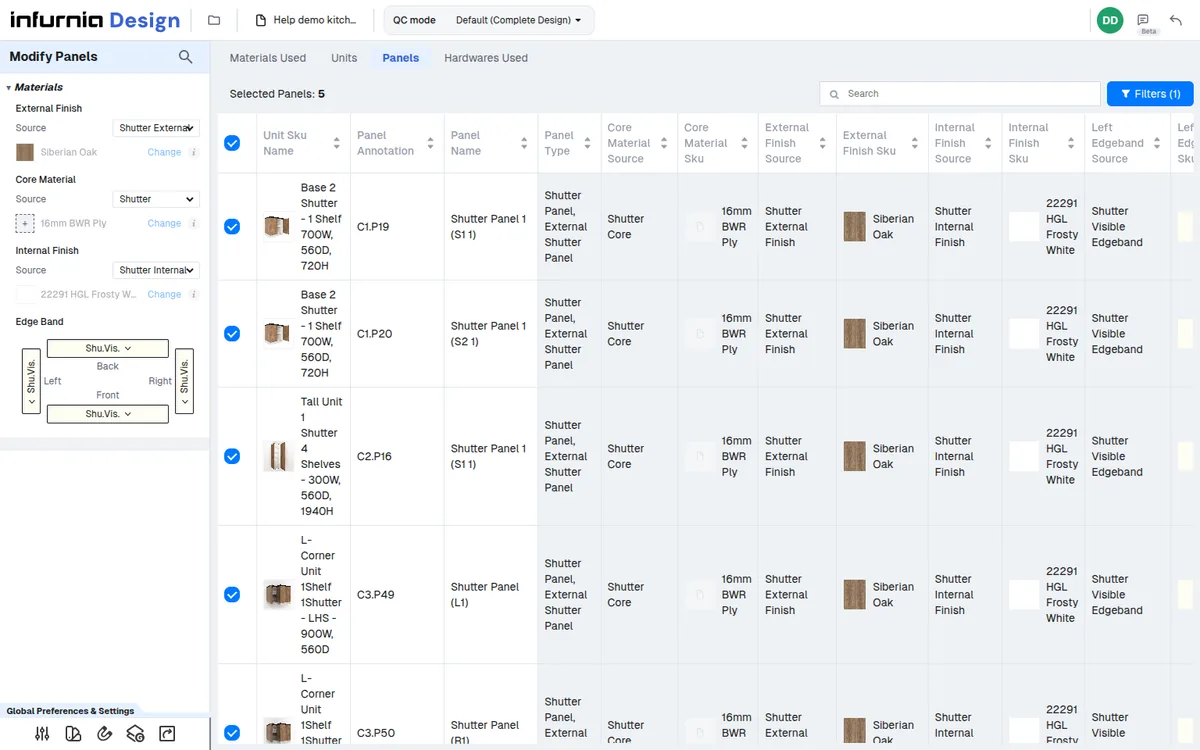
The Edge-bands sub-tab and the Units/Panels tables show which unit or panel the band is applied to, so the source can be traced and corrected in the design.
✓ Comprobado en el producto el 19 de octubre de 2026