Set hardware to show on top by default
Use pricing preferences to list built-in hardware in one row instead of billing it inside each cabinet.
Hardware can also be set to show on top by default through the pricing preferences.
✓ Checked in the product on 20 October 2026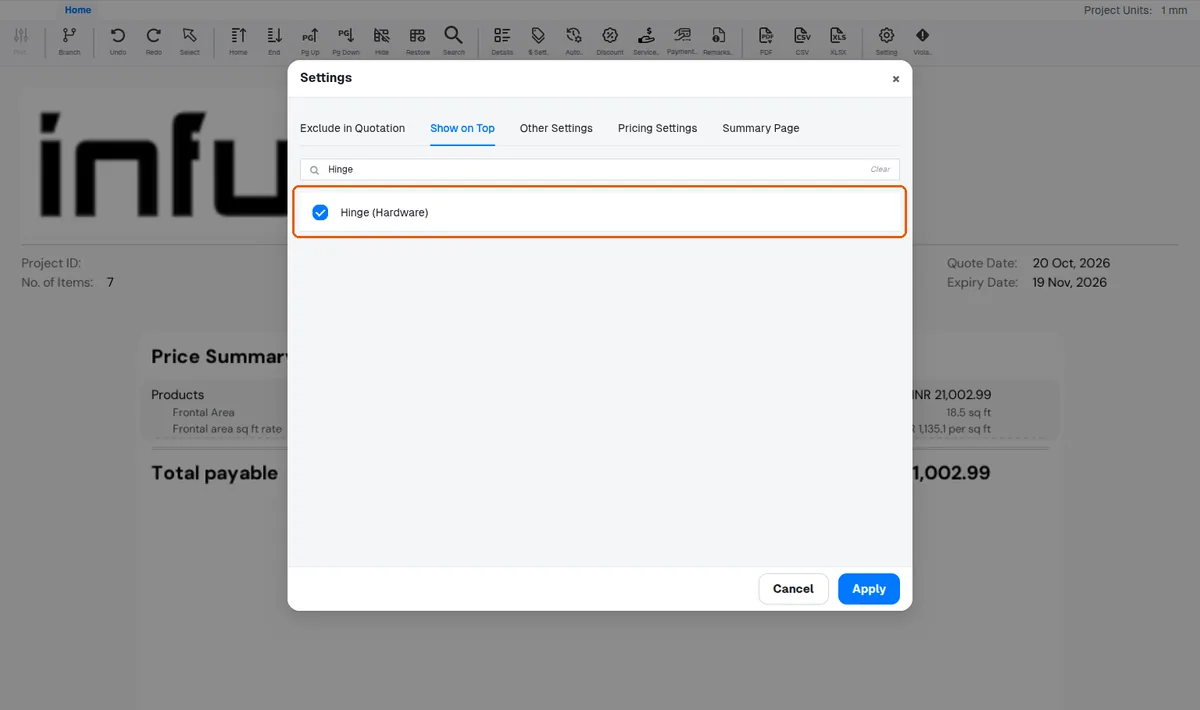
The organization can choose a setting that moves built-in hardware out of the woodwork rows altogether and lists it together in a single 'Built-in hardware' row, so it is no longer billed inside each cabinet.
✓ Checked in the product on 20 October 2026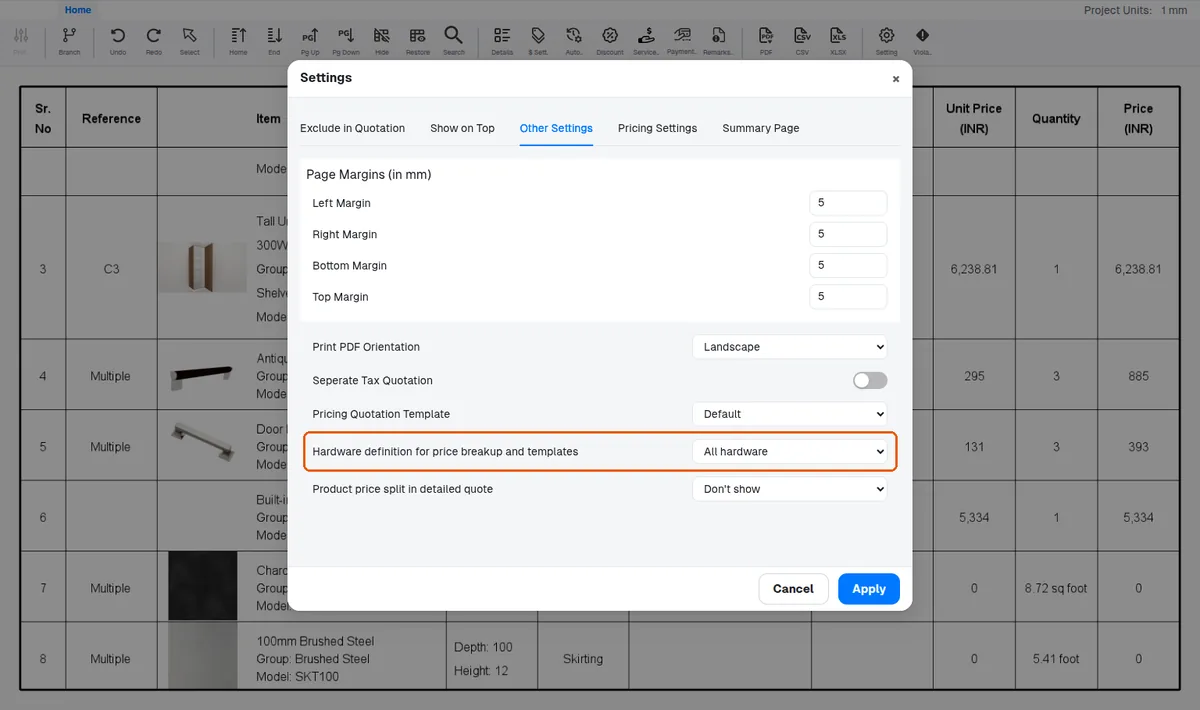
Hardware that is already priced inside a cabinet's own row is left where it is.
Design-only shutter components keep their hardware under the cabinet.
Mirror items follow the same category-based rules.