Delete a section line and merge the two adjacent areas
Remove a section line to merge the two neighbouring sections back into one, as long as neither side is subdivided.
Double-clicking a section line opens its panel with a red 'Remove Section Line' action.
✓ Checked in the product on 10 October 2026Deletion merges the two sections adjacent to that line back into one.
✓ Checked in the product on 21 October 2026The first (top/left) section's canvas becomes the merged canvas.
✓ Checked in the product on 20 October 2026All content from both sides is preserved and stays visually in place.
✓ Checked in the product on 21 October 2026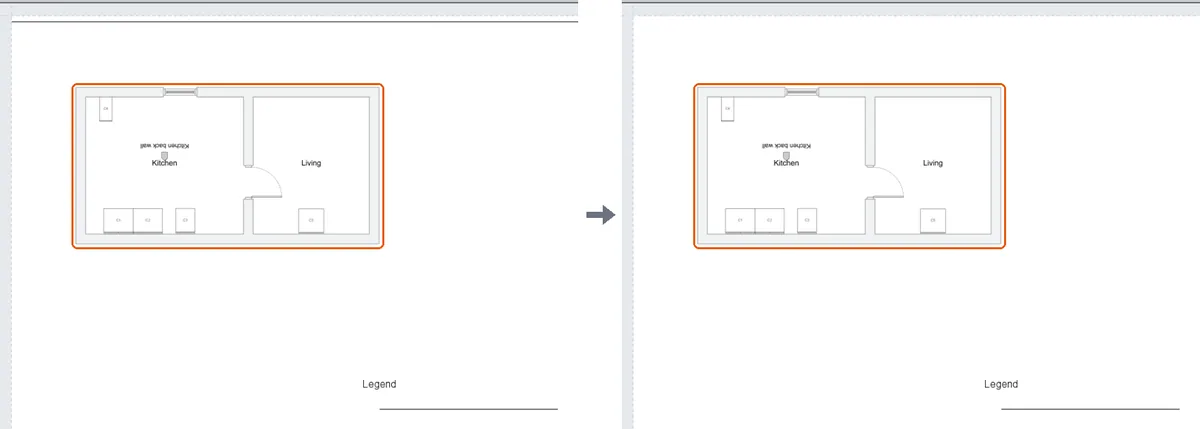
The merge only works when BOTH adjacent sections are leaf sections (neither has been further subdivided by inner section lines).