Attach a multileader to an object so it moves with it
Snap a multileader to a feature point or feature line in an elevation view so it attaches to that element and follows it when moved.
When adding a multileader annotation in an elevation view, if you snap it to a relevant feature point or feature line, the name of the picked-up element (e.g. shelf panel, partition) is displayed.
✓ Checked in the product on 20 October 2026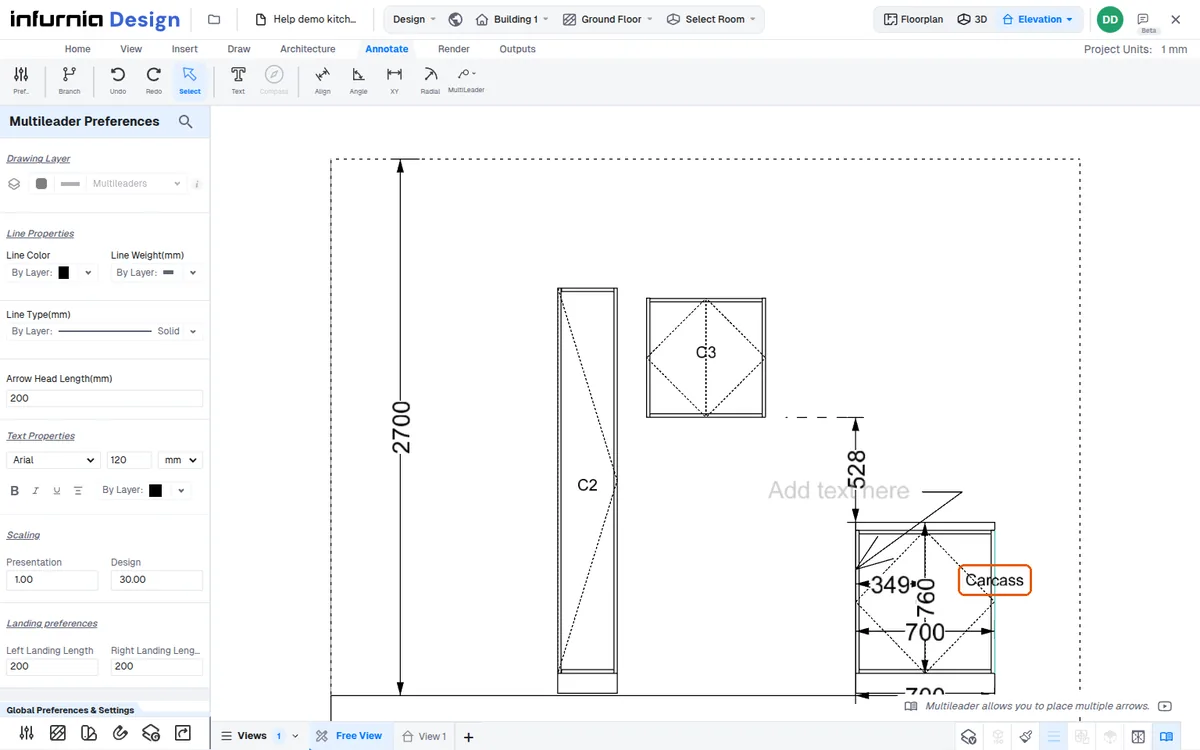
When that name appears, the multileader is attached to that object and will move along with it when the object is moved.
✓ Checked in the product on 20 October 2026