Upload the filled template without altering its layout
Keep the downloaded template intact, paste your values into it and upload it through the Upload CSV action.
When bulk-creating catalogue items via CSV, use the downloaded template exactly as provided and do not change its columns or layout; to bring in data from another source, keep the original template intact and paste your values into it rather than restructuring the file.
The completed file is uploaded back through the separate 'Upload CSV' action on the Bulk Create menu page.
✓ Checked in the product on 19 October 2026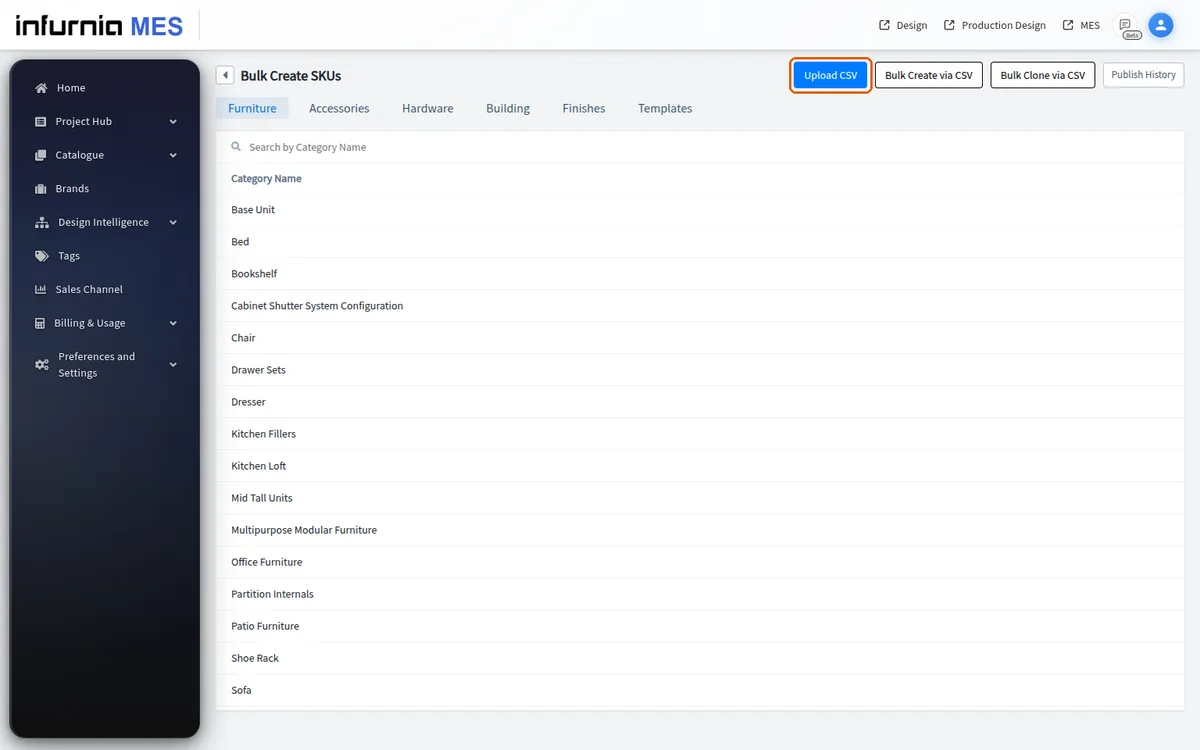
The Excel template used for bulk finish upload carries finish codes and material/template references only; it does not carry finish images, which are uploaded separately through the material properties.