Replace an accessory's 3D model by downloading, editing and re-uploading
Change the 3D model of an accessory such as a basket or pull-out by downloading the existing model, editing it in a modelling tool and uploading it back.
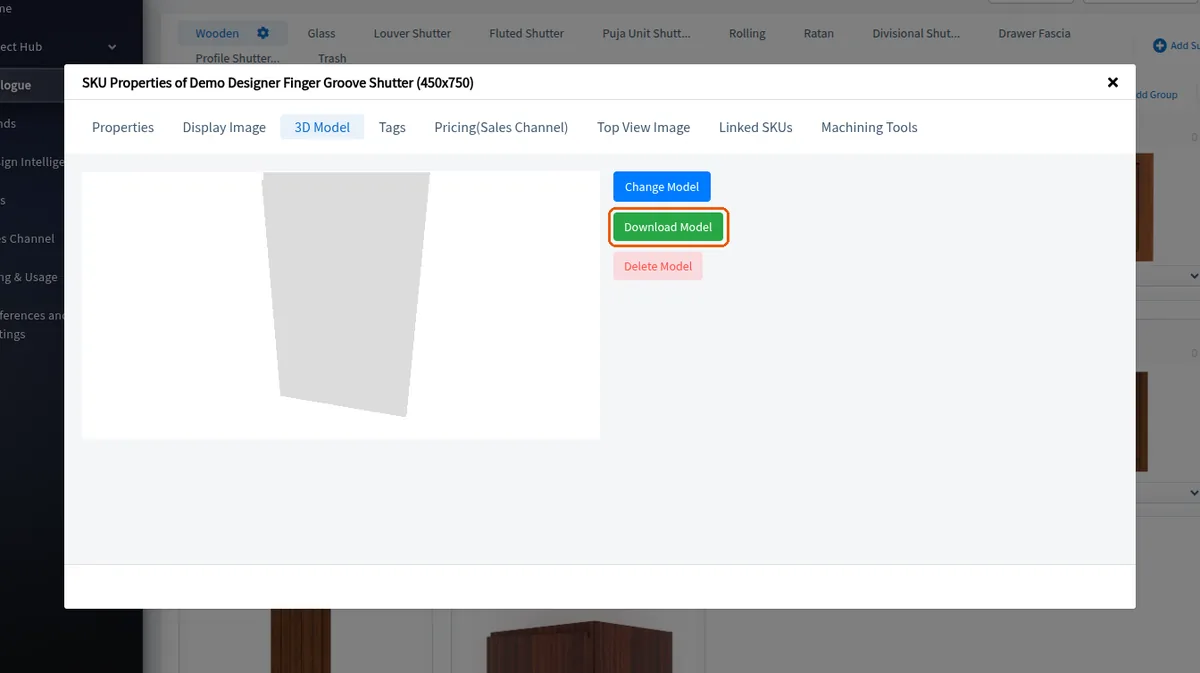
To change the 3D model of an accessory your organisation owns (such as a basket or pull-out), open its Edit SKU Properties, go to the 3D Model tab and choose Download Model. Edit it in a modelling tool (e.g. SketchUp or 3ds Max) to the required configuration, delete the unwanted parts, save, then upload the new model back to the accessory and update it. An SKU taken from the Infurnia store shows no 3D Model tab, so its model cannot be downloaded there.
The updated model can then be cloned for similar accessories.
✓ Checked in the product on 19 October 2026