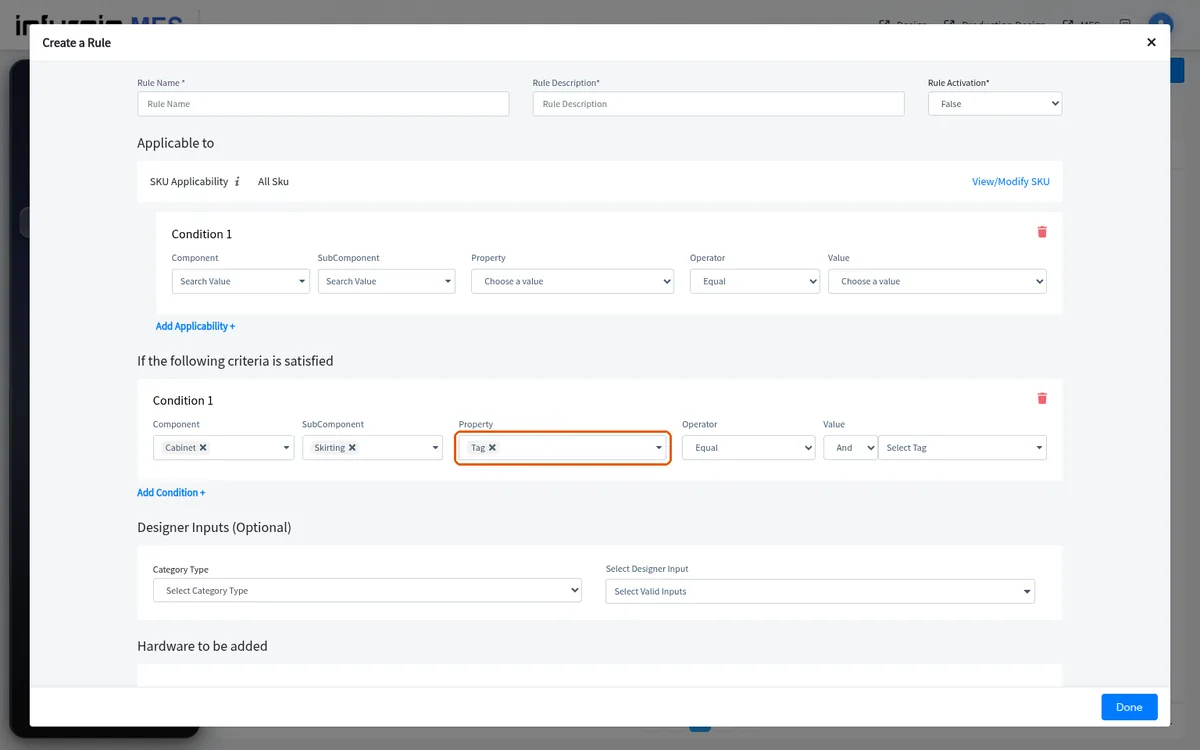
Tag materials in bulk to drive rule conditions
Create a tag in the admin portal, apply it to many materials at once from the catalogue, and let rules reference the tag instead of individual materials.
To make a rule apply only to certain materials, first create a tag in the admin portal (Tags > Add tag, name it).
✓ ২০ অক্টোবৰ, ২০২৬ তাৰিখে প্ৰডাক্টত পৰীক্ষা কৰা হৈছে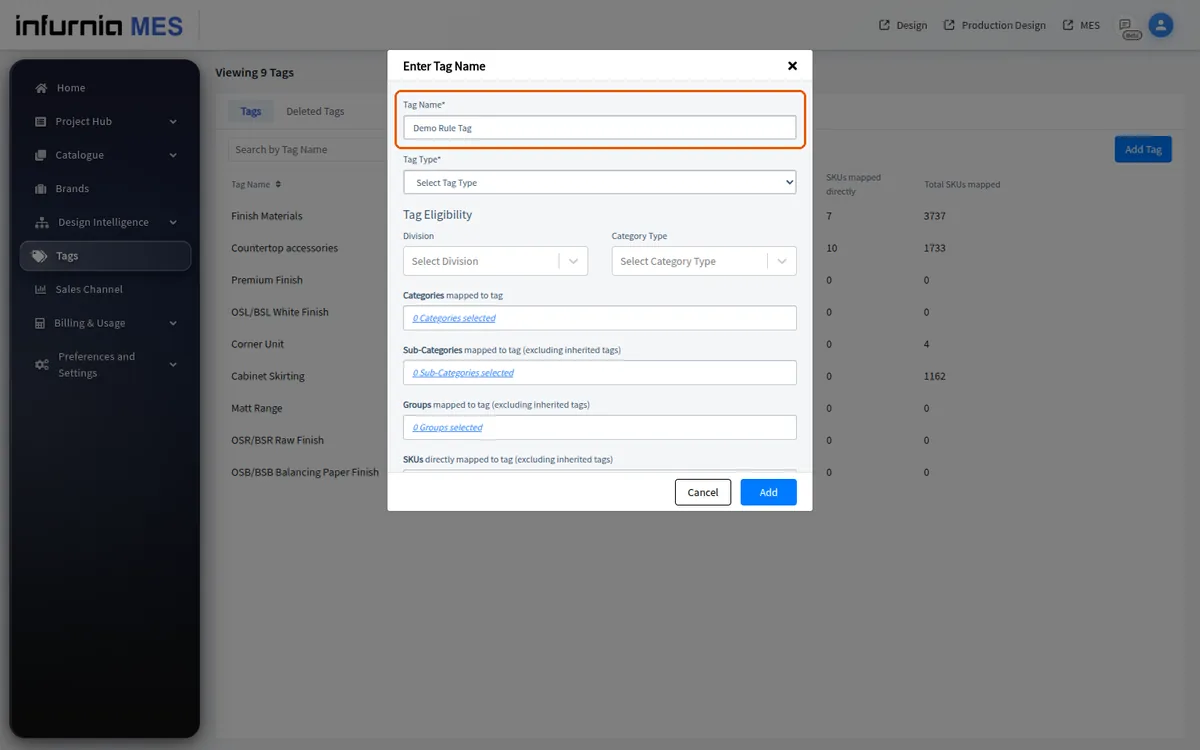
Then open the catalogue, select the relevant materials, use Bulk actions > Bulk edit > Proceed to editing, apply the tag, and confirm/publish.
✓ ১৯ অক্টোবৰ, ২০২৬ তাৰিখে প্ৰডাক্টত পৰীক্ষা কৰা হৈছে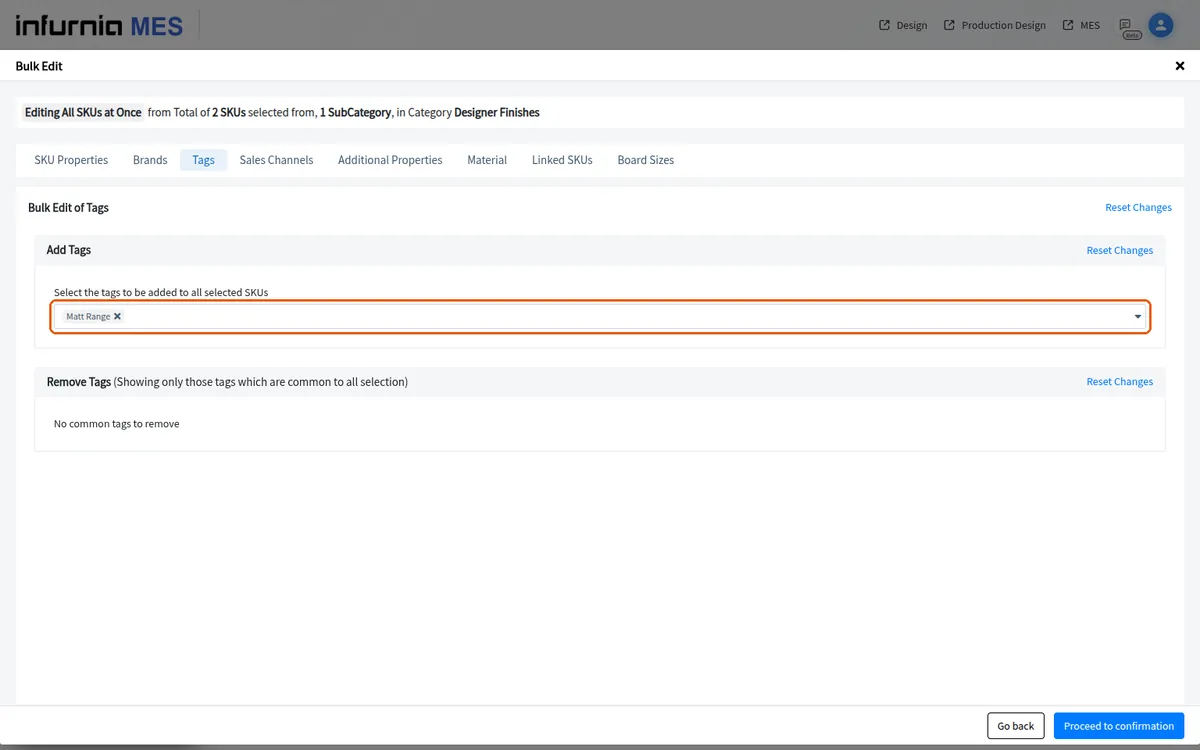
Rules can then reference the tag (e.g. tag not equal to a value) instead of individual materials.
✓ ১৯ অক্টোবৰ, ২০২৬ তাৰিখে প্ৰডাক্টত পৰীক্ষা কৰা হৈছে