Add missing hardware and materials to the catalogue
Add hardware, core materials and finish materials in the admin portal before pricing or designing with them.
Accessory items such as cabinet accessories and hardware fittings are filed under a category type, so confirm the correct type before adding them.
Custom hardware items such as hinges and clamps are added as new hardware SKUs under the relevant hardware category (creating a sub-category if needed), or pulled in from a subscribed brand's warehouse via 'Add from warehouse'.
✓ ২০ অক্টোবৰ, ২০২৬ তাৰিখে প্ৰডাক্টত পৰীক্ষা কৰা হৈছে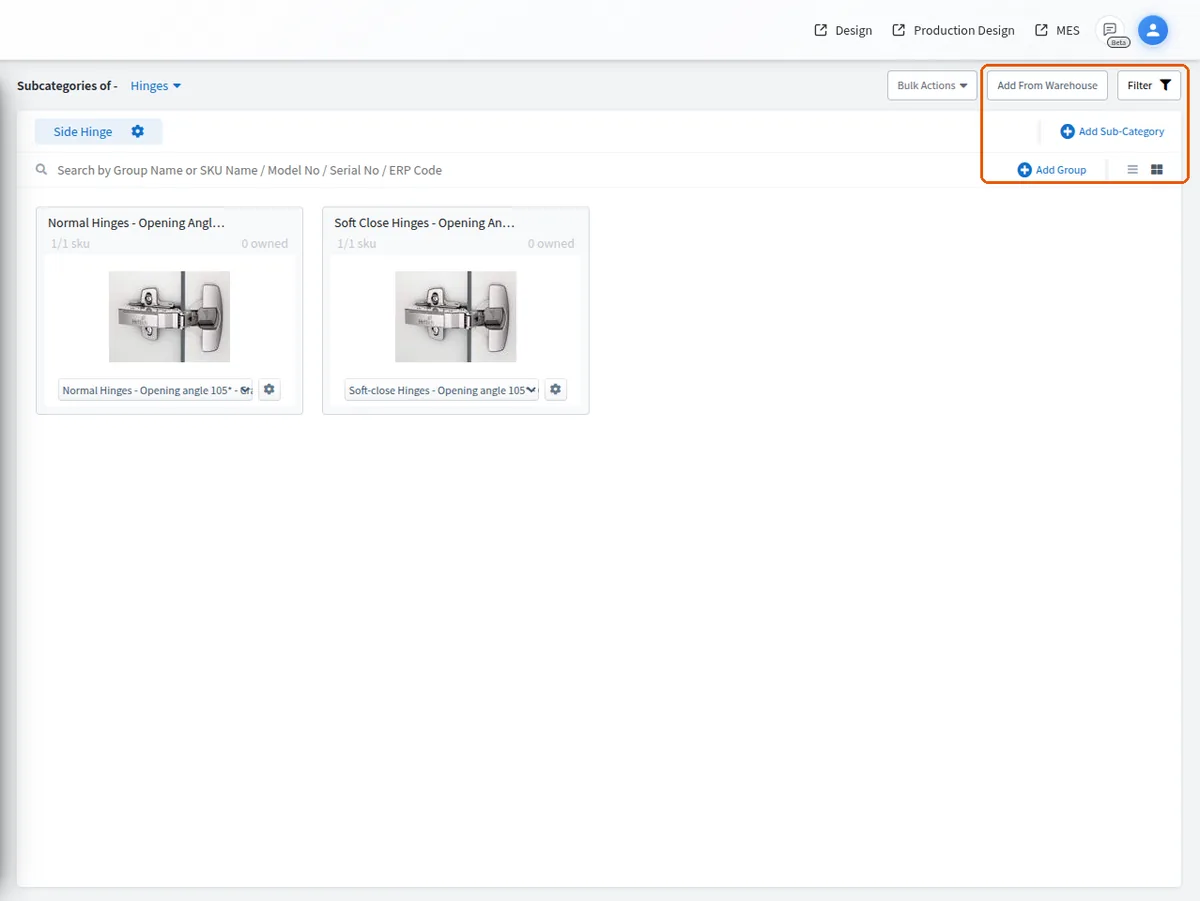
Hardware items can be found by searching their model number, since catalogue search matches the model number field.
✓ ২০ অক্টোবৰ, ২০২৬ তাৰিখে প্ৰডাক্টত পৰীক্ষা কৰা হৈছে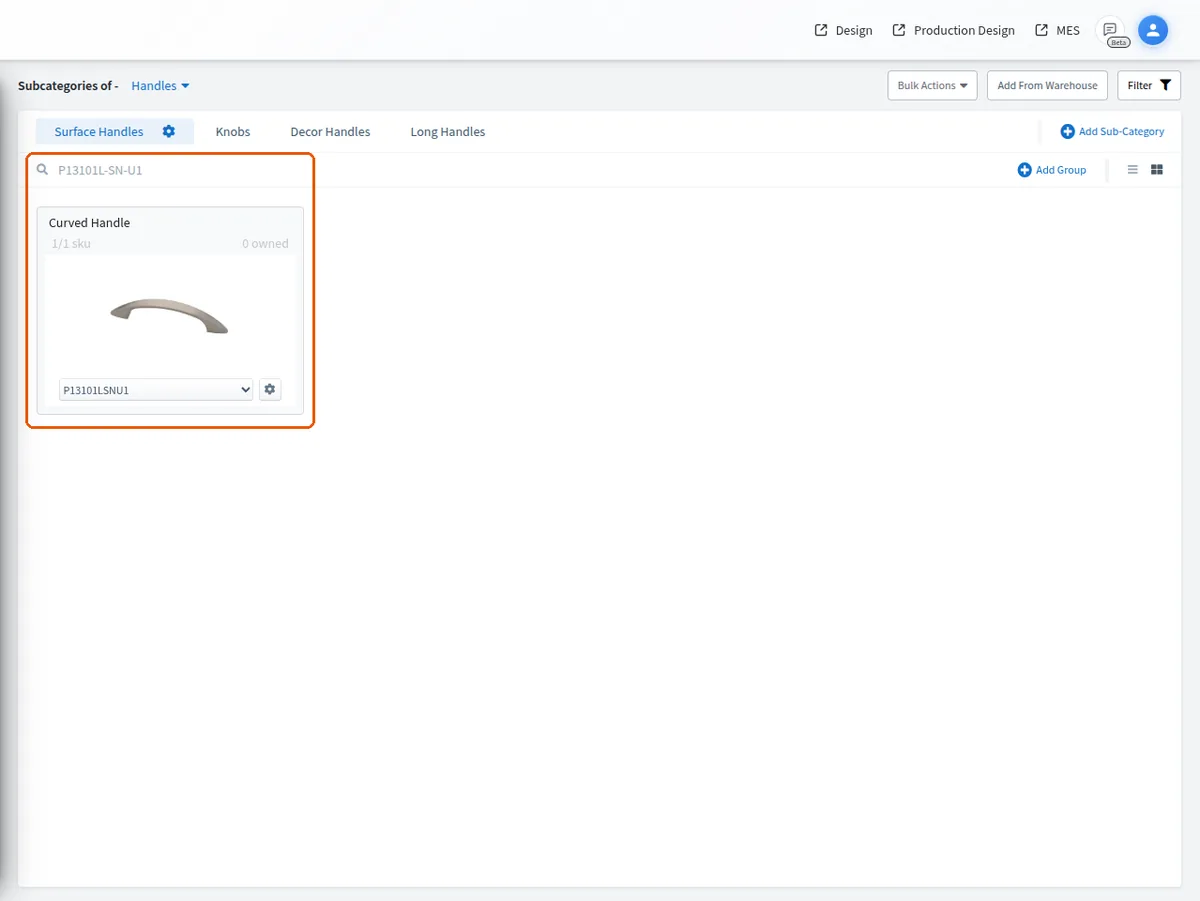
Essential hardware such as tandem drawer systems, hinges and lift-up mechanisms are added through the Catalog Hardware section of the admin portal, and any missing hardware can be added there; it is best to finish checking and adding all missing hardware before entering prices.
Core materials used in the cut list are part of the client's catalogue, so they must be created on the admin portal before they can be selected in the cut list.
Finish materials configured on the admin portal become available for selection in the design portal's material dropdown, alongside org and user-created materials.