Download saw files, board layouts and panel labels
Get the saw XML, board layout PDFs and panel labels from the published work order.
Panel labels are downloaded from the board layout section.
✓ تم التحقق منه في المنتج في 20 أكتوبر 2026
The XML file is downloaded from the board layout's saw-files menu.
✓ تم التحقق منه في المنتج في 20 أكتوبر 2026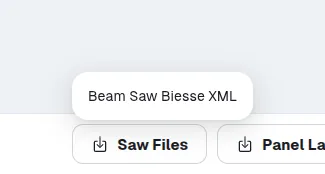
CIX files are downloaded from the CNC machining tab of the published work order.
✓ تم التحقق منه في المنتج في 20 أكتوبر 2026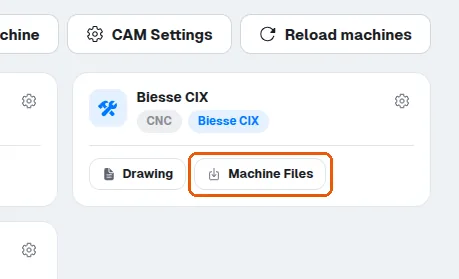
The saw files (the beam saw machines' files, Board Layout > Saw Files) and the board layout PDF (Board Layouts > Board Layouts — PDF, which shows how cutting should happen) are downloaded from the published work order.

Panel labels are downloaded from the board layout section.
✓ تم التحقق منه في المنتج في 20 أكتوبر 2026The published version of the work order is where the saw XML file, the panel labels and the generic MPR machine file are downloaded from.
✓ تم التحقق منه في المنتج في 20 أكتوبر 2026